Mac users have a huge range of options when it comes to social media marketing software. From powerful analytics tools to easy-to-use scheduling and management tools, there are plenty of great options to choose from. With the right social media marketing software, you can easily manage your campaigns and maximize your results.
In this article, we’ll take a look at some of the best social media marketing software for users in 2026, specifically optimized for the macOS ecosystem, including compatibility with M1, M2, and M3 silicon chips.

From free tools to comprehensive suites of features, these apps will help you to create and manage effective social media campaigns on any platform. Learn more mac guides on techanzone.
Utilize macOS “Split View” to manage your content calendar on one side of your screen while curating assets from your Finder on the other. Native Mac apps often support drag-and-drop functionality that web-based wrappers do not.
There are softwares available in the market that can help you to make your social media campaign stronger and more effective. These can maximize your outcome from the campaigns. Some of these allow you to track the campaigns by providing analytics. And some of these software even allow you to create and manage social media campaigns.
Using Mac-specific or Mac-optimized software offers distinct advantages for digital marketers:
- Ecosystem Integration: Seamlessly move images from your iPhone to your Mac via AirDrop and upload them directly into tools like Tailwind or Sprout Social.
- Notification Management: Native macOS notifications help you stay on top of real-time engagement without cluttering your email inbox.
- Gesture Support: Utilize trackpad gestures to switch between analytics dashboards and content calendars quickly.
These tools include Sprout Social, Buffer, Zoho Social, Tailwind, and Hootsuite. Let’s see how you can use these software and what the difference between them is.
These are some of the best social media marketing software’s for Mac in the modern era. Most of these provide both marketing and management for social media. Let’s see their overview and prices.
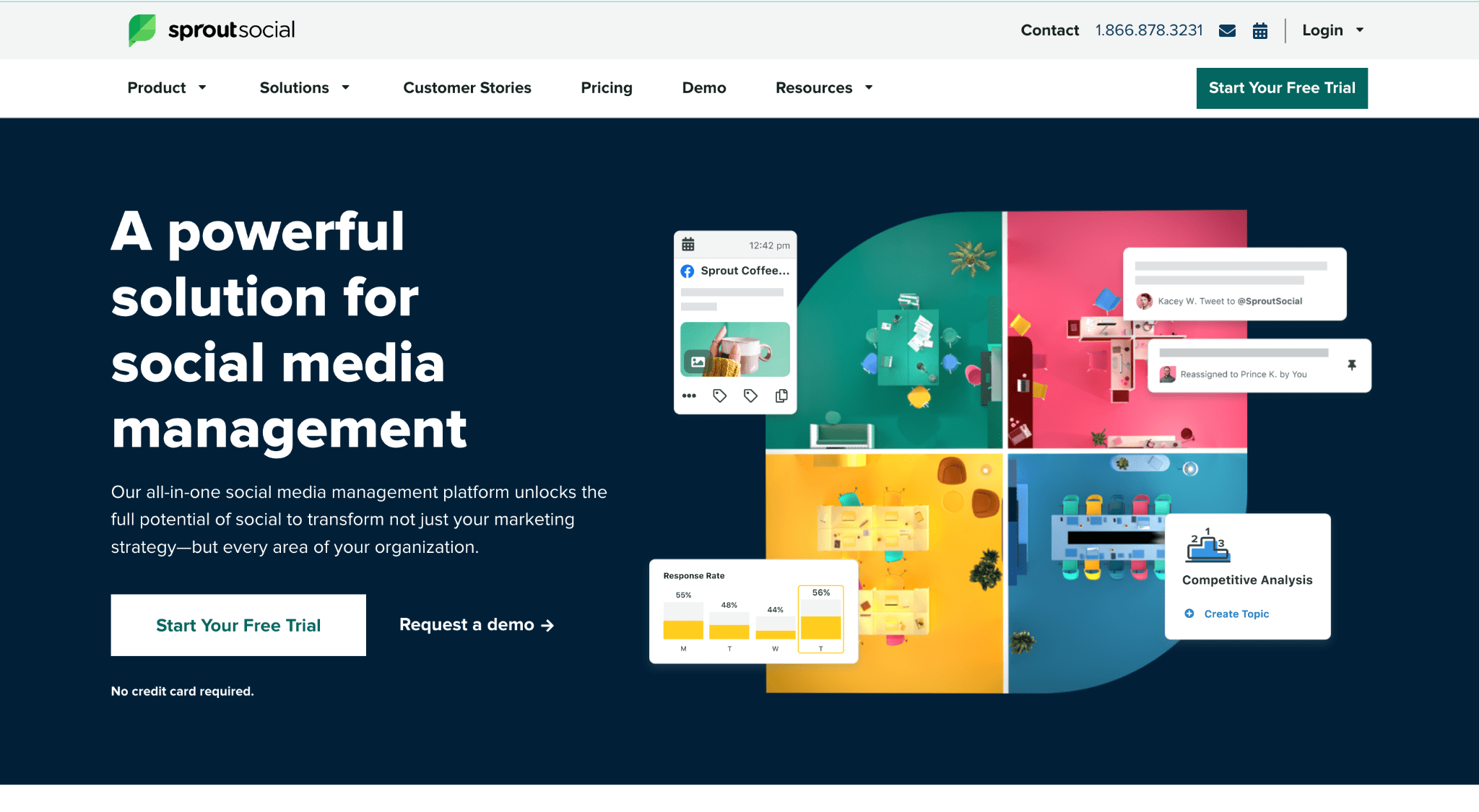
Sprout Social is a social media marketing and management tool designed to help businesses grow their presence and engagement across all major social networks. It provides a suite of tools and features to help users manage their social media accounts, schedule and publish content, track performance, and measure results.
Sprout Social also provides comprehensive analytics, reporting, and customer care capabilities. The platform can be used to manage single accounts or multiple accounts at once, making it an ideal solution for businesses of any size.
Social Sprout provides a 30-day free trial and then it costs $249 per month (updated 2026 pricing). The Professional plan costs $399 while the Advanced plan is $499.
#2. Buffer

If you own a small business or you are just starting out your business then a Buffer will be the best option for you. As it costs less than the other social media marketing software’s. Buffer provides you a free plan that will allow you to connect to three social media platforms and schedule 10 posts.
If your requirements do not fulfil this free plan then a $6/month per channel plan will provide you unlimited social media platforms and analytics. Buffer also provides many more other tools like link shortener, Post scheduling, and optimization tool for hashtags, tags and other mention platforms.
Clean, minimalist interface that feels very native to the macOS design language.
Solopreneurs, creators, and small teams who need a “set and forget” queue.
Excellent browser extensions for Safari and Chrome on Mac.

Zoho Social is a social media management platform developed by Zoho Corporation. It helps businesses and organizations to manage their social media accounts across multiple networks in one place. It helps users to schedule posts, measure their reach, respond to customer inquiries, and analyze their performance.
It also provides features like content calendar, AI-powered insights, and customizable reports. Zoho Social enables users to collaborate with teams and manage their accounts from any device.
Fortunately, Zoho also provides a free plan that allows you to publish multiple posts at one place. The basic plan costs $15 per month while professional and premium costs $40 and $65 respectively. It also provides other tools, like Bitly integration, and URL shortener.
#4. Tailwind
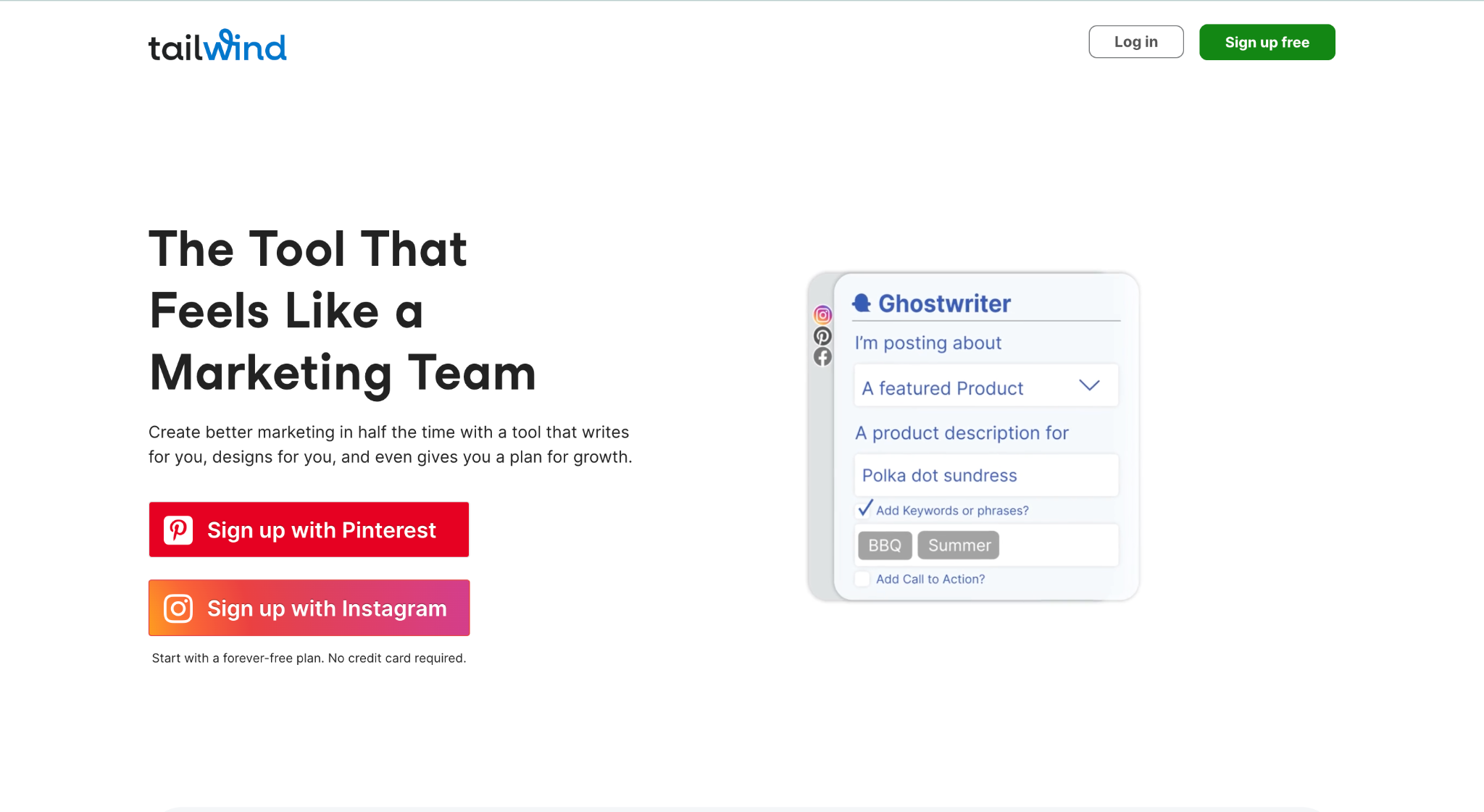
Tailwind is a social media marketing and management tool that provides users to create and schedule Instagram and Pinterest posts. It also allows users to add photos and videos to the posts. It provides some extra features like Bulk image upload, drag-and-drop calendar, multi-board pinning, Pin looping, and hashtag lists.
By using these tools users can save too much time. Tailwind also has a browser extension by which the users can create posts and find tags using the hashtags finder. Tailwind also provides a free trial account in which you can manage 20 posts per month across Facebook, Instagram and Pinterest. It also has Pro ($19.99/mo), Advanced ($39.99/mo), and Max ($79.99/mo) memberships.
#5. Hootsuite
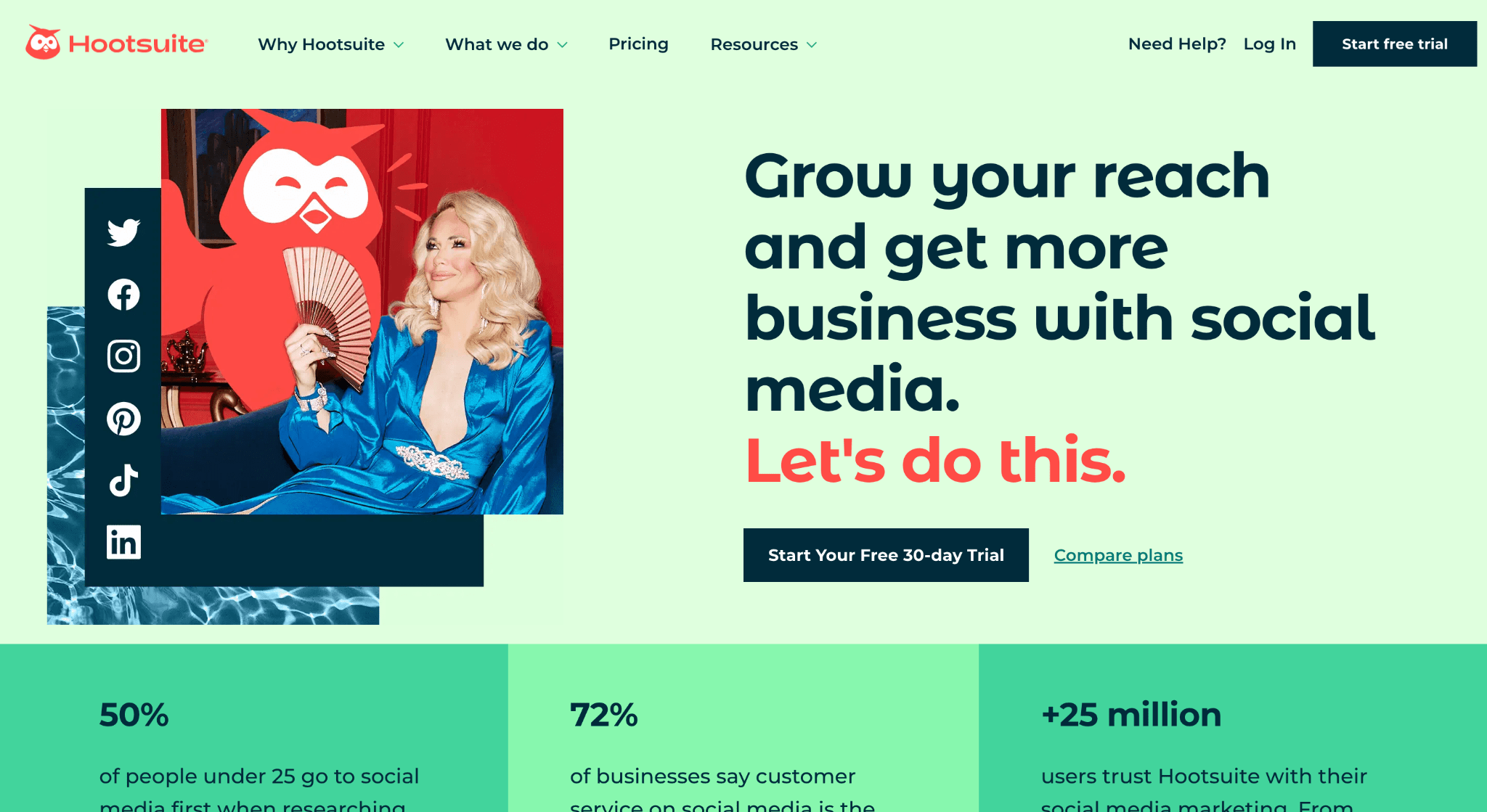
Hootsuite is a social media management platform that allows you to manage your social media accounts in one place. It offers a suite of tools to help you curate content, create and schedule posts, monitor conversations, track analytics, and more.
With Hootsuite, you can connect multiple accounts from different social networks such as Twitter (X), Facebook, LinkedIn, and Instagram, and manage them all from one platform. It also allows you to measure the performance of your campaigns and track social media engagement. Additionally, Hootsuite allows you to collaborate with team members, set up automated alerts, and access a library of pre-approved content.
It provides a robust trial period. The plans are Professional ($99/mo), Team ($249/mo), and Enterprise solutions.
Besides the top 5 apps, the landscape for Mac-based social media tools is vast. Depending on your specific workflow—whether you are a visual creator, a corporate agency, or a news aggregator—you might find the following tools better suited to your needs.
#6. MeetEdgar
MeetEdgar is distinct because of its automation logic. Unlike standard schedulers where you fill a slot once, Edgar builds a library of evergreen content. Once your queue runs out, it recycles your best performing older posts to ensure your feed never goes silent.
#7. Loomly
Loomly positions itself as a “Brand Success Platform.” It is exceptionally strong for teams that need an approval workflow. If you are managing social media for a client and they need to sign off on posts before they go live, Loomly’s interface makes this seamless without requiring the client to log in to complex dashboards.
It also offers “Post Ideas” based on trending topics, date-related events, and best practices, which is helpful when you are facing writer’s block.
#8. Sendible
Sendible is built specifically for agencies. Its standout feature for Mac users is the “Priority Inbox,” which aggregates messages from all brands into a single stream, allowing you to reply without switching accounts. It integrates deeply with Canva, Google Drive, and Dropbox, making asset retrieval from your Mac folder structure incredibly fast.
Sendible also creates white-labeled reports that you can automatically email to clients, featuring your agency’s logo rather than Sendible’s.
SocialPilot is widely regarded as the most cost-effective alternative to Hootsuite for teams. It supports bulk scheduling (uploading 500 posts via CSV) which is a massive time-saver for campaign managers. For Mac users managing client accounts, the “Client Management” feature allows you to onboard clients securely without asking for their passwords.
To help you decide, here is a breakdown of the key differentiators for each software:
| Software | Best Use Case | Starting Price | Mac Integration |
|---|---|---|---|
| Sprout Social | Enterprise / Large Agencies | $249/mo | High (Web + Reporting) |
| Buffer | Creators / Solopreneurs | Free / $6/mo | Safari Extension |
| Tailwind | Visual Marketing (Pinterest/IG) | Free / $19.99/mo | Drag & Drop Upload |
| Zoho Social | CRM Users / SMBs | $15/mo | Browser Based |
| Hootsuite | Ad Management & Listening | $99/mo | Extensive Dashboard |
Key Criteria for Choosing Marketing Software on macOS
When selecting the right tool for your Apple workstation, consider the following technical and functional aspects:
Apple Silicon Optimization
Ensure the software (if it has a desktop app) runs natively on M1/M2/M3 chips for battery efficiency and speed, rather than requiring Rosetta translation.
Retina Display Support
Marketing involves visual assets. Your dashboard should support high-DPI scaling so analytics charts and image previews look crisp on Retina displays.
iCloud Integration
Tools that can access your iCloud Drive or Photos library directly simplify the workflow of moving assets from iPhone capture to desktop scheduling.
When it comes to social media management, there’s no one-size-fits-all solution. The best tool for you will depend on your business needs, budget, and the social media platforms you use.
If you are a visual creator relying on Pinterest and Instagram, Tailwind is the undisputed leader. For agencies managing 20+ client accounts, Sendible or Sprout Social offer the necessary hierarchy and approval flows. For budget-conscious startups, Buffer or SocialPilot provide the most value without bloated features.
Keep in mind that social media networks limit the access of third-party tools (API limitations), so most social media management tools offer similar core features. We highly recommend utilizing the free trials for Sprout Social and Zoho Social to see which interface aligns best with your Mac workflow.