Growth in WooCommerce rarely comes from adding more features. More often, it comes from removing the small inefficiencies that stack up across everyday store operations – syncing product data, managing customer communication, handling payments, staying compliant. Once order volumes climb and sales channels multiply, these aren’t background tasks anymore. They’re the things that either slow your team down or don’t.
The plugins in this list deal with those specific gaps. Each one covers an area that store owners end up needing to fix as expectations rise – checkout reliability, product visibility, document handling, security, customer interactions. They’re not here for novelty. They’re the tools that help stores run predictably as 2026 brings more complexity to the table.
Here’s a look at the WooCommerce plugins worth having in your stack this year.
1. Product Feed for WooCommerce
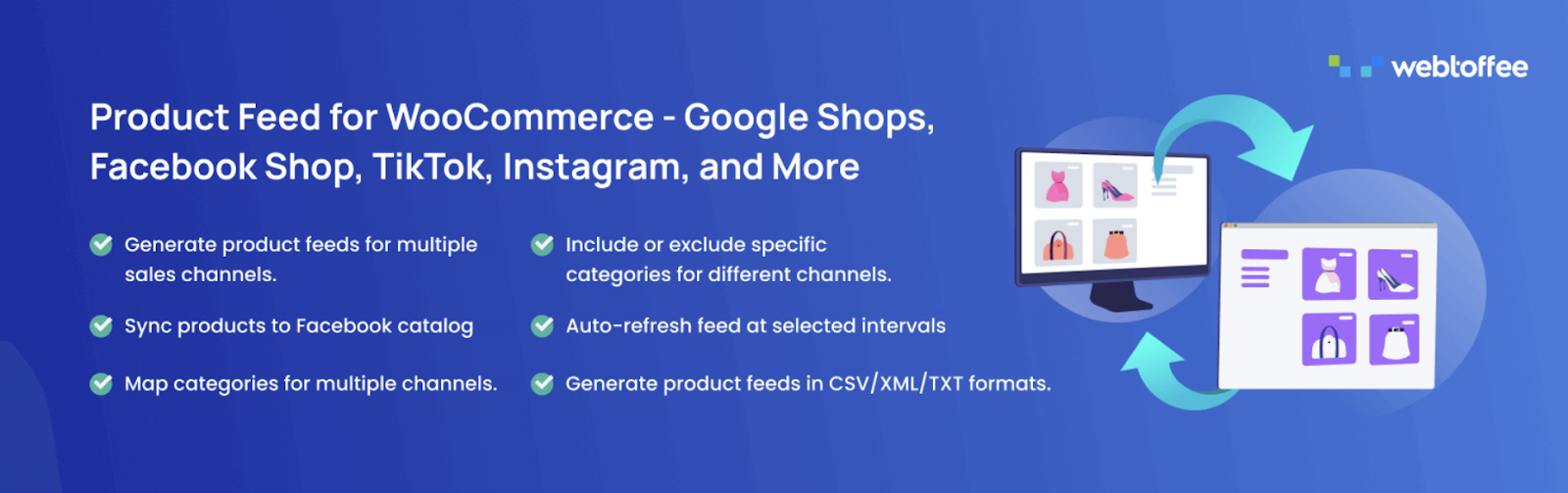
If you’re selling across multiple platforms, keeping product data consistent is the kind of problem that gets worse the longer you ignore it. Product Feed for WooCommerce acts as a bridge between your store and external sales channels, making sure product information is structured the right way for platforms that depend on data feeds to display listings and run ads.
You can generate product feeds in XML, CSV, XLSX, and TXT formats and tailor each one to the requirements of a specific channel. Control which products appear, adjust attributes to match platform specs, and keep your catalog in sync with Facebook Shops and other marketplaces. Scheduled updates handle pricing, availability, and product detail changes automatically – no manual exports every time something changes.
That last part matters more than it sounds. Once you’re running campaigns across search, social, and comparison platforms simultaneously, manual feed management just doesn’t scale.
2. WPForms
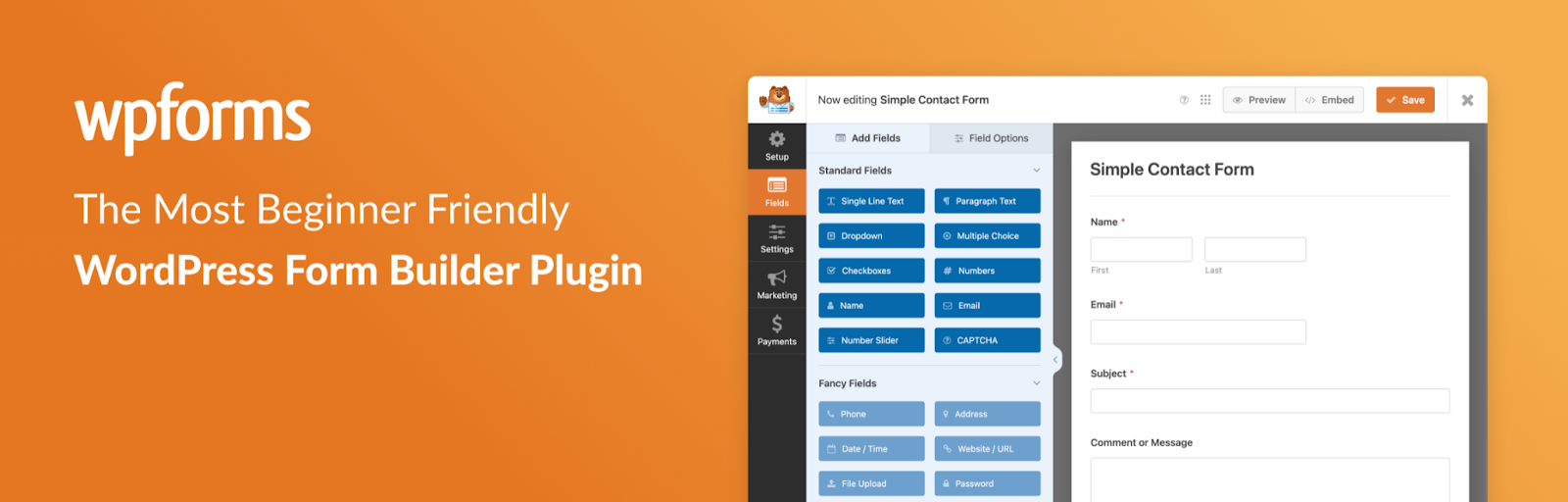
WPForms does one thing well: it makes it easy to add working forms to your store without writing any custom code. Contact pages, customer inquiry forms, feedback collection, newsletter sign-ups – most of these get neglected or thrown together poorly because building them properly feels like more work than it’s worth.
The drag-and-drop builder keeps setup fast. Pre-built templates cover the most common use cases, and there’s enough customization to handle less obvious ones like support requests, surveys, or payment-related submissions. Forms load efficiently and work across devices, which matters if a significant chunk of your traffic is mobile.
It’s not a flashy plugin. But as your inquiry volume grows, having a reliable, organized way to capture and process customer input saves a lot of back-and-forth.
3. Import Export Suite for WooCommerce
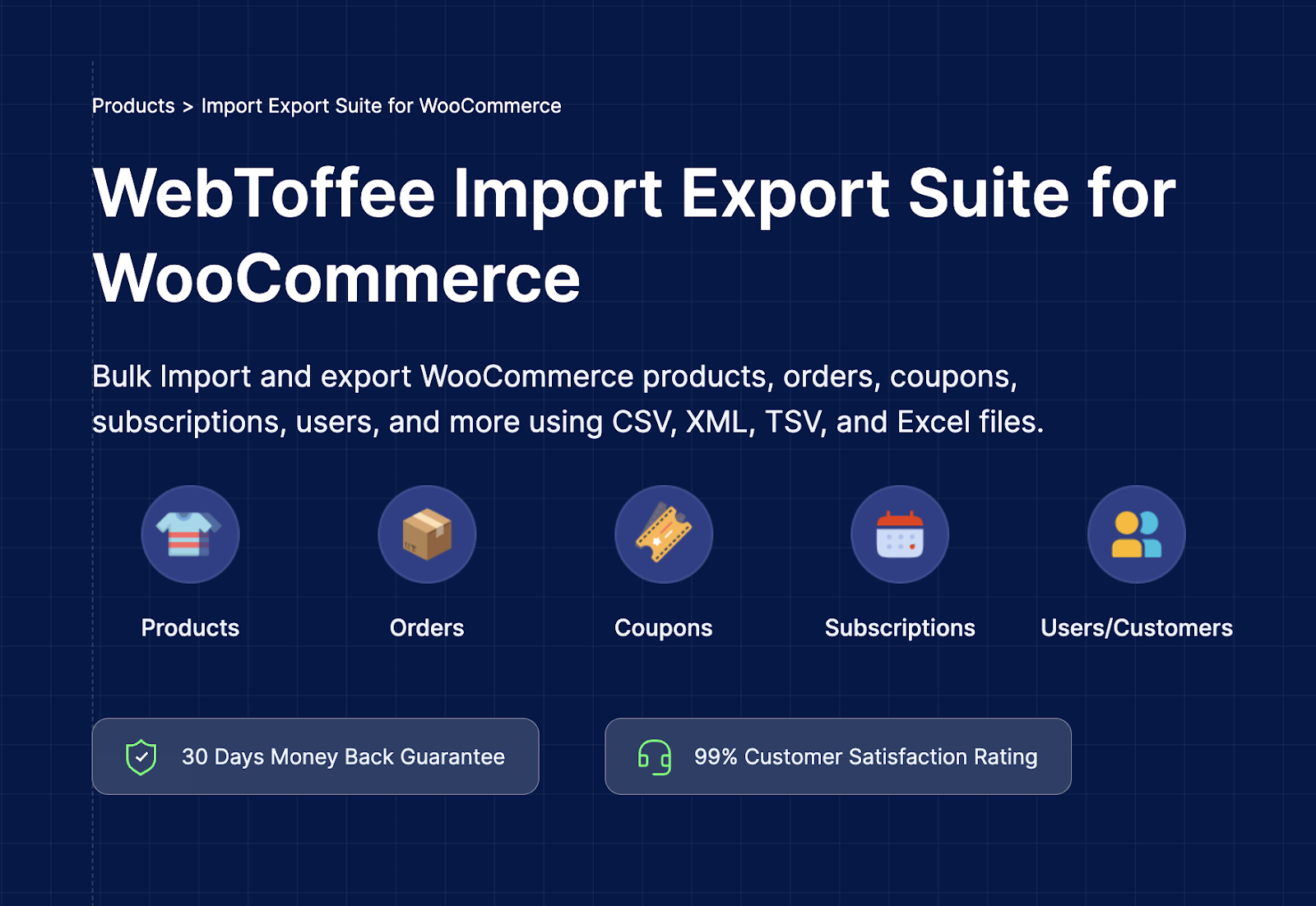
This one’s for anyone who’s tried to update a large product catalog manually and regretted it. Import Export Suite for WooCommerce handles bulk data movement across all the areas that matter – products, orders, customers, users – without requiring you to edit records one by one inside WooCommerce.
You can run product imports and exports across different data types depending on what you need: updating inventory or pricing, preparing order data for fulfillment or reporting, migrating customer accounts between systems. Flexible file format support and filtering options mean you’re only moving the data you actually want to move. Scheduled jobs take care of recurring transfers automatically.
For stores managing multiple systems or trying to keep a large catalog in order, this kind of structured data handling is less of a convenience and more of a necessity.
4. Jetpack WordPress Security

Security tends to get attention only after something goes wrong – which is exactly the wrong time. Jetpack WordPress Security is built to protect your store before that happens, covering the threats most likely to cause real damage to revenue and customer trust.
It pulls together real-time backups, malware scanning, brute force attack protection, spam filtering, and basic uptime monitoring in a single interface. If something does go wrong, the recovery process is faster because the tools are already in place. Detecting issues early is the difference between a minor incident and a site-down situation that directly affects orders.
As a store grows, stability matters just as much as traffic. You can’t build on a shaky foundation.
5. PDF Invoices and Packing Slips for WooCommerce
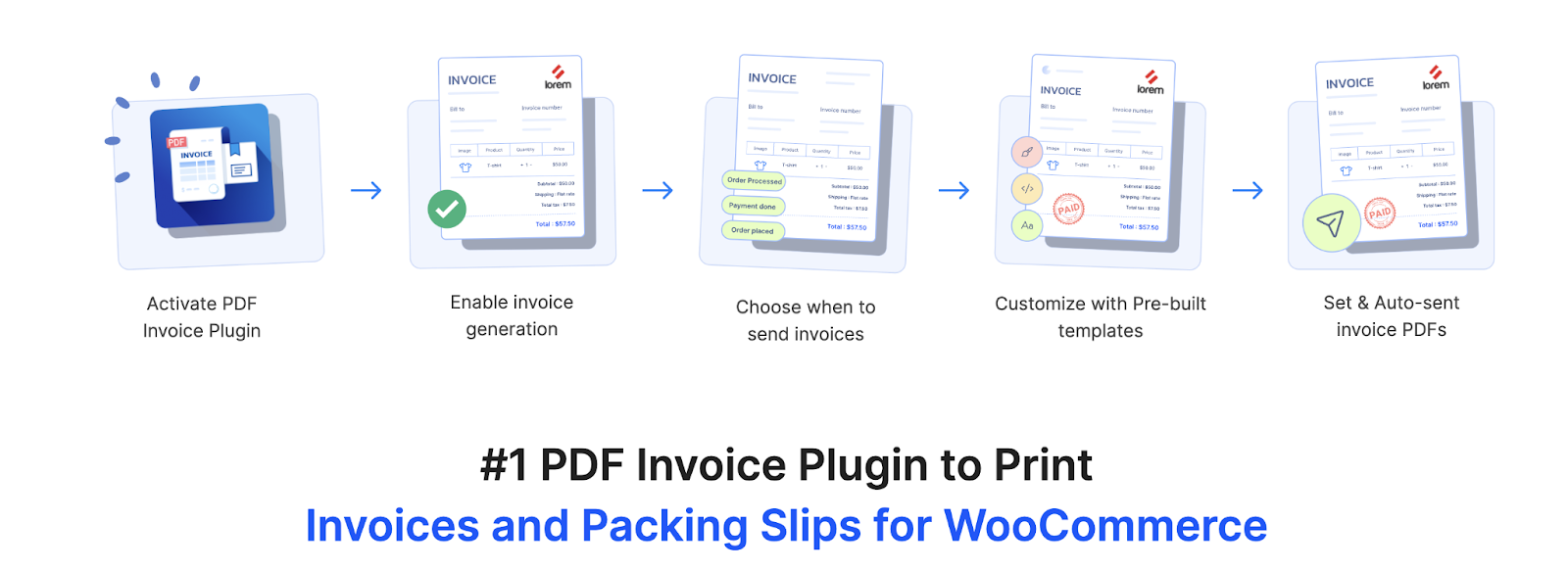
Every order that goes out should have the right paperwork behind it. PDF Invoices and Packing Slips for WooCommerce automates that process – generating invoices, packing slips, and credit notes without manual creation each time.
The invoice plugin triggers automatically when orders reach the right stage. Documents can be customized to include your branding, tax details, and business information, so they look professional and meet compliance requirements rather than looking like generic placeholders. Everything stays accessible and shareable without digging through order records.
When you’re processing hundreds of orders a week, document accuracy and consistency stop being optional. Getting this set up early saves a lot of cleanup later.
6. WebYes Accessibility Checker

Accessibility issues are easy to miss because they’re usually invisible to people who don’t experience them. WebYes Accessibility Checker scans your pages directly on the frontend and shows you exactly where problems exist – in context, not buried in a technical report.
The Accessibility Tool Kit plugin highlights structural and content-related issues: heading order, contrast problems, unclear links, missing form labels, images without alt text. Seeing these in context on the actual page makes them far easier to understand and prioritize. You don’t need to be a developer to act on what it shows you.
It’s worth taking seriously. Accessibility gaps affect a real portion of your visitors, and depending on where you operate, they can also create compliance exposure.
7. Request a Quote for WooCommerce
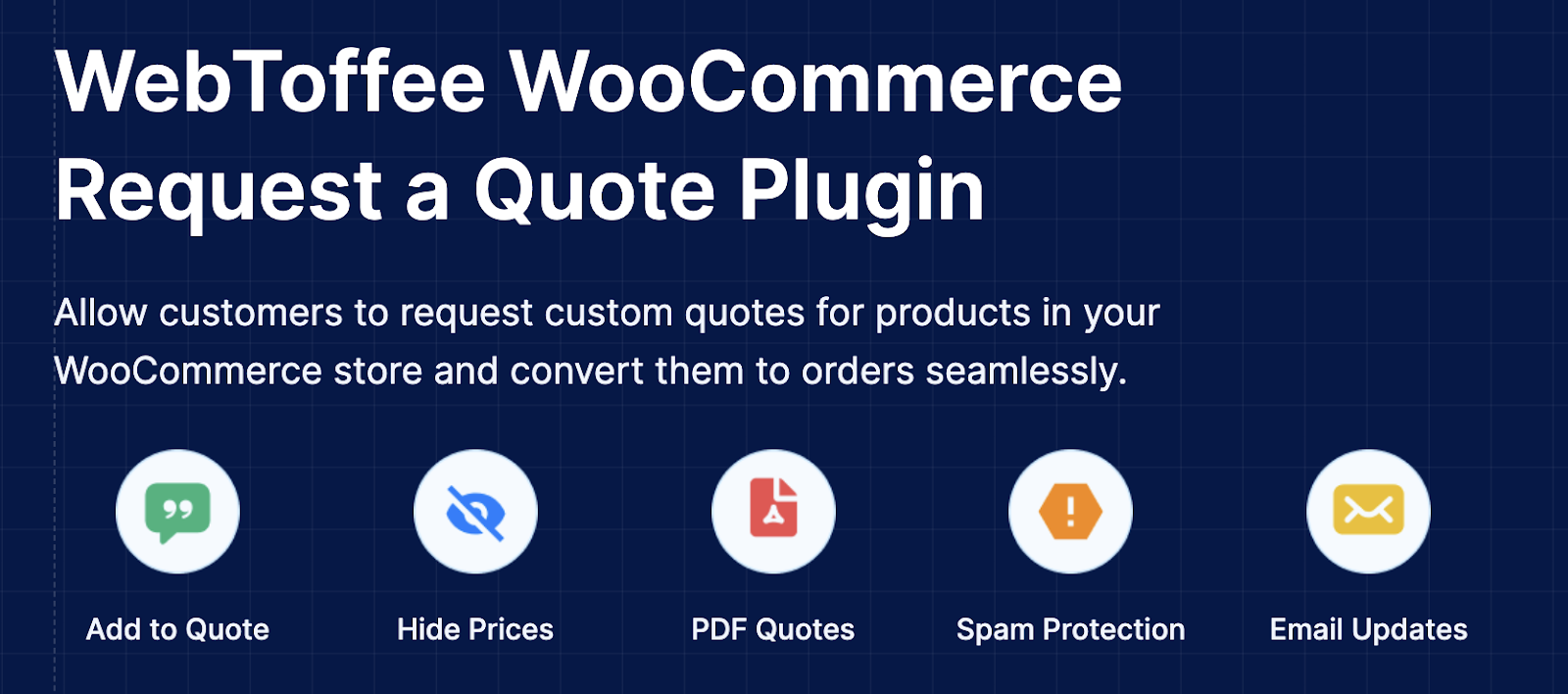
Fixed prices don’t work for every business. If you sell custom products, handle bulk orders, or regularly negotiate pricing with customers, you need a way to manage that process inside WooCommerce – not through a chain of emails that have no connection to your order system.
Request a Quote for WooCommerce lets you replace product pricing with a quote option and collect customer requests in a structured format. Customers can submit preferred prices or specific requirements, you review and respond, and approved quotes convert directly into orders without re-entering any details. Automated responses keep communication timely and cut down the manual back-and-forth.
For B2B stores or anyone dealing with negotiated pricing regularly, this turns quote management from a messy side process into part of the actual sales workflow.
8. Stripe Payment for WooCommerce

Checkout drop-off is one of the more frustrating conversion problems because it happens so close to the finish line. Stripe Payment for WooCommerce helps reduce it by giving customers more ways to pay – all within a single checkout experience, without tacking on extra gateways.
Beyond cards, it supports digital wallets, buy now pay later options, bank transfers, and local payment methods used across different regions. Payment options appear on product pages, in the cart, and at checkout. Authentication and security checks run in the background, keeping transactions compliant without adding friction for the customer.
For stores focused on growth, payment flexibility isn’t a nice-to-have. It’s one of the more direct ways to stop losing customers who would have bought if their preferred payment method had been available.
9. Smart Coupons for WooCommerce
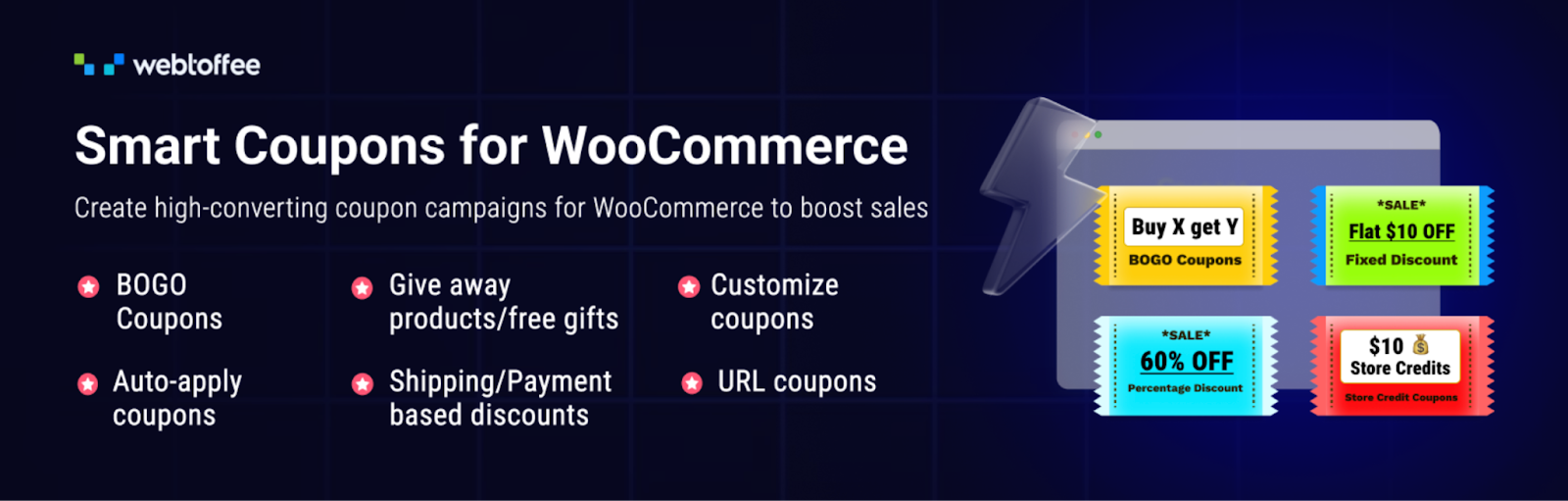
The default Smart Coupons for WooCommerce plugin gets you started, but it doesn’t go far. Smart Coupons fills in the gaps for stores that want to use discounts strategically rather than just occasionally.
You can set up conditional discounts that respond to how customers shop, BOGO deals, automatic coupons at checkout, discounts triggered by cart value or purchase history. It also handles store credits and gift cards, which makes refunds and promotional credit easier to manage without manual adjustments. Abandoned cart incentives and customer-specific rewards round out the toolkit.
The difference between a basic coupon setup and this one is the difference between running occasional sales and running a structured discount strategy. For stores where repeat purchases matter, that distinction is worth paying attention to.
10. Dokan

Dokan turns a standard WooCommerce store into a multi-vendor marketplace. If you want to expand your product catalog through third-party sellers rather than managing all inventory yourself, this is how you do it.
Vendors get a frontend dashboard where they manage their own products, orders, and store settings. You stay in control of commissions, approvals, and overall marketplace operations. The administrative load stays manageable because sellers handle their own listings – you’re not processing every product update manually.
It’s a different business model, but for stores looking to diversify products and revenue streams without taking on more internal inventory, Dokan makes that possible inside WooCommerce.
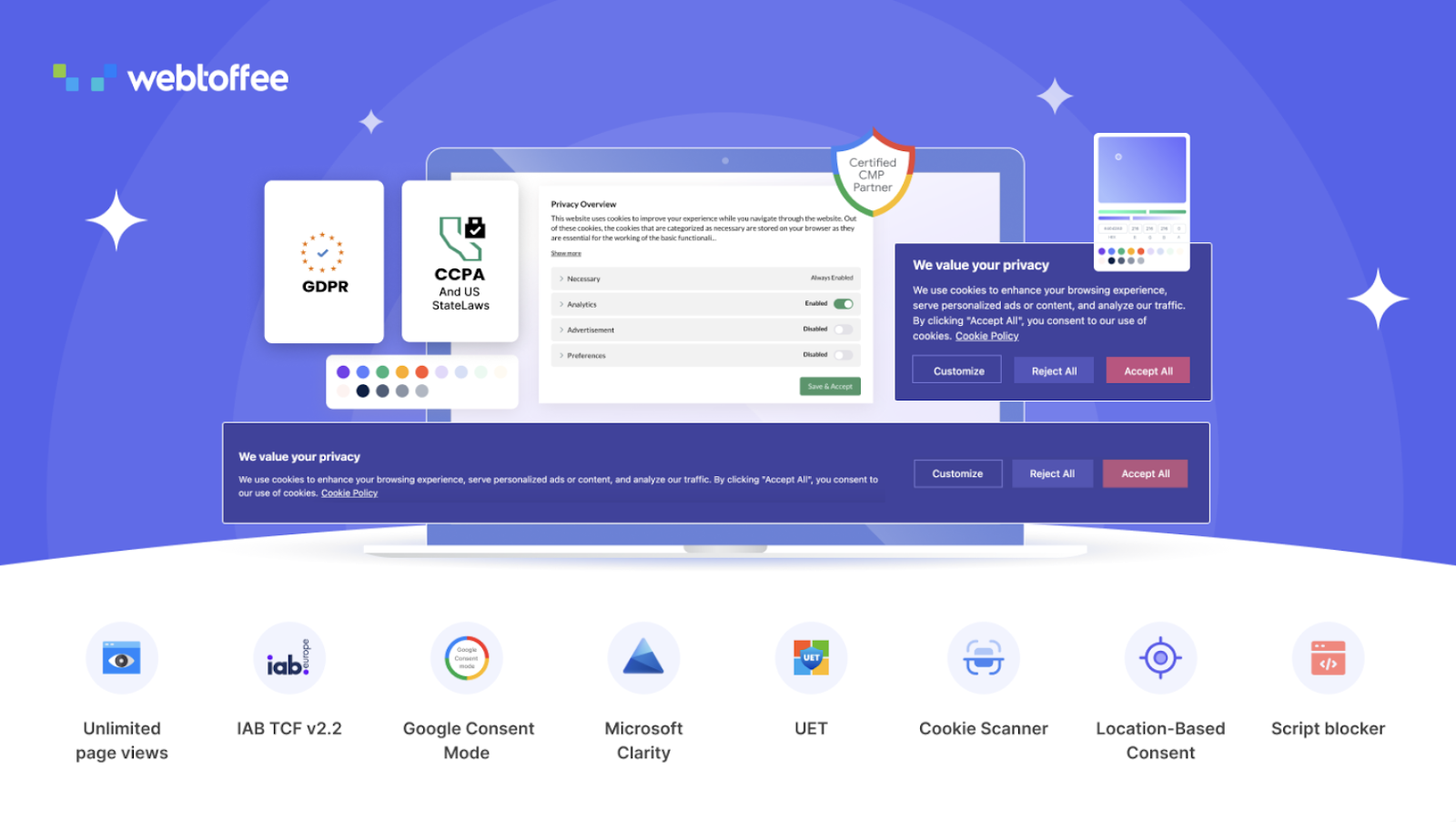
If your store operates in markets with privacy regulations, cookie consent isn’t optional – and getting it wrong creates real exposure. GDPR Cookie Consent for WordPress handles the consent layer cleanly, without making the browsing experience worse than it needs to be.
The consent banner gives visitors a clear way to accept or reject cookies. Tracking scripts don’t load until a visitor has made a choice. The plugin supports multiple consent modes, the latest IAB TCF v2.3 framework, and auto-generates cookie policies for your store. Built-in scanning identifies which cookies are in use, and GeoIP-based display settings make sure the banner only appears where it’s actually required.
Consent records are stored and accessible if you ever need them. For stores running analytics and marketing tools, this keeps those integrations intact without creating compliance problems down the line.
Wrapping Up
Picking WooCommerce plugins isn’t about stacking up features – it’s about closing the gaps that slow operations down. The tools covered here each address something specific: product data management, payments, security, compliance, customer communication, documents. None of them are glamorous. But in the eCommerce niche they’re the kind of setup that makes day-to-day operations more predictable and scaling less reactive.
The right plugin stack doesn’t need to be large. It needs to fit how your store actually runs – and keep up as it grows.
FAQs
What types of plugins are most useful for WooCommerce stores?
How many plugins should a WooCommerce store use?
How do WooCommerce plugins support store growth?
What should store owners check before installing a WooCommerce plugin?