Top 15+ Best WooCommerce Plugins For Your Store (2026 Update)
Choosing the right set of plugins can be the difference between an average WooCommerce store and one that runs like a finely-tuned engine. From simplifying tax calculations to improving customer experience at checkout, plugins unlock the solutions needed to scale operations. But not all plugins offer the same value, and with the sheer number available—especially with the explosion of AI-powered tools in 2026—identifying the ones worth your time can be overwhelming.
To help, we’ve handpicked a list of over 16 WooCommerce plugins that address real operational challenges. We’ve gone beyond the standard list to include the latest innovations in AI, automation, and headless commerce that are defining successful stores this year. Whether to improve product visibility, automate order management, or ensure better communication with customers, this list offers proven tools used by thousands of successful stores.
Let’s explore the top choices to power up your WooCommerce storefront in 2026.
Key Takeaways: What’s New in ’26?
- AI is the New Standard: Plugins now leverage AI for everything from writing SEO-friendly alt text to generating product tags based on real Google searches.
- B2B is Booming: Wholesale and B2B functionality is no longer an afterthought; dedicated plugins for tiered pricing and order forms are essential for scaling.
- AI Discovery is Critical: Optimizing your store for AI crawlers like ChatGPT and Perplexity with tools like
llms.txtis a new battleground for visibility. - Performance & Privacy: With regulations tightening, lightweight code and robust cookie consent management remain non-negotiable.
TL;DR: To build a future-proof WooCommerce store in 2026, you need more than the basics. This updated list combines essential plugins for inventory, invoices, and payments with cutting-edge AI tools for SEO, product discovery, and customer support. The goal? Automate the mundane, personalize the experience, and optimize for both human shoppers and AI agents.

As privacy regulations, such as the GDPR and CCPA, continue to reshape how online businesses interact with users, WooCommerce store owners need tools to help them stay cookie compliant without compromising the user experience. The GDPR Cookie Consent plugin by WebToffee addresses this critical requirement. It ensures that your store complies with the cookie usage policies required by modern data protection laws.
This plugin helps manage cookie notices in a way that is both legally sound and visually customizable. You can display cookie banners, gain user consent, and allow them to manage their preferences. It simplifies compliance, so store owners can focus on operations while knowing they’re on the right side of the law.
- Customizable cookie banner that fits your theme
- Automatic cookie scanning and categorization
- Enable cookie banner based on GeoIP targeting
- Block third-party cookies automatically
- Support for granular user consent
- Generate cookie policies
- Integration with Google Consent Mode and UET Consent Mode
2. ATUM WooCommerce Inventory Management and Stock Tracking
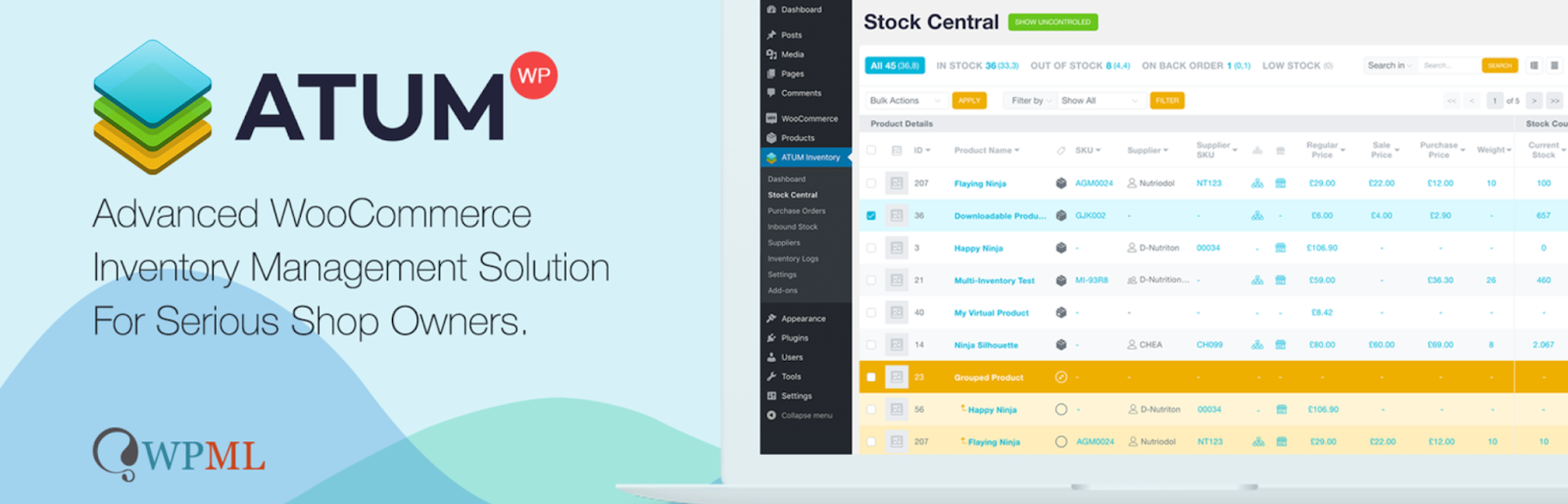
Inventory management is often the backbone of any successful WooCommerce store. Without a real-time view of stock, you risk overselling, stockouts, or poor customer satisfaction. ATUM Stock Manager offers store owners a centralized dashboard to oversee all inventory-related metrics.
The plugin transforms your stock management into a more structured and efficient process. Whether you’re managing simple or variable products, ATUM gives you full control. It also allows you to edit product details directly from the stock central view, making the process quicker and smoother.
- Centralized stock dashboard
- In-line product data editing
- Advanced search with auto-fill and filter options
- Inventory logs with historical records
3. WooCommerce PDF Invoices and Packing Slips
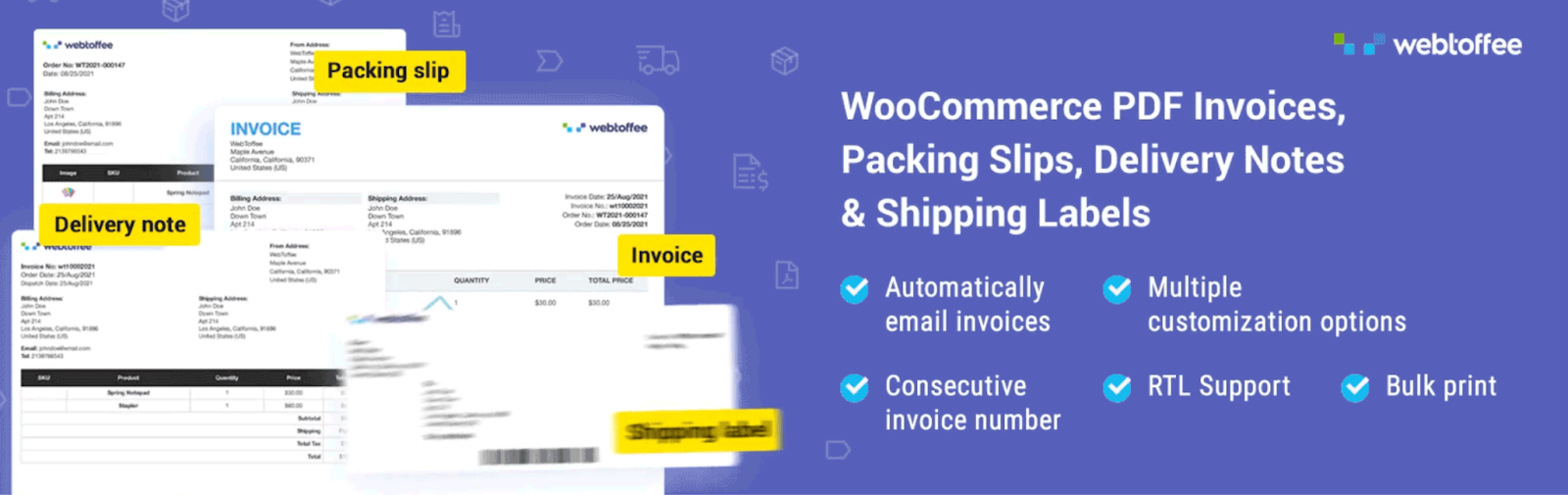
For many eCommerce stores, sending professionally structured invoices isn’t just a best practice; it’s a legal necessity. WooCommerce PDF Invoices and Packing Slips by WebToffee automates the entire process of generating, attaching, and sending WooCommerce invoice PDFs and packing slips, helping you maintain consistent communication with your customers.
The plugin allows you to automatically generate invoices, packing slips, and credit notes for each order. You can also attach invoices and packing slips with emails or print them in bulk. It’s especially helpful for businesses that handle large volumes of orders and want a seamless WooCommerce invoicing experience.
- Automatic PDF invoice generation for every order
- Bulk print invoices and packing slips
- Supports UBL/XML invoice generation
- Customizable invoice templates
- Attach order documents directly to order emails
- Provides RTL-language support
- Set up custom WooCommerce invoice numbers
- Multilingual and multicurrency support
4. WooCommerce Stripe Payment Gateway

Online shoppers are more likely to complete a purchase when they’re presented with secure and recognizable payment options. Stripe is one of the most trusted payment processors in the world, and this official plugin brings its functionality directly into WooCommerce stores.
With this plugin, you can accept credit cards, Apple Pay, Google Pay, and local payment methods directly on your site. The setup is fast and user-friendly, allowing even non-technical store owners to configure Stripe easily.
- Accepts major credit and debit cards and wallets like Apple Pay
- Built-in support for 3D Secure (3DS) authentication
- Supports BNPL payment methods
- PCI-compliant and secure transactions
- Support for subscription-based payments
5. Sequential Order Number for WooCommerce
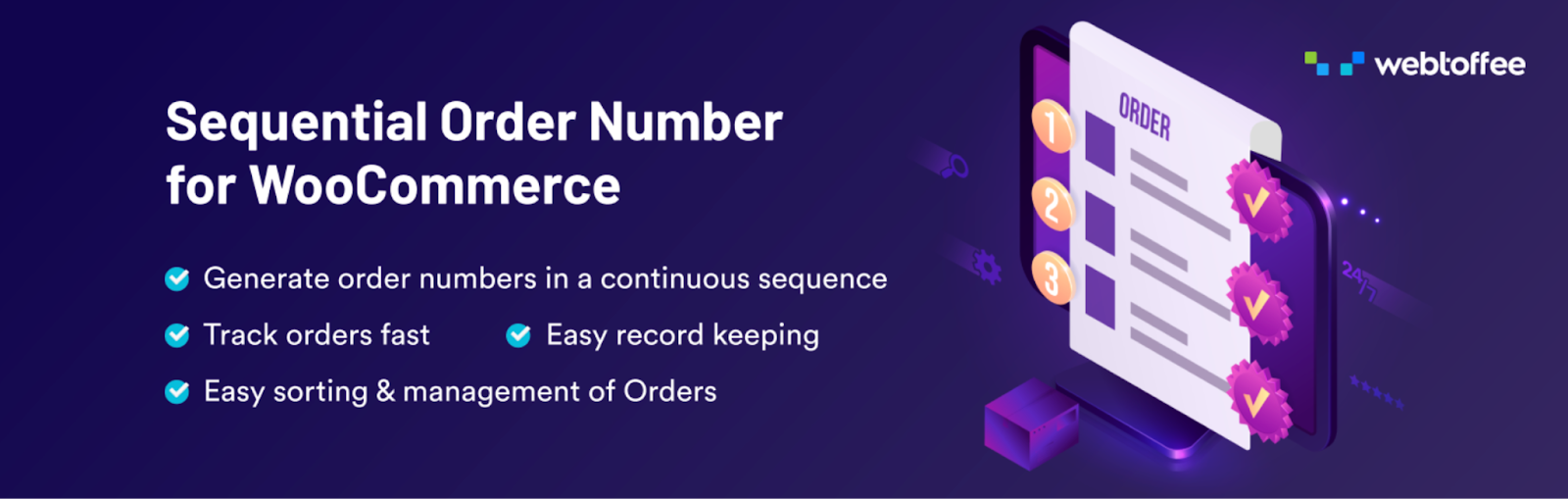
Default WooCommerce order numbers are random and often not sequential, which can confuse customers and complicate bookkeeping. The Sequential Order Numbers plugin by WebToffee offers a simple but impactful solution by letting you control how your order numbers are organized.
This sequential order numbers plugin ensures every new order follows a consistent, sequential pattern, making it easier to track transactions and reduce order processing errors. It’s useful for stores that need organized documentation and improved order management.
- Generate sequential order numbers starting from any number
- Add custom prefixes or suffixes to order numbers
- Reset order numbers on a daily, monthly, and yearly basis
- Maintain unique order IDs for free orders
- Easy migration from existing order numbering formats
6. WooCommerce Tax

Managing taxes manually can be an overwhelming task, especially when selling across multiple regions with varying rates and regulations. The WooCommerce Tax plugin automates this process, offering a solution to calculate accurate tax rates at checkout.
The plugin integrates with WooCommerce to dynamically calculate taxes based on the customer’s location, ensuring compliance with regional laws. It eliminates the need for constant manual updates, giving store owners peace of mind when handling tax configurations.
- Automatic tax calculation based on customer location
- Simplified configuration
7. Request a Quote Plugin
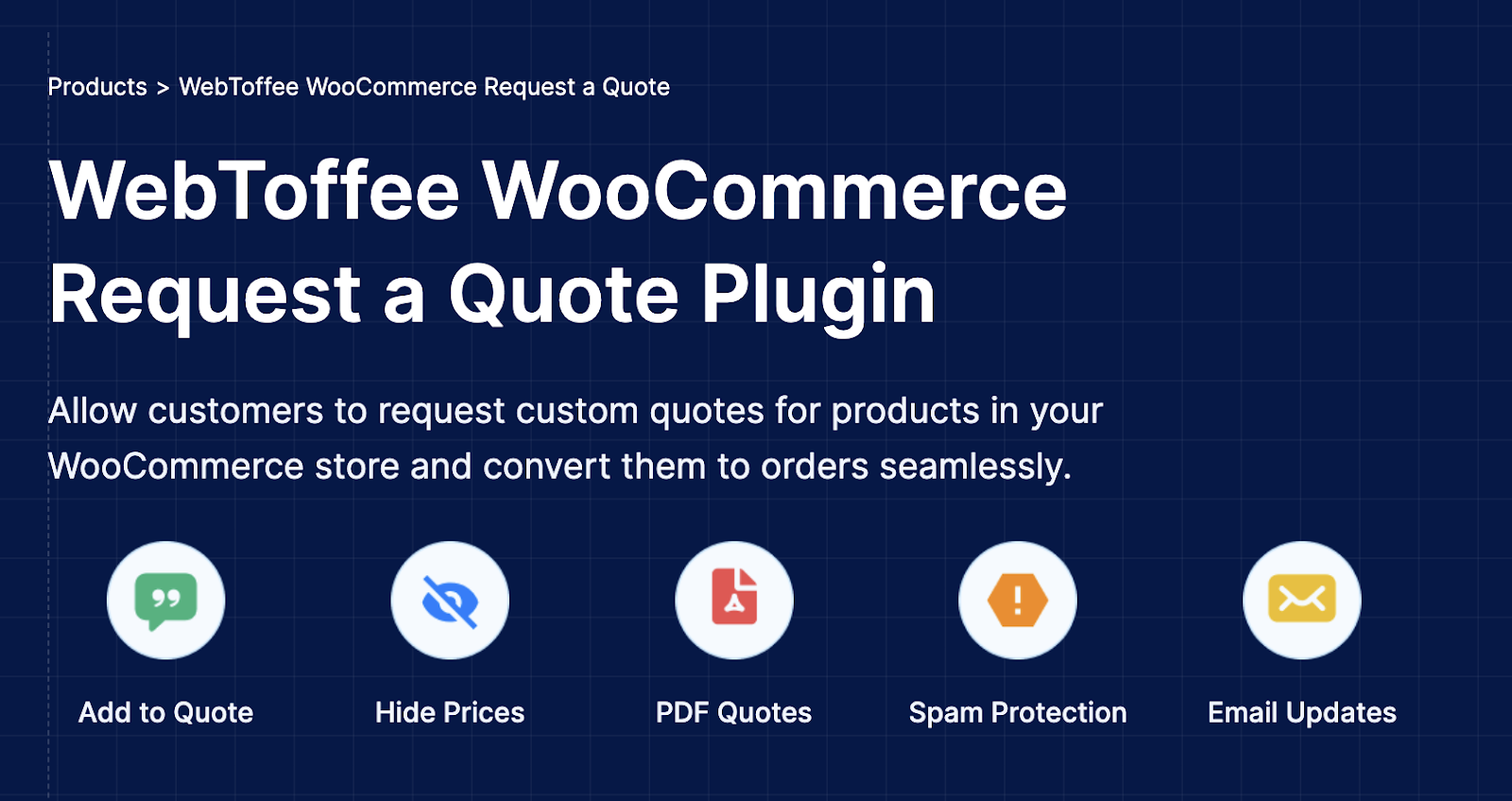
Some products or services don’t lend themselves to fixed pricing, especially in B2B environments. For such cases, the Request a Quote Woocommerce plugin from WebToffee gives customers the flexibility to initiate a quote request instead of placing an order.
The plugin allows shoppers to add products to a quote basket and submit it for custom pricing. Store owners can then review, respond, and convert approved quotes into orders, offering a more personalized buying journey.
- Add-to-quote functionality for selected or all products
- Allow customers to make quote requests with preferred prices
- Include or exclude products and categories from quotes
- Customize quote button labels and behavior
- Auto-respond to quote requests
8. Checkout Field Editor for WooCommerce

The default WooCommerce checkout page isn’t always a perfect fit for every store. Whether you need to collect additional information or streamline the process, this plugin gives you the tools to customize checkout fields easily.
With the Checkout Field Editor plugin, you can add, edit, rearrange, or delete fields on the checkout form. It lets you tailor the checkout process to your business needs, be it adding gift messages, VAT numbers, or preferred delivery times.
- Add text fields, dropdowns, date pickers, and more
- Enable or disable fields based on user role or product type
- Mark fields as required or optional
- Preview changes in real time
- Custom hooks available
9. WooCommerce Product Recommendations

The Product Recommendation WooCommerce plugin given by WebToffee may be utilized by store owners to endorse products to customers at an opportune moment. It helps you improve sales conversion and average order value. Not only is it going to keep the customer glued to his storefront, but also it might have the customer loosen up more.
Also, it has become much easier for upselling: A product recommendation plugin automatically generates upsells, cross-sells, bestsellers, and other categories of product recommendations. It provides ready-to-go templates for store owners, from basic ones such as “Recently Viewed” to more complex ones like “New Arrivals,” among others, and it only takes one click to activate them.
- Configure recommendations based on set conditions and filters.
- Display suggestions on different pages like product, cart, and so on.
- Set triggers wherein recommendations are released.
- Pre-defined recommendation campaigns such as bestsellers and frequently bought together
- Personalize the recommendations.
- Display products in a grid or slider format.
10. WooCommerce Coupon Generator
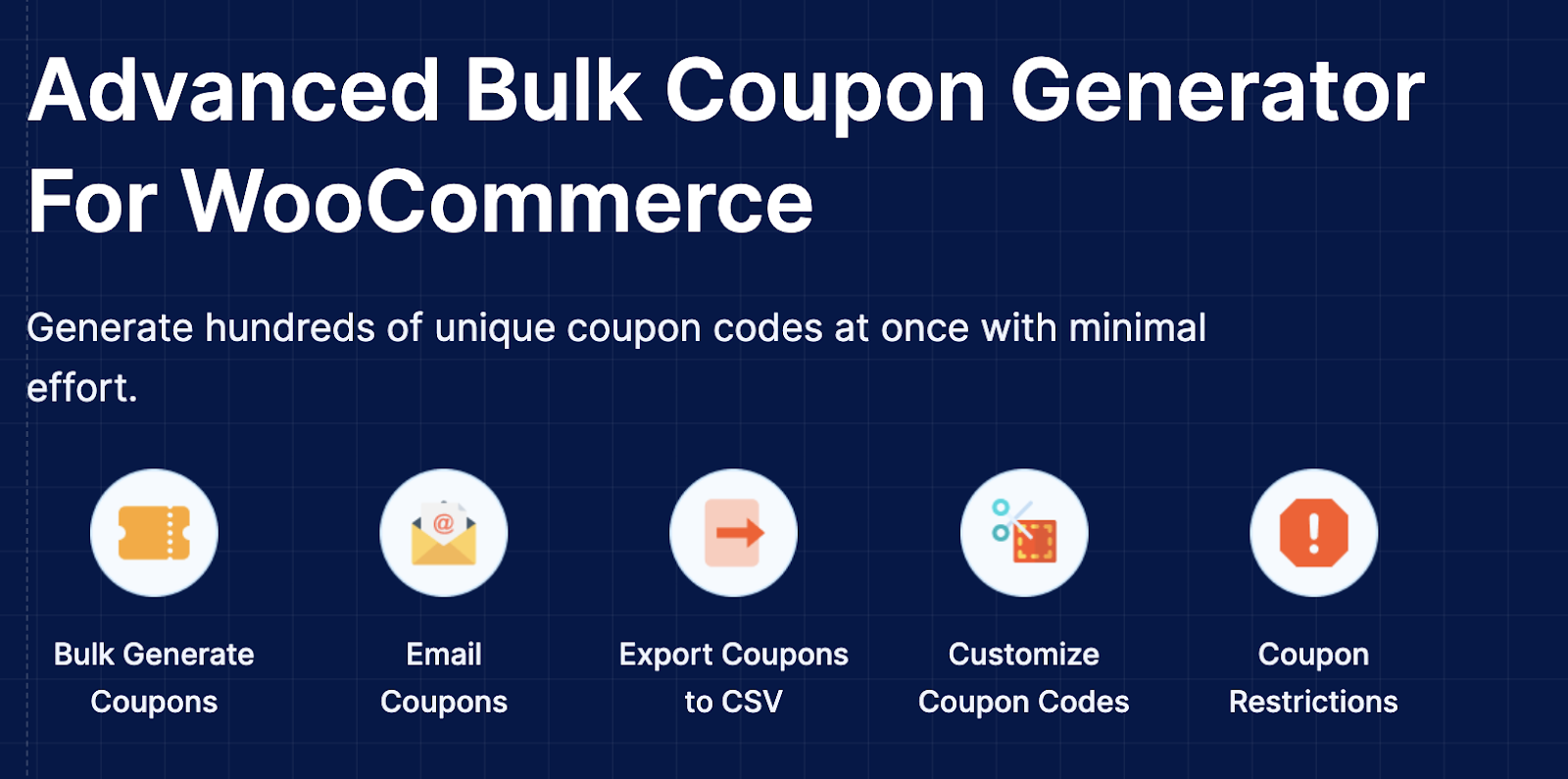
Running promotional campaigns is a key driver of conversions and customer retention. But manually creating coupons can become tedious at scale. The WooCommerce Coupon Generator by WebToffee simplifies this by letting you bulk-create WooCommerce discount codes in seconds.
This plugin automates coupon generation with various customization options. Whether you want to create unique coupons or generate a set for an email campaign, it gets the job done efficiently.
- Bulk generation of unique coupon codes
- Customize coupon codes with prefixes/suffixes
- Custom rules for usage limits, expiry dates, and discounts
- Import/export support for managing codes via CSV
- Filters to target specific customer groups
11. Variation Swatches for WooCommerce
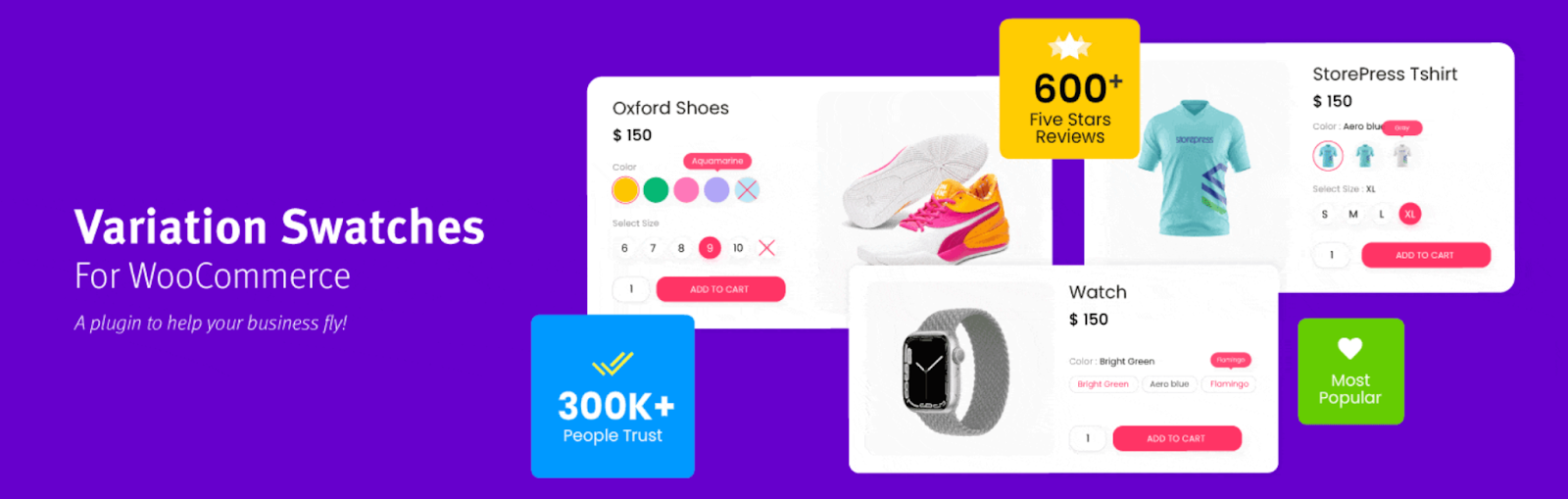
Standard dropdowns for variable product options can look outdated and unengaging. The Variation Swatches plugin enhances the visual appeal of your product pages by converting those dropdowns into color, image, or label swatches.
With this plugin, your customers can quickly see and select product variations without second-guessing what each option looks like. This not only improves usability but can also lead to better conversion rates on product pages.
- Convert dropdowns to clickable swatches
- Tooltip support for swatch hover details
- Automatically sync with product variations
- Custom styling for active and disabled swatches
- Blur out out-of-stock variations
12. WooCommerce Product Import Export
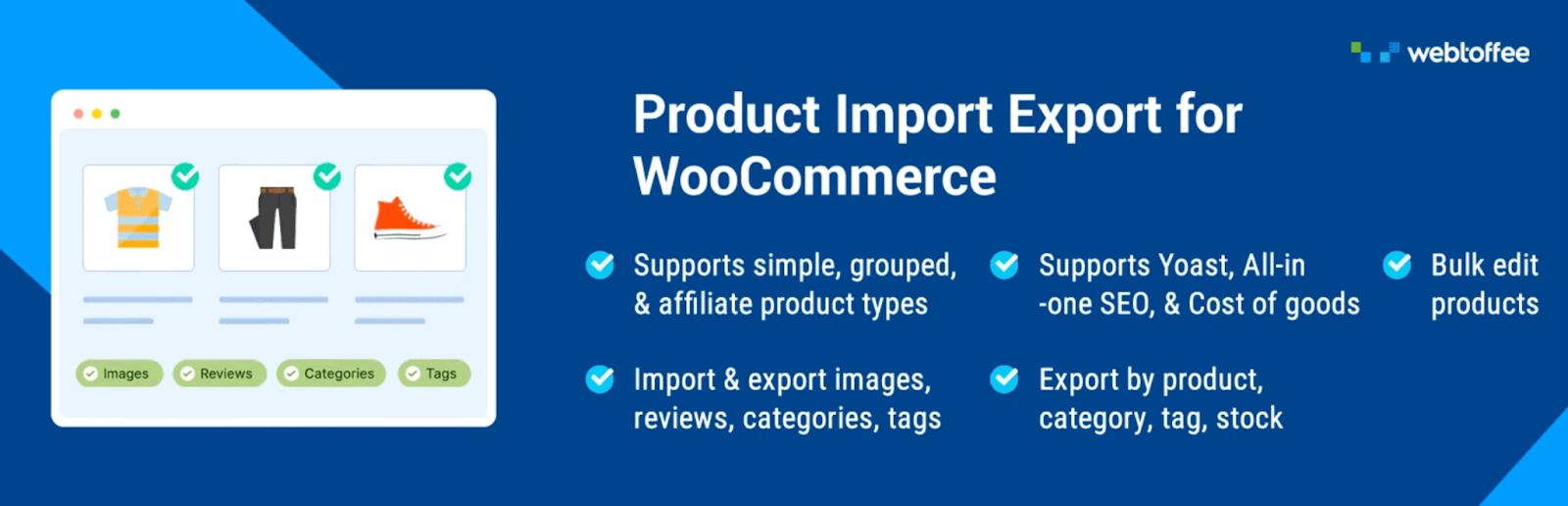
Migrating or bulk managing product data manually is error-prone and inefficient. The Product Import Export Plugin by WebToffee simplifies this process, enabling WooCommerce store owners to export and import products in a structured and consistent manner. Whether you’re updating hundreds of SKUs or launching a new catalog, this tool can save you hours.
It supports both simple and variable products, allowing for precise control over what gets imported or exported, from titles and descriptions to metadata and images. Especially useful during store migrations or seasonal catalog updates, this plugin gives full flexibility with CSV file handling.
- Import and export simple, variable, and grouped products
- Custom mapping for CSV columns to WooCommerce fields
- Scheduled import/export jobs via FTP or URL
- Support for product images and custom metadata
- Extensive filters to export only selected products
To take it a step further, WebToffee also offers an Import Export Suite, a more advanced solution that extends the functionality beyond just products. The suite allows you to handle everything from orders, users, coupons, to reviews, making it a one-stop solution for WooCommerce data portability.
13. FiboSearch
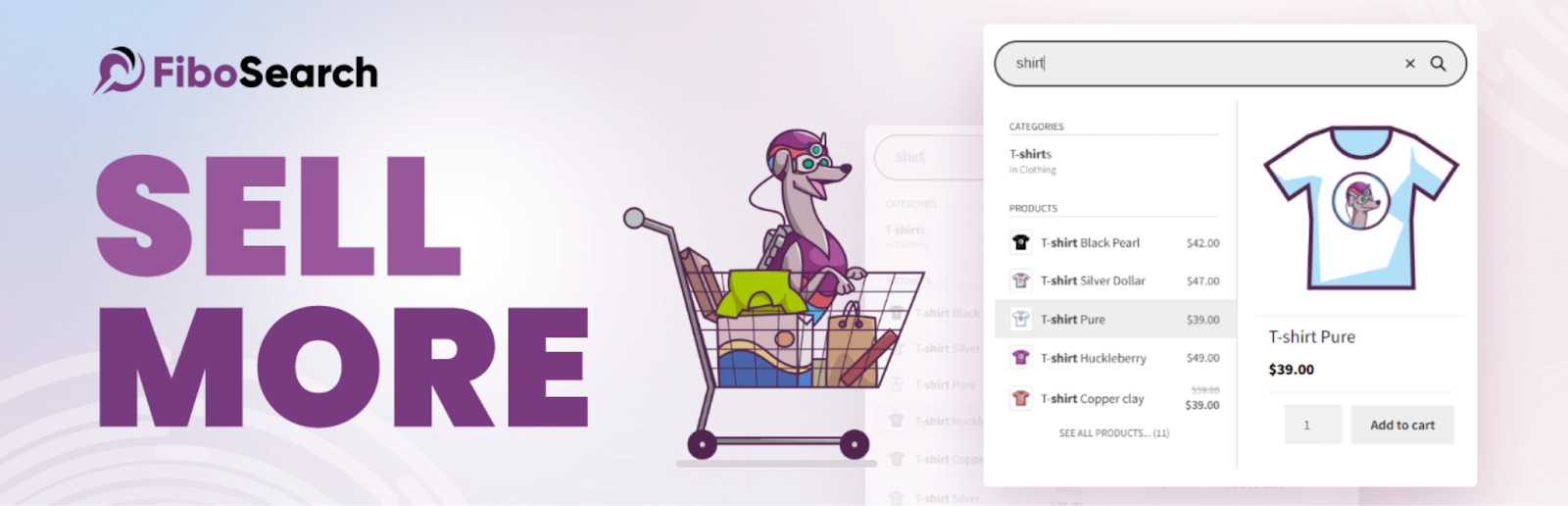
Slow and inaccurate searches can drive potential buyers away. FiboSearch solves this problem with lightning-fast, AJAX-powered search capabilities that can improve the product discovery experience on your store.
With real-time suggestions as users type, it eliminates the frustration of loading multiple pages just to find one product. The plugin supports SKU, short description, and even variation searches, making it ideal for large product catalogs.
- Live product search with instant results
- Search by title, SKU, and custom fields
- Mobile-friendly and responsive interface
- Smart algorithm to show relevant matches
- Easy integration with popular themes and page builders
14. ECommerce Marketing Automation

Retaining customers and nurturing leads requires more than just a great product lineup. The eCommerce Marketing Automation plugin by WebToffee helps WooCommerce store owners run targeted marketing campaigns without manual intervention.
It allows you to automate emails and pop-ups based on customer behavior, such as abandoned carts, welcome emails, or exit-intent pop-ups. This email customizer tool creates a personalized experience that boosts engagement and repeat purchases over time.
- Customize and automate marketing emails
- Abandoned cart recovery with email reminders
- Automated product recommendations and follow-ups
- Workflow builder with drag-and-drop logic
- Pre-built templates for common campaign types
15. Dokan

Running a marketplace with multiple vendors requires a system that supports independence for sellers while maintaining centralized control. Dokan is one of the most established multi-vendor plugins for WooCommerce, offering a full-featured marketplace solution right out of the box.
It lets vendors manage their own stores, track orders, and upload products independently. Meanwhile, the store owner can oversee performance, commissions, and marketplace settings within a single dashboard.
- Independent dashboards for each vendor
- Commission tracking and payout scheduling
- Store-specific pages with individual branding
16. WooCommerce Product Feed Pro
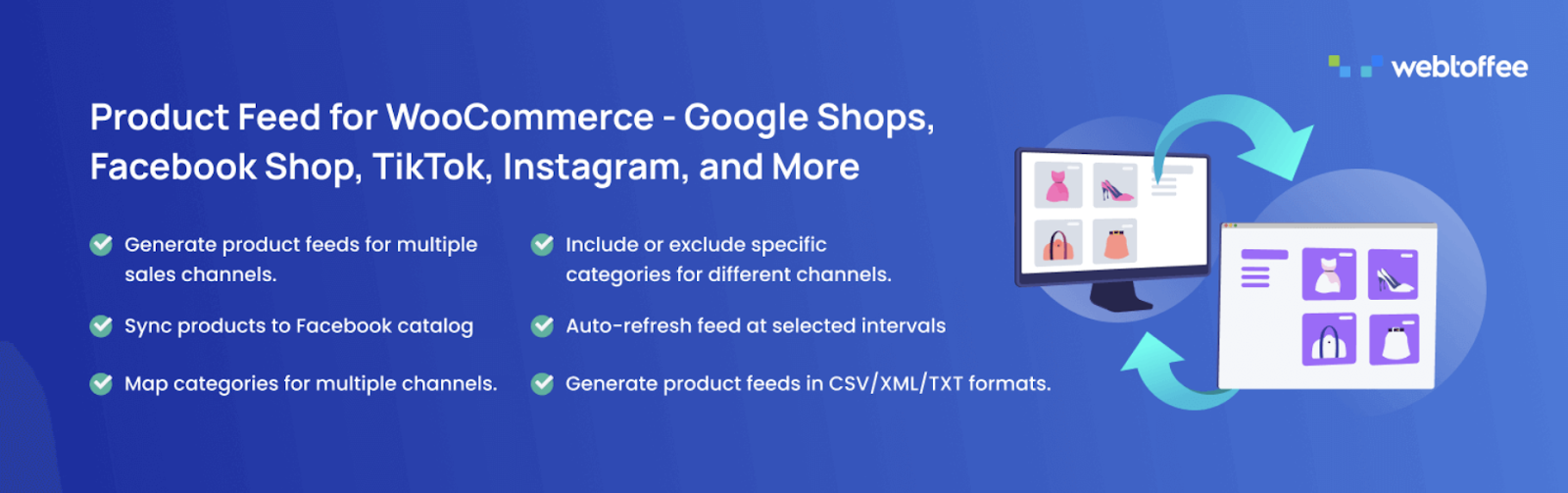
Expanding your product reach to external channels like Google Shopping or Facebook Marketplace is essential for growing traffic. The Woocommerce Google Product Feed plugin by WebToffee helps generate optimized product feeds tailored to each channel’s requirements.
This product feed plugin allows you to customize feed rules, filter products, and map fields, so you’re not just dumping data but actually optimizing it. It’s perfect for stores looking to improve visibility and conversion rates through multi-channel marketing.
- Create product feeds for Google, Bing, Meta, Pinterest, etc.
- Advanced field mapping and category mapping
- Rule-based inclusion/exclusion of products
- Auto-schedule feed refreshes and exports
- Support for variable products and multilingual stores
17. StoreHelper Kit (AI-Powered)
In 2026, AI isn’t a luxury; it’s a necessity. The StoreHelper Kit is a comprehensive suite that brings AI directly into your daily operations . It automates the grunt work so you can focus on growth.
- AI Alt Text Generator: Automatically generates descriptive, SEO-friendly alt text for product images using the OpenAI Vision API .
- LLMs.txt Generator: Creates an
llms.txtfile to guide AI crawlers like ChatGPT and Perplexity to your most important URLs, a critical new SEO frontier for 2026 . - Bulk Price Updater & Product Manager: Run flash sales or clean up your catalog with powerful filtering options .
- Structured Menu Builder: Instantly builds a full navigation tree from your product categories .
Stop guessing which tags to use. SmartTags AI automatically generates high-quality, SEO-friendly product tags using real Google search suggestions .
- Uses Google autocomplete data to find the long-tail search terms customers actually use .
- Works out of the box with no API key required, or you can connect to Google Gemini, Groq, or OpenAI for more advanced AI generation .
- Automate the process with semi-automatic (review first) or fully automatic modes .
19. Wholesale Suite
As B2B eCommerce explodes, having a dedicated wholesale solution is key. Wholesale Suite is the market leader for transforming your store into a B2B powerhouse .
- Wholesale Order Form: A spreadsheet-style table that lets bulk buyers add dozens of SKUs to their cart from a single page .
- Create multiple user roles (e.g., Bronze, Silver, Gold) with tiered pricing and quantity-based discounts .
- Set minimum order quantities, offer tax-exempt pricing, and hide prices from non-registered users .
🤖 Pro Tip: Optimize for AI Search
In 2026, shoppers are using ChatGPT, Perplexity, and other AI tools to find products. Install an AI toolkit like StoreHelper Kit to generate an llms.txt file. This acts as a direct feed, telling AI crawlers exactly which of your product pages are most important, ensuring your store gets recommended over competitors’ .
⚠️ Warning: Plugin Overload
Installing too many plugins can slow your site to a crawl and create security vulnerabilities. Use a suite like StoreHelper Kit to consolidate multiple functions. Always test new plugins on a staging site first and take a full database backup before running any bulk operations .
Conclusion
A well-optimized WooCommerce store doesn’t just invest in a single plugin, but thrives through the synergy of carefully selected tools that handle specific needs. Be it fine-tuning your checkout flow, boosting search capabilities, or automating invoice generation, the plugins featured above provide reliable ways to upgrade core functionality and user satisfaction.
The landscape in 2026 demands that you also look forward. Integrating AI-powered tools for SEO, product tagging, and customer support is no longer optional—it’s the primary way to reduce manual workload and capture the attention of both human shoppers and AI-driven discovery agents. Each plugin on this list solves a very real problem, and together, they form a solid foundation for any store aiming to grow with confidence .
Most of them are beginner-friendly and backed by active support, so you don’t need to be a tech expert to get started. For those ready to scale, exploring dedicated B2B plugins and comprehensive AI toolkits will be the key to unlocking the next level of revenue .
📚 Keep Reading
FAQ
A: AI-powered plugins have become essential. They automate SEO tasks like generating alt text and product tags, optimize content for AI search crawlers, and power intelligent chatbots for 24/7 customer support, freeing you up to focus on strategy .
A: For dedicated B2B functionality, Wholesale Suite is a market leader, offering essential features like a bulk order form, tiered pricing, and user role management. B2BKing and Barn2 Wholesale Pro are also excellent for more complex enterprise requirements .
A: The new standard is using plugins like StoreHelper Kit to generate an
llms.txt file. This file helps AI crawlers (like those used by ChatGPT) understand your site’s structure and prioritize your most important product pages .A: Yes, many free plugins from the official WordPress.org repository, like the core WooCommerce Stripe gateway or ATUM inventory management, are excellent. However, for more advanced features like AI automation or wholesale order forms, a premium plugin is often a worthwhile investment .
A: There’s no magic number, but every plugin adds potential code bloat and security risk. The key is to avoid overlapping functionality. Consider using multi-purpose toolkits like StoreHelper Kit or the WebToffee Import Export Suite to consolidate several functions into one .
A: Always use a staging environment! Most quality hosting providers offer a one-click staging feature. Install and test all new plugins there first to ensure they’re compatible with your theme and other extensions before pushing the changes live .