Are you making the most of your first impression? What do people see first when they land on your store? Not your pricing. Not even your products sometimes. It’s the visuals. The feel. That instant vibe. And honestly, that moment decides a lot more than we like to admit.
Think about it. You open a store online, and the first thing that hits you is a dull, blurry image. You hesitate. Maybe even leave. Now imagine the opposite. A sharp, clean, bold banner. It pulls you in. Makes you curious. That’s the power of visuals, and that’s exactly where a WooCommerce Category Banner plays its role.
If you’re trying to build a strong brand, you can’t ignore this. You just can’t. Many store owners try to add banner to WooCommerce pages as an afterthought. But that’s a mistake. A big one. Because banners are not decorations. They are communication. Silent, but powerful.
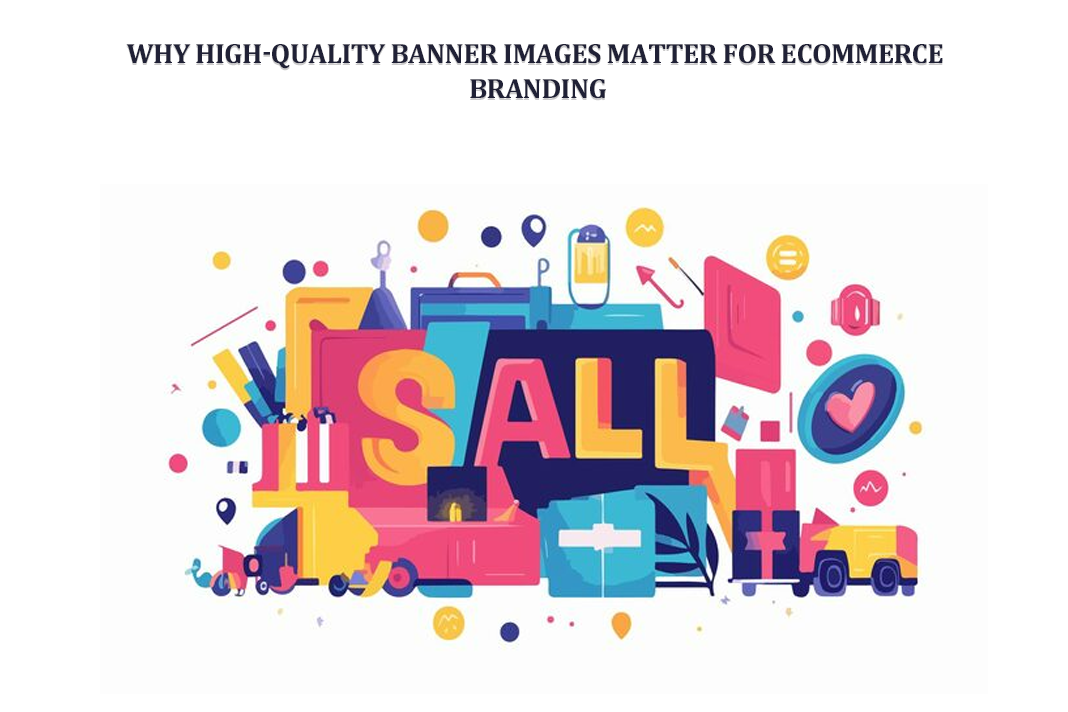
Let’s keep it simple. Banner images are those big visuals you see at the top of pages. Sometimes in the middle too. They’re everywhere, actually.
- Homepage banners
- Category banners
- Product page visuals
- Even checkout page banners
They tell a story. Fast. No long paragraphs. Just visuals doing the talking. Imagine walking into a physical store. There’s a huge poster saying “Summer Sale 50% Off.” That’s your banner. Same logic online.
And here’s the thing. When you Add Banner to WooCommerce, you’re not just placing an image. You’re guiding your customer and nudging them. Showing them where to go next. Sometimes it’s subtle. Sometimes bold. But always important.
1. Creating a Strong Visual Identity
Branding isn’t just logos. People say that all the time. But it’s true. It’s the colors. The mood. The consistency. Have you ever noticed how some stores just “feel” premium? Even before you check the price. That’s not random. That’s design working quietly. With banners, you can:
- Use consistent color palettes
- Show your brand personality
- Build recognition over time
A good WooCommerce Category Banner doesn’t just show products. It shows attitude. Maybe elegance. Maybe fun. Maybe urgency. And slowly, customers remember you. Not because they tried hard. But because your visuals stayed.
2. Building Trust and Credibility
Let’s be honest. People judge fast. If your banner looks cheap, they assume your products are too. Harsh, but real. But if your visuals are clean, sharp, and well-designed? Something changes.
- You look professional
- You feel reliable
- You seem established
Even if you’re just starting. Trust is fragile. And banners help build it, piece by piece.
1. Enhancing User Experience
User experience sounds technical. But it’s not always. It’s just how easy and pleasant your store feels. A good banner helps users breathe. It gives direction. For example:
- A homepage banner saying “New Arrivals” → user clicks
- A category banner showing product types → user understands faster
No confusion. No friction. When you Add Banner to WooCommerce pages like the cart or checkout, something interesting happens. You extend the experience. Even at the end. Maybe you show:
- A thank-you message
- A discount for the next purchase
- A reminder of your brand story
Small things. But they matter.
2. Increasing Engagement
People don’t read much. Not at first. They scan. Visuals catch attention faster than text. Always. A strong banner can:
- Stop scrolling
- Spark curiosity
- Invite clicks
Imagine a dull page. Then imagine one with a bold banner saying “Limited Time Offer.” Which one would you explore? Exactly. Engagement isn’t magic. Its design.
3. Boosting Conversions
Let’s talk results. Because at the end, that’s what matters. Sales. Banners can directly influence buying decisions. Not indirectly. Directly. They can:
- Highlight discounts
- Create urgency
- Push featured products
For example:
- “Only Today – 30% Off”
- “Best Sellers This Week”
- “Back in Stock”
These messages work because they’re visual. Immediate. A well-placed WooCommerce Category Banner can literally guide a customer from browsing to buying.
4. Supporting SEO Efforts
Now this part gets ignored often. But it shouldn’t. Banner images can help SEO. Yes, really. If done right:
Search engines can’t “see” images like humans. But they read data. So, when you Add Banner to WooCommerce, don’t skip the details. Name your files properly. Add descriptions. It’s small work. But over time, it adds up.
Why Category Banners Matter
Category pages are where decisions happen. Customers are already interested. They’re browsing. Comparing. Thinking. This is your moment. A WooCommerce Category Banner can:
- Set expectations
- Highlight themes
- Organize products visually
For example: A clothing store. Category: “Winter Collection.” Now imagine a banner showing cozy sweaters, warm tones, maybe snow vibes. Instantly, the customer gets it—no explanation needed.
Clarity sells. Confusion doesn’t. Category banners reduce confusion. They guide.
- Show what’s inside the category
- Highlight key products
- Promote deals
And sometimes, they do something subtle. They inspire. A customer didn’t plan to buy. But the banner? It triggered something. That’s how sales happen. Quietly.
Simple Implementation Without Coding
Here’s the good part. You don’t need to be a developer. Adding banners is easier than most people think. Basic steps:
- Go to your product or category settings
- Upload your banner image
- Add alt text
- Save
Done. No complicated setup. No coding headaches. When you Add Banner to WooCommerce, you’re basically customizing your store’s voice and making it visual. And once you start, you’ll realize it’s addictive. You’ll want to improve every page.
1. Use High-Resolution Images
This is basic. But often ignored. Blurry images? Big no. Always:
- Use high-quality visuals
- Keep them optimized
- Avoid pixelation
Because once a user sees poor quality, it’s hard to recover that impression.
2. Keep It Simple and Clear
Don’t overcomplicate things. Really. A banner is not a poster full of text. Keep it:
- Clean
- Focused
- Easy to read
Too much going on? People ignore it.
3. Maintain Brand Consistency
Consistency builds memory. Use the same:
- Colors
- Fonts
- Style
Across all banners. That’s how brands grow. Slowly. Repeatedly.
4. Optimize for Mobile Devices
Most users are on phones. You already know that. So, your banners must:
- Fit smaller screens
- Load quickly
- Stay readable
If not, you lose users. Simple.
5. Include Call-to-Actions (CTAs)
Don’t leave users guessing. Tell them what to do. Examples:
- Shop Now
- Explore Collection
- Buy Today
Short. Direct. Effective.
Common Mistakes to Avoid
1. Overloading with Information
Too much text kills attention. Keep it short. Sharp.
2. Ignoring Loading Speed
Heavy images slow your site. And slow sites lose users. Always compress. Always optimize.
3. Inconsistent Design
Random styles confuse people. Stay consistent always.
Old banners feel stale. Update them:
- During sales
- For seasons
- When launching products
Keep things fresh.
Banners are not just visuals. They are a strategy. They help you:
- Communicate instantly
- Guide user behavior
- Increase conversions
When you consistently add Banner to WooCommerce, you start shaping your store’s journey. Step by step. Customers don’t notice everything consciously. But they feel it. And that feeling drives action.
Conclusion
So, do banner images really matter? Yes. More than most store owners think. They shape first impressions. Build trust. Guide users. Drive sales. All quietly. A strong WooCommerce Category Banner can transform a simple browsing experience into something engaging. Something memorable.
When you take the time to Add Banner to WooCommerce properly, you’re not just improving design. You’re building a brand. One visual at a time. It’s not about being perfect. It’s about being intentional. Start small. Improve gradually. But start.