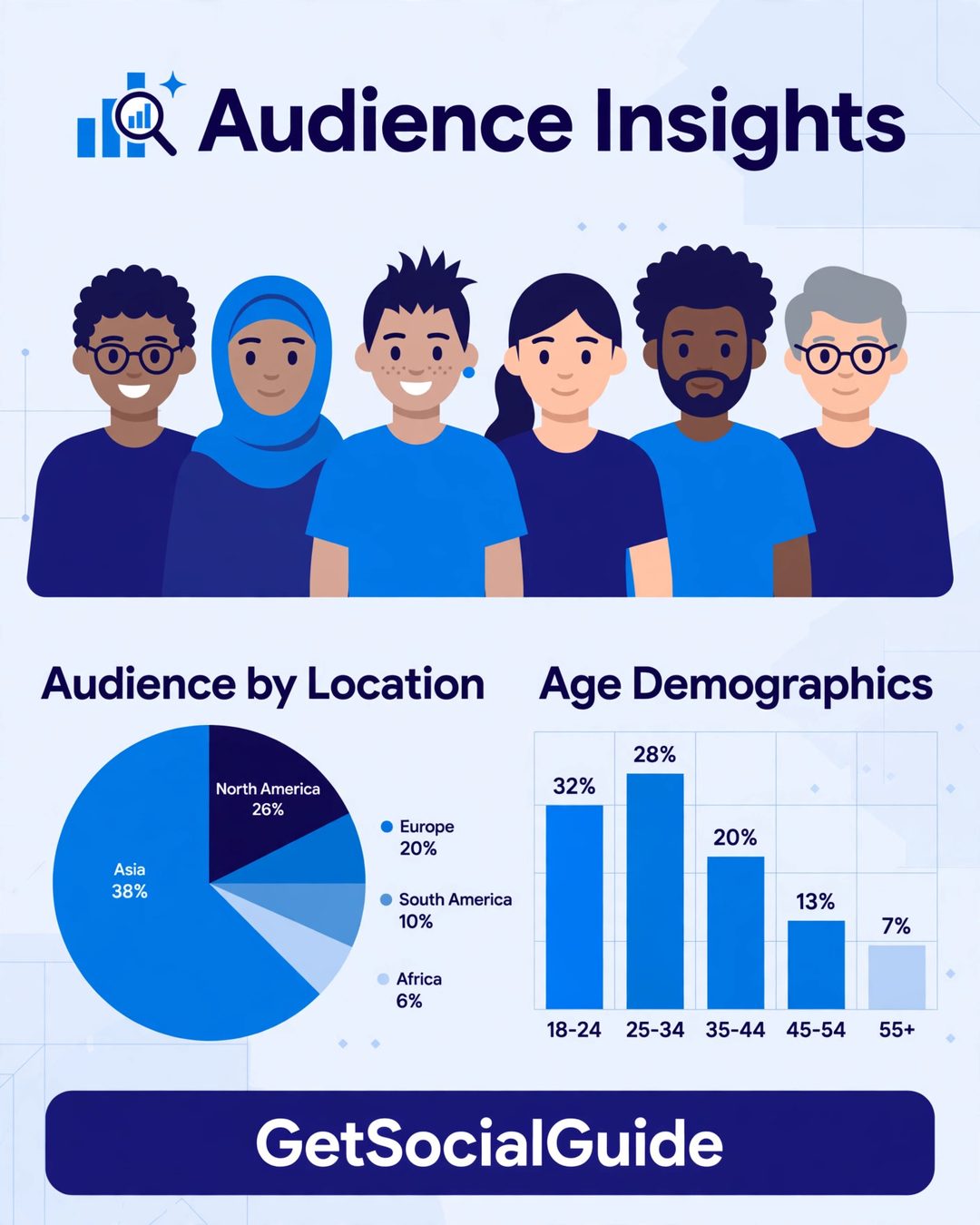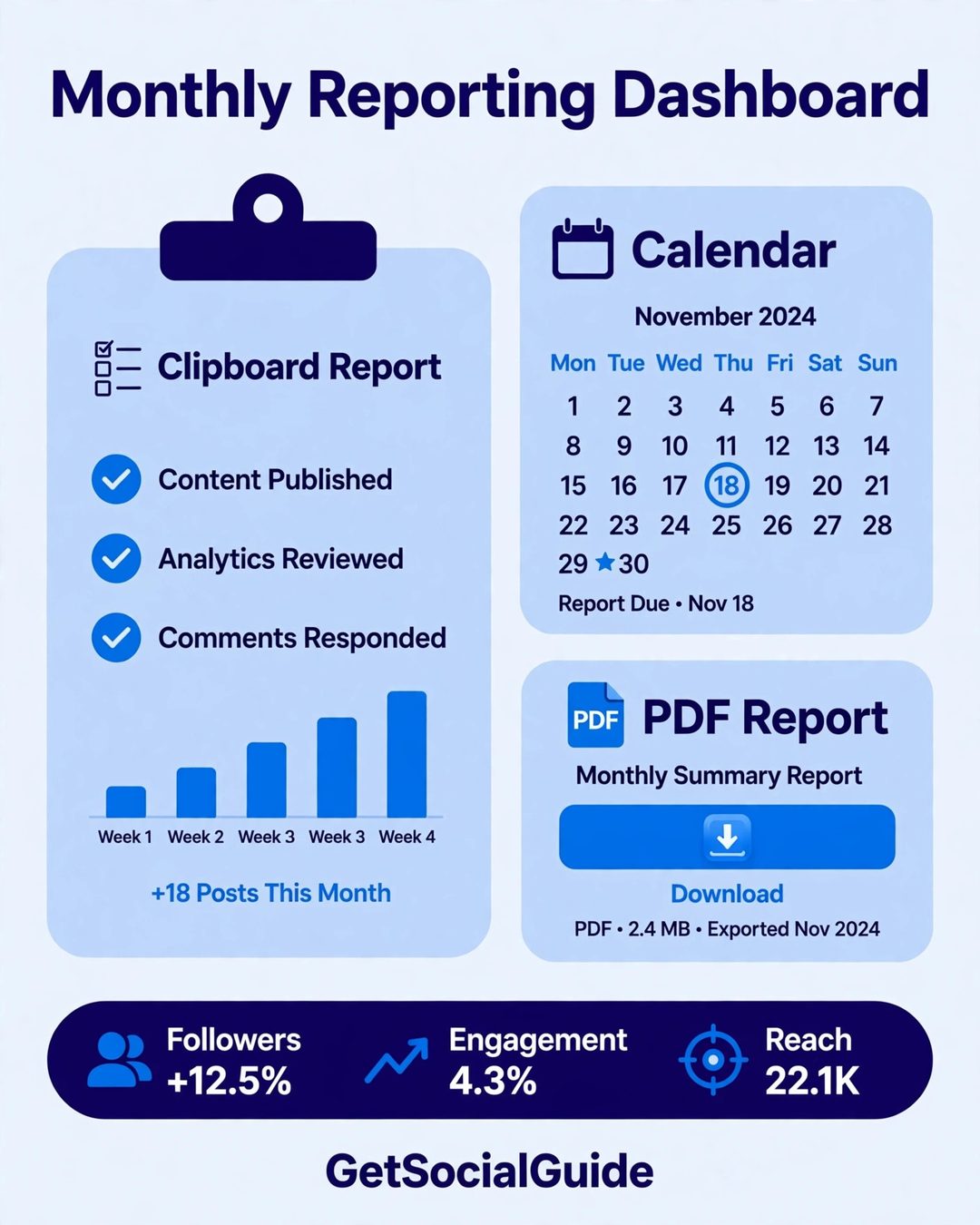


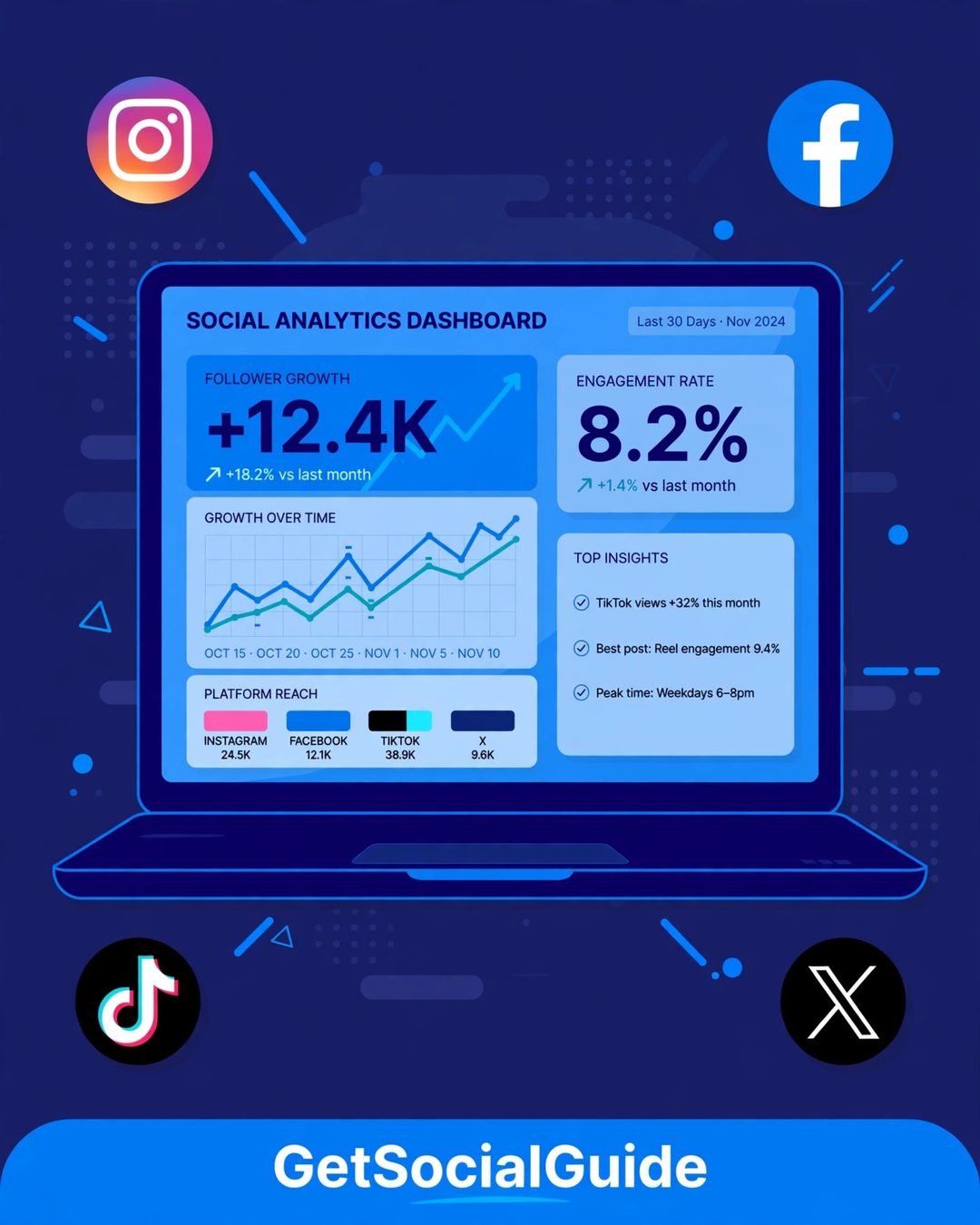
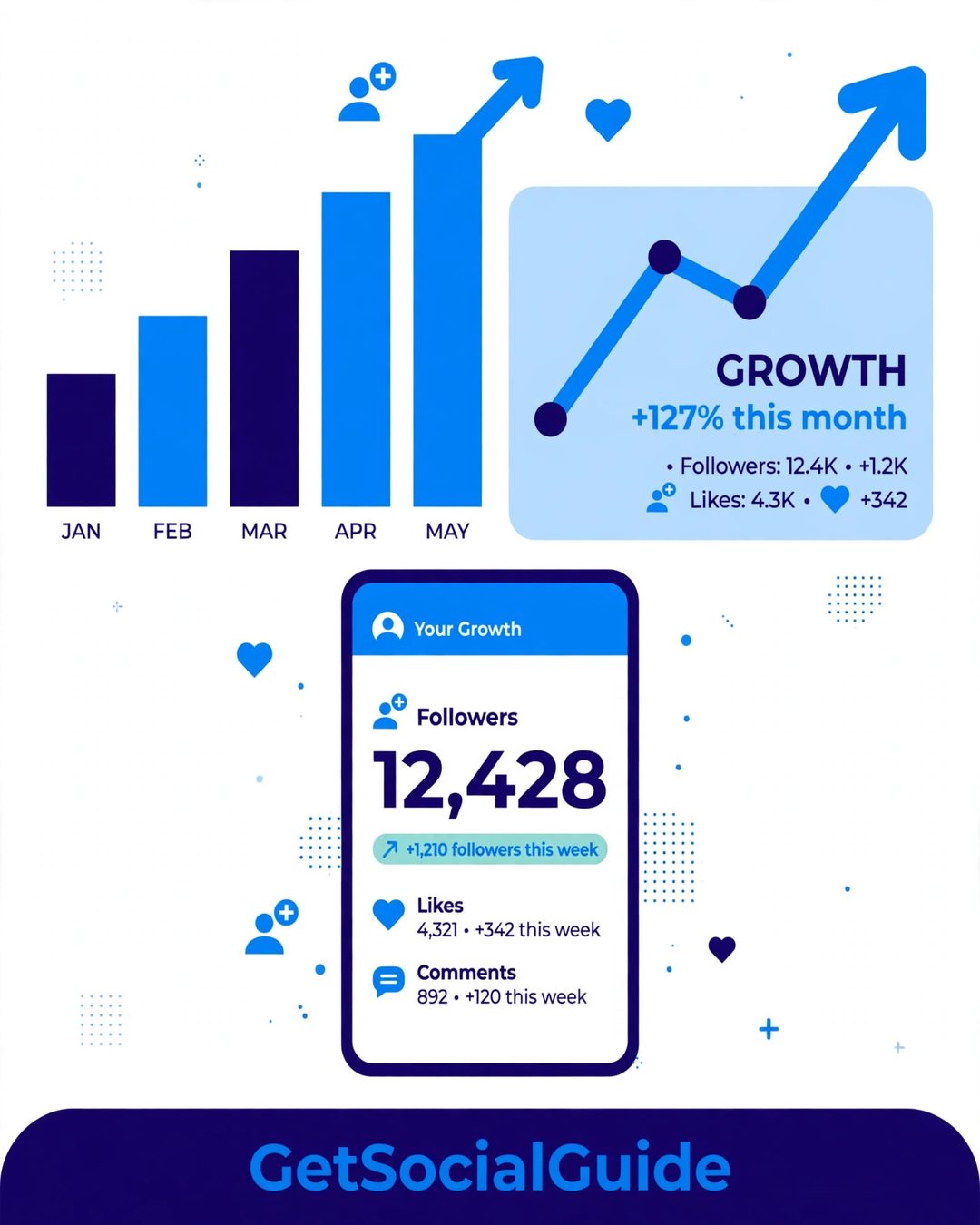
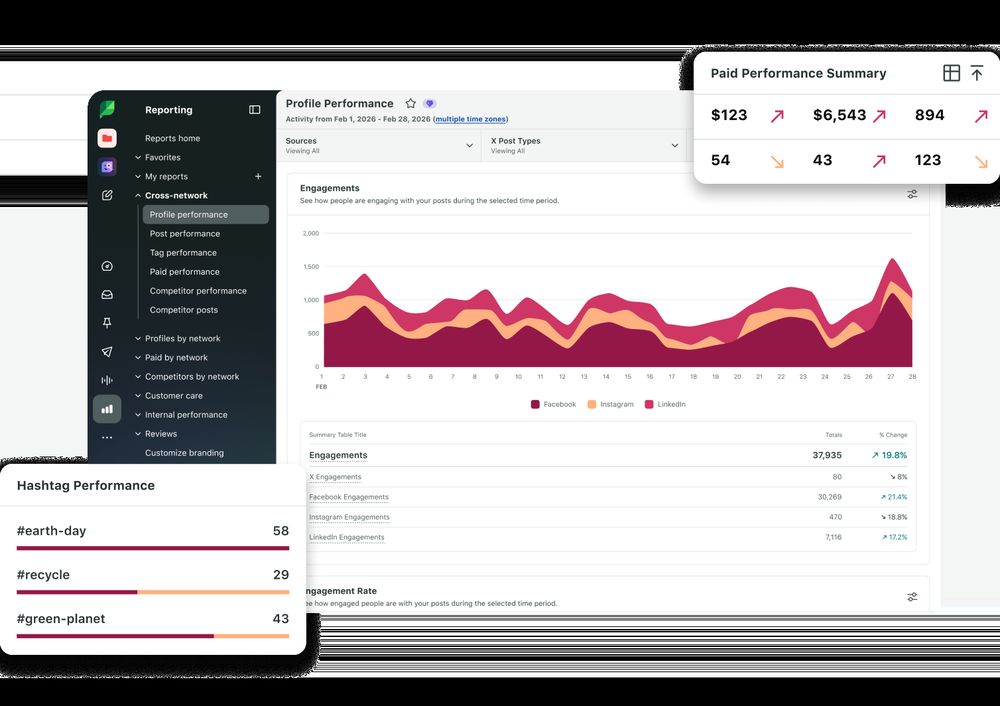
 Sprout Social is the most polished analytics platform on this list, and the one most agencies reach for when reporting has to look professional. Its cross-network reports cover Facebook, Instagram, TikTok, X, LinkedIn, Pinterest, and YouTube in one dashboard, with competitor analysis, social listening, and a Smart Inbox for comments and messages.
Two features justify the price for bloggers who treat social as a revenue channel: ViralPost recommends optimal send times per network, and the reports are presentation-ready, with clean charts, your logo, and one-click PDF export. CRM and Google Analytics integrations connect social performance to leads and sales.
Pricing: Essentials from $79 per seat per month billed annually ($99 month to month); Standard from $199. There is no free plan — only a 30-day trial.
Best for: marketing teams, agencies, and bloggers whose social channels already earn income.
Pros: best-in-class reporting and listening; excellent competitor benchmarking; Smart Inbox unifies engagement.
Cons: the most expensive tool here for a solo blogger; per-seat pricing adds up fast; overkill if you only need basic stats.
2. Hootsuite — Best for Teams and Agencies
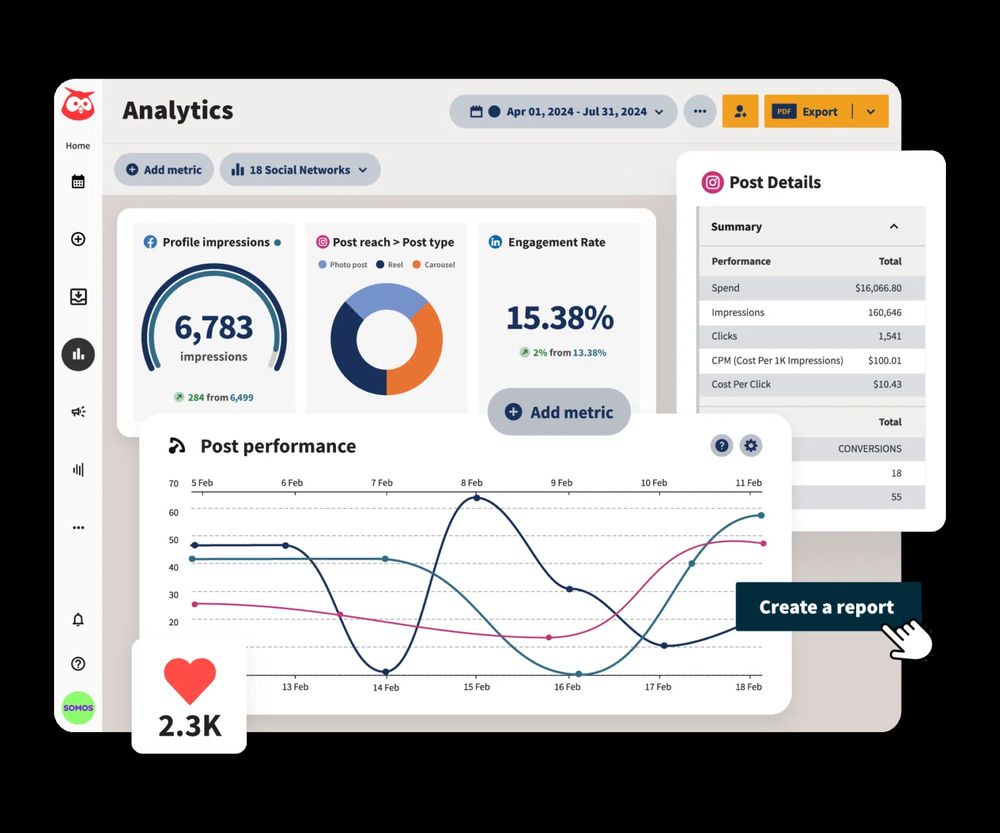 Hootsuite is the world’s most widely used social media management platform, serving over 18 million users, and its analytics are built for teams that publish at volume. It covers the widest range of networks here — Facebook, Instagram, X, LinkedIn, TikTok, YouTube, Threads, Pinterest, and Bluesky — with streams for watching mentions, hashtags, and competitors alongside your own performance.
Its strengths are breadth and listening: best-time recommendations, bulk scheduling, team approvals, and listening (powered by Talkwalker). The AI assistant OwlyWriter drafts captions in the same workflow.
Pricing: Standard from $99 per user per month billed annually (10 social accounts); Professional from $199. There is no free plan — only a 14-day trial, and Hootsuite publishes annual rates only.
Best for: teams and agencies that want scheduling, inbox, listening, and reporting in one tool.
Pros: widest network coverage; mature team workflows; strong listening and competitor tracking.
Cons: expensive for a solo blogger; no free plan; heavy interface for two or three accounts.
3. Buffer — Best for Bloggers and Small Businesses
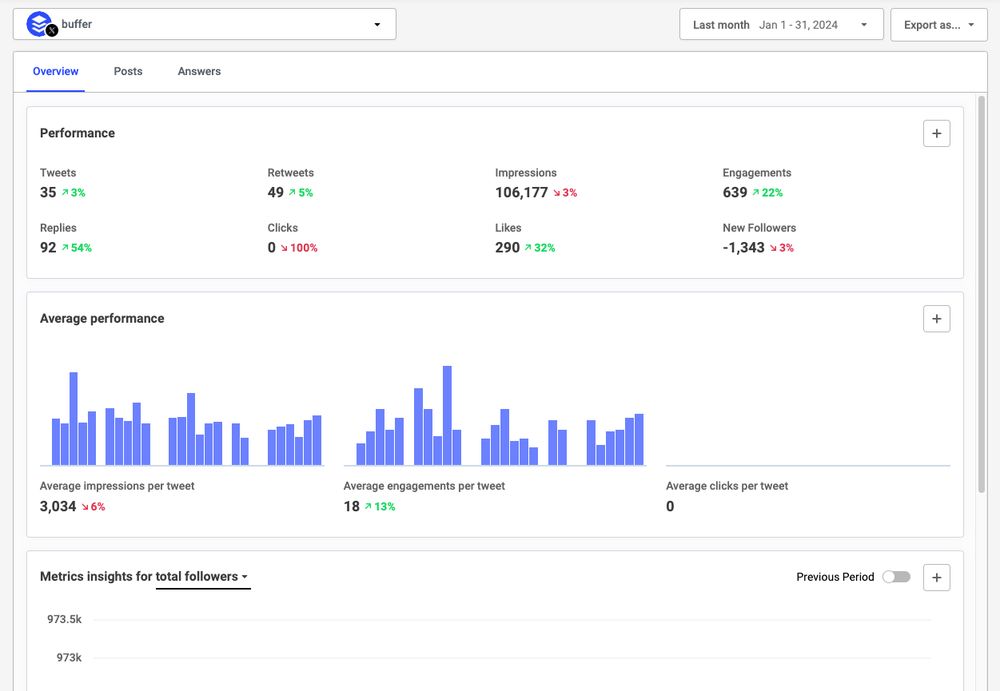 Buffer is the tool most independent bloggers should start with: it is the cheapest serious option, and its free plan is genuinely usable — three channels, 10 scheduled posts per channel, 30 days of insights, and the AI Assistant for captions, all for nothing. Paid plans charge per channel, so you only pay for the networks you use.
Buffer Analyze shows per-post performance, engagement trends, and best-time recommendations without drowning you in charts. It also publishes directly to Threads, Bluesky, and Mastodon — networks most competitors miss. For a blogger who wants to schedule posts and see what worked, Buffer is the easiest yes.
Pricing: Free plan (3 channels, 10 scheduled posts per channel, 1 user). Essentials from $6 per channel per month billed monthly, or $5 billed annually.
Best for: solo bloggers and small businesses that want simple scheduling plus honest analytics.
Pros: genuinely free plan; lowest entry price here; simplest interface; per-channel pricing.
Cons: no listening or deep competitor analysis; lighter analytics than Sprout or Hootsuite; 30-day history on the free plan.
4. Later — Best for Visual Creators
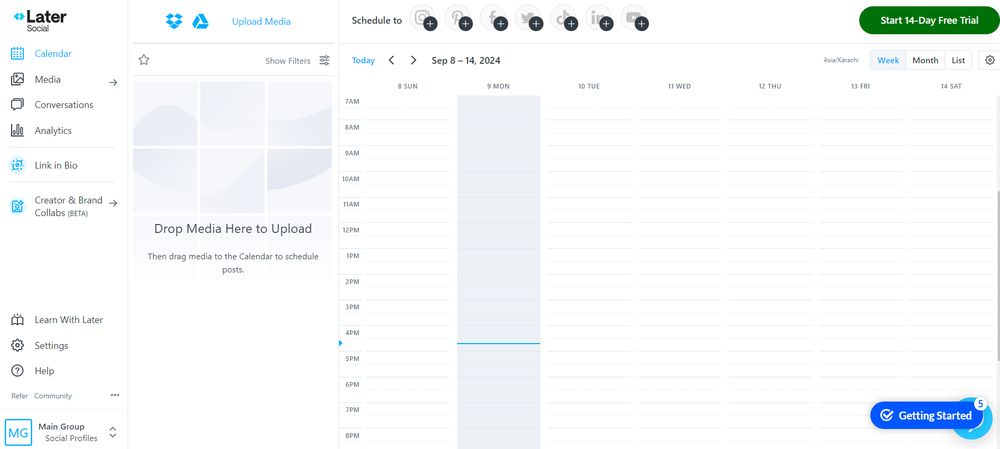 Later is built for visual-first creators — Instagram, TikTok, and Pinterest above all. Its drag-and-drop visual calendar shows your feed the way followers will see it, and its analytics go up to 12 months back, with best-time calculations, hashtag suggestions, and a Link in Bio tool that tracks bio clicks.
Most useful for bloggers: per-post performance tied to the calendar, so you can see which posts, Reels, and Pins earned the most saves and clicks, then plan next month around the winners. Its Pinterest analytics beat most all-in-one tools.
Pricing: Starter from $25 per month billed monthly ($18.75 billed annually) for 1 social set (8 profiles, 30 posts per profile, 1 user). No free plan — 14-day trial only. Note: Later stopped publishing to X in August 2025.
Best for: Instagram, TikTok, and Pinterest creators who plan visually.
Pros: visual calendar tied to performance; up to 12 months of data; strong Pinterest and TikTok analytics; Link in Bio tracking.
Cons: no X support; no free plan; per-social-set pricing confuses first-time buyers.
5. Metricool — Best Value All-in-One for Bloggers
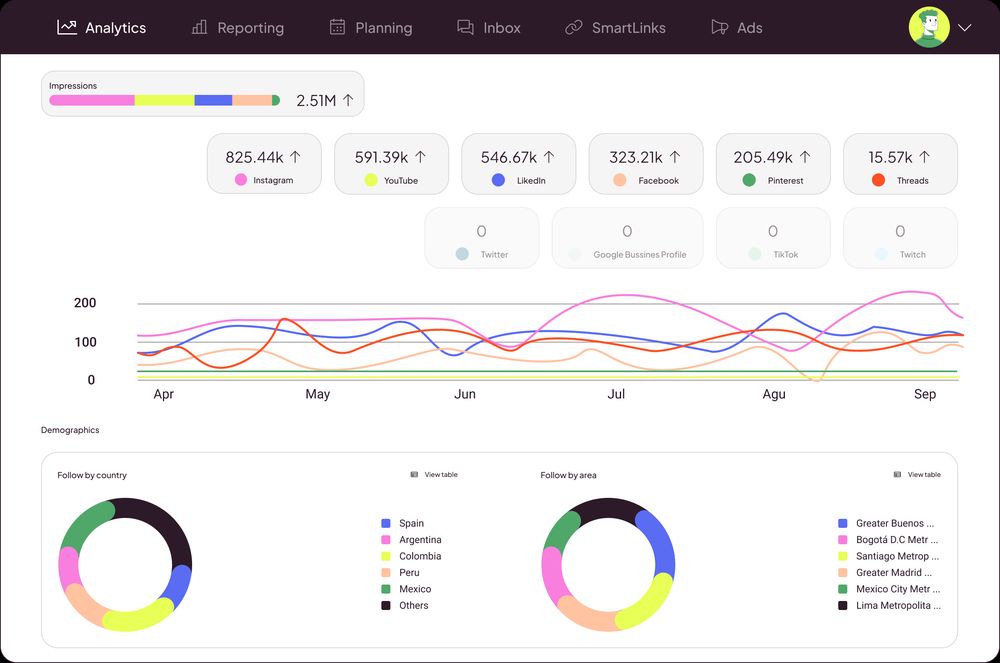 Metricool is the best-value pick on this list, with the strongest free plan after Buffer. It combines social analytics, scheduling, ad monitoring, competitor tracking, and website analytics in one dashboard — so you can see a post’s likes and the blog traffic it produced without opening a second tool.
The free plan covers 1 brand with 20 scheduled posts a month and already includes competitor analysis — a feature most rivals lock behind paid plans. Paid plans add more brands, longer history, and automated reports. Analytics cover best time to post, top content, follower growth, and hashtags.
Pricing: Free plan (1 brand, 20 scheduled posts a month). Starter from $25 per month billed monthly ($20 billed annually) for up to 5 brands. Note: X costs $10 a month per account as an add-on, and is not on the free plan.
Best for: budget-conscious bloggers and freelancers who want social and website analytics together.
Pros: generous free plan with competitor tracking; includes web analytics; most networks covered; flat per-brand pricing.
Cons: X is a paid add-on; busy interface; reports less polished than Sprout Social’s.
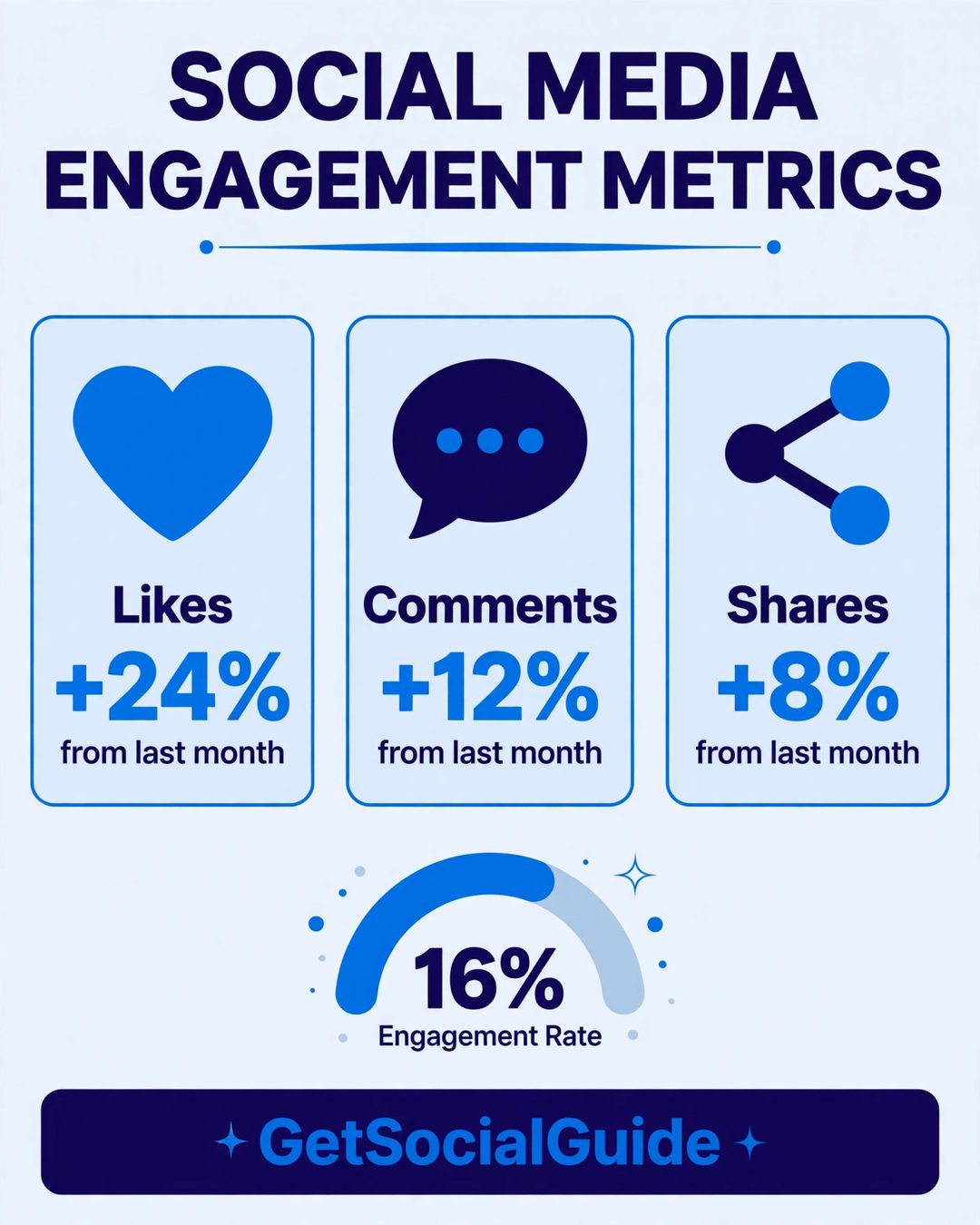
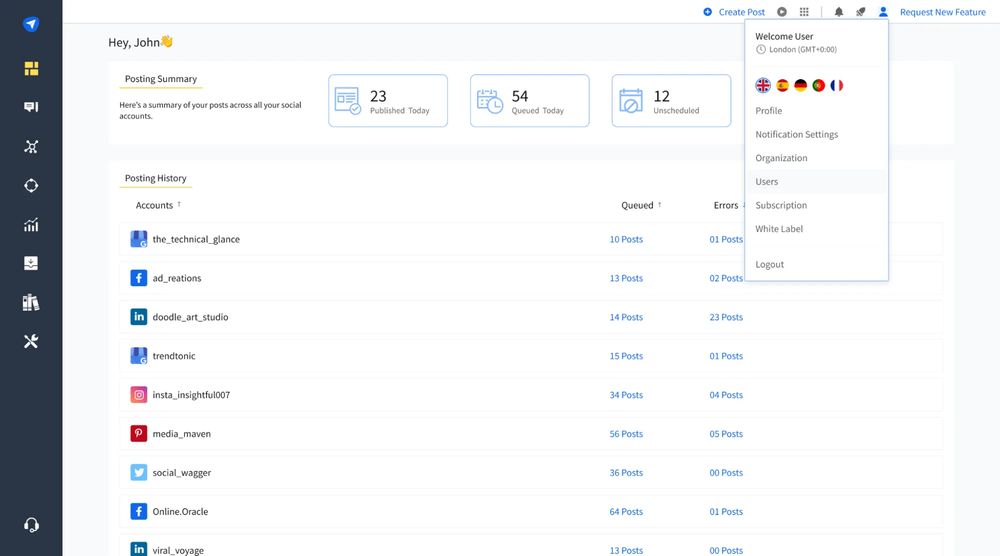 SocialPilot is the budget agency tool: it gives small teams and freelancers the features agencies actually bill for — white-label reports, bulk scheduling, a social inbox, and client approvals — at a fraction of Sprout Social or Hootsuite pricing. Analytics cover all major networks, with reports you can brand with your own logo and send to clients automatically.
For a blogger who also manages client accounts, per-account pricing is the attraction: Essentials covers 7 accounts for one user, and extra accounts cost a few dollars each. Analytics cover engagement, reach, follower growth, and best times — solid rather than spectacular — but the reporting is where it earns its keep.
Pricing: Essentials from $30 per month (7 accounts, 1 user); Standard from $50 per month (15 accounts, 3 users). There is no free plan, only a 14-day trial.
Best for: freelancers and small agencies that need white-label reporting without enterprise pricing.
Pros: affordable agency pricing; white-label reports; bulk scheduling.
Cons: no free plan; analytics less visual than Sprout Social; no listening.
7. Sendible — Best for Agencies and Client Reporting
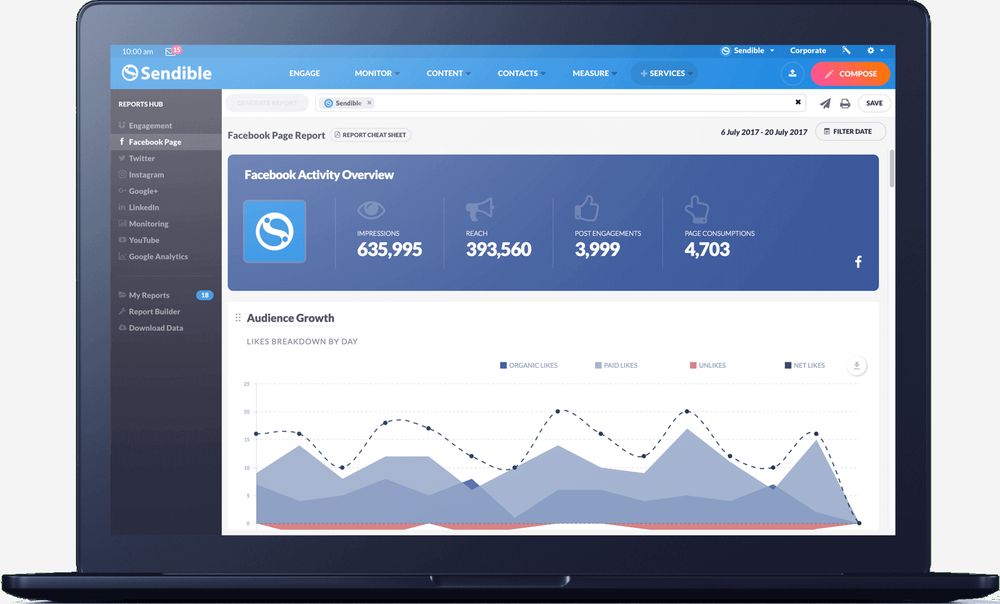 Sendible is built around one idea: reporting that clients understand. Its reporting hub builds automated daily, weekly, or monthly reports with your branding, and its engagement reports break down likes, comments, shares, and clicks per network. Add approval workflows, a shared calendar, and brand monitoring, and you have a tool for teams juggling multiple clients.
Pricing is unusually team-friendly: Core includes unlimited users, so adding a teammate or client viewer costs nothing extra. Analytics cover all major networks, with a listening add-on for tracking brand mentions.
Pricing: Core from $35 per month (1 workspace, 6 profiles, unlimited users). No free plan — 14-day trial only.
Best for: agencies and multi-client teams that need structured reporting.
Pros: unlimited users on every plan; strong automated reporting; approval workflows included.
Cons: no free plan; dated interface; listening is a paid add-on.
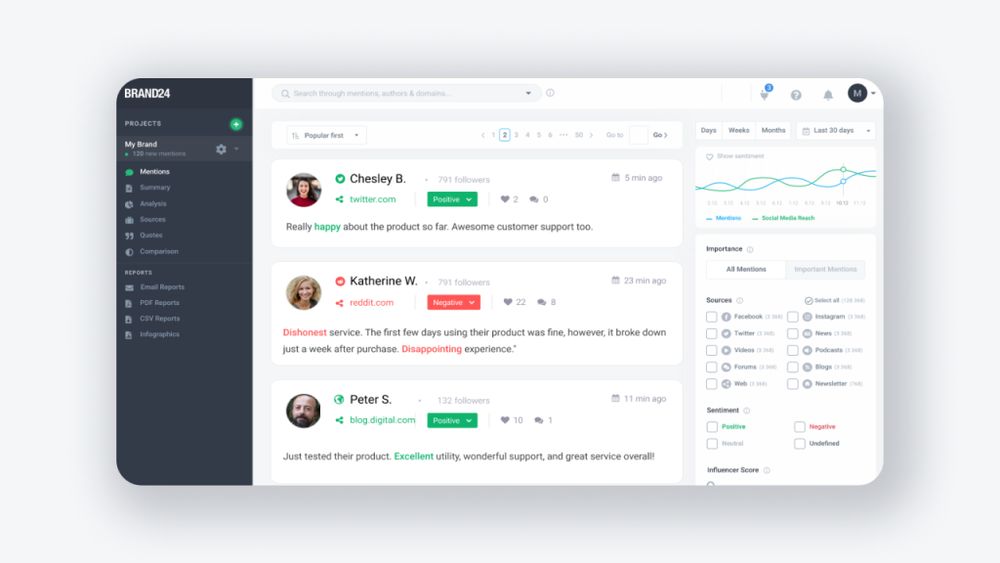 Brand24 is a different kind of tool: instead of analysing the posts you publish, it watches what the internet says about you. It crawls over 25 million sources — social networks, blogs, forums, news sites, and review platforms — tracking every mention of your brand, blog, or any keyword, with sentiment analysis, reach estimates, share of voice, and AI insights.
For a blogger, that answers questions no scheduling tool can: who linked to your latest post, which influencer mentioned your blog, whether sentiment is improving, and what competitors’ audiences complain about. The feed is real-time, so you can reply — or catch a problem — the same day it appears.
Pricing: plans from $249 per month, with a 14-day trial and no free plan — a business tool, priced like one.
Best for: brands and bloggers who need reputation monitoring and competitor listening.
Pros: real-time mentions across 25M+ sources; sentiment and share of voice; AI insights.
Cons: does not analyse your own posting performance; the most expensive tool here; no free plan.
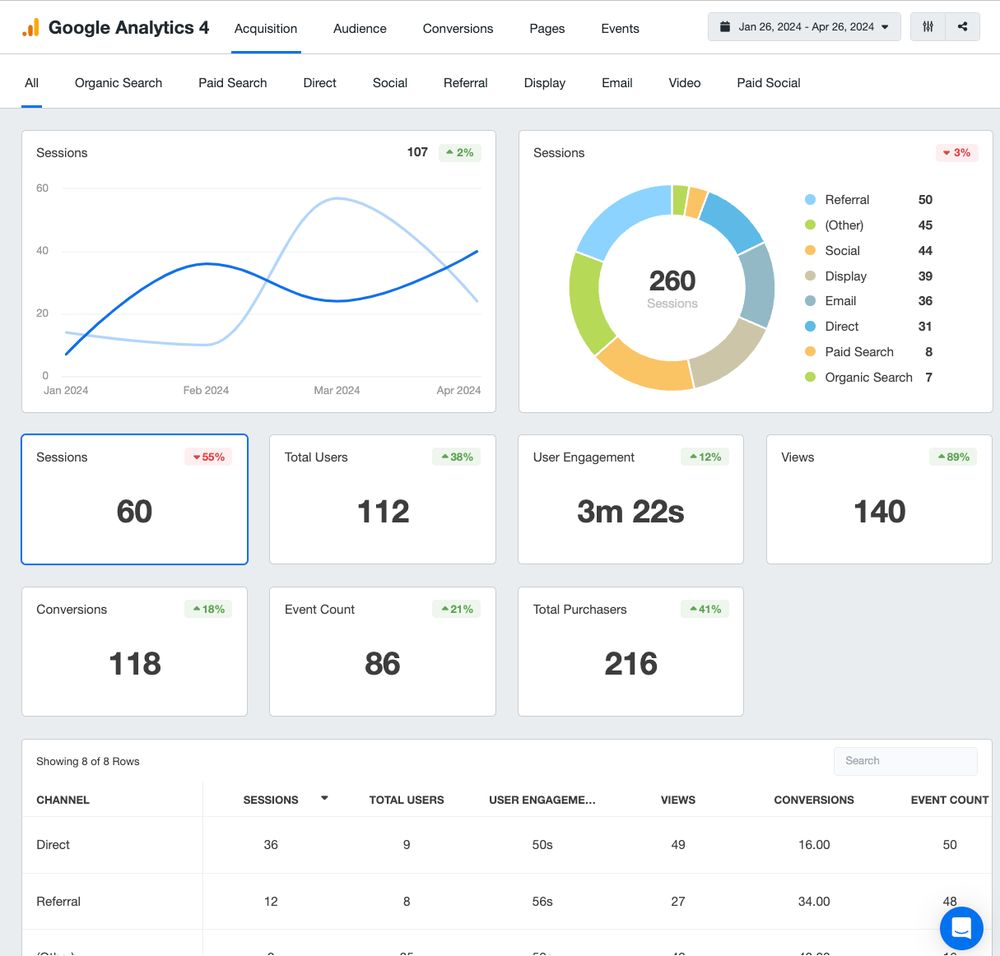 Google Analytics 4 (GA4) is not a social media analytics tool in the usual sense — it will never show you likes or comments. What it does, better than any tool here, is answer the question that matters: what happens after someone clicks your social post? Which platform sends the most readers, which posts drive signups, and which visitors buy?
The trick is UTM parameters. Tag your social links (for example, ?utm_source=instagram&utm_medium=social&utm_campaign=spring_launch), and GA4’s Traffic Acquisition report breaks down sessions and conversions by source and campaign — so you can see that Instagram sent 400 readers and 12 signups while X sent 900 readers and zero, and post accordingly. If you run WordPress, see our guide to WordPress analytics plugins for the easiest ways to install GA4.
Pricing: completely free, with no limits that matter to a blogger.
Best for: every blogger — it belongs alongside whichever social tool you choose.
Pros: free forever; connects social to real outcomes (traffic, signups, sales); UTM tracking; unlimited history.
Cons: no native social engagement metrics; steep learning curve; setup takes care.
10. Meta Business Suite — Best Free Native Analytics for Facebook and Instagram
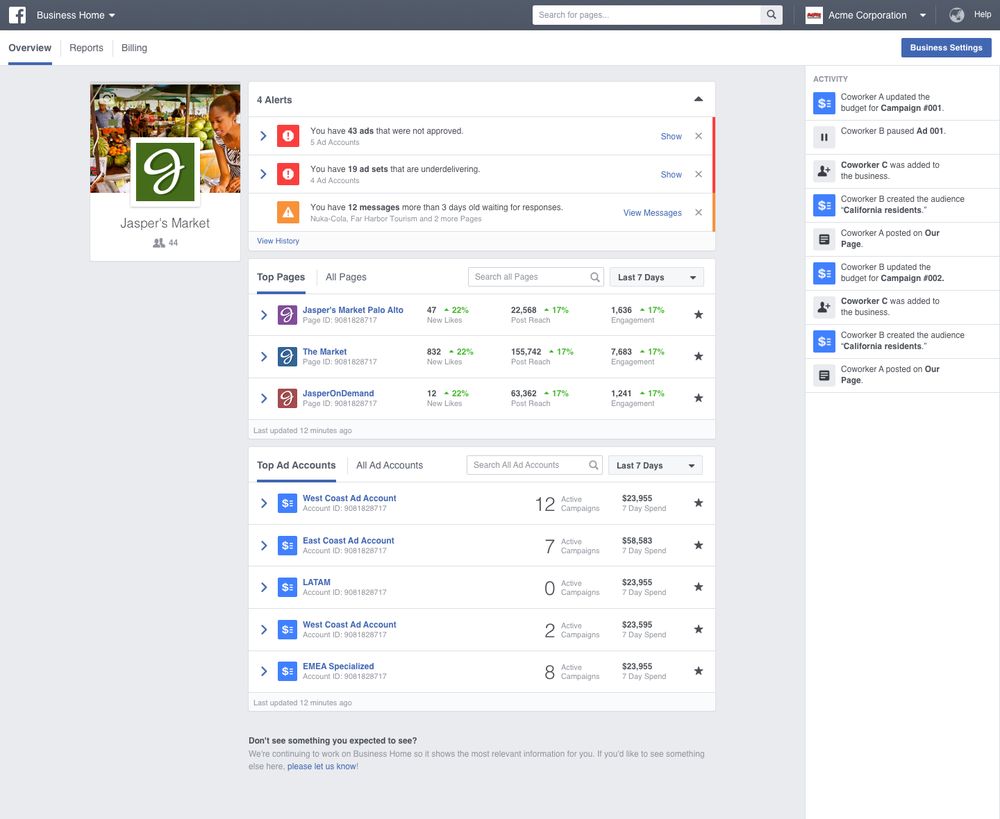 Meta Business Suite is the built-in analytics tool for Facebook and Instagram, and every blogger’s first stop for those two networks. Because the data comes straight from Meta, it is the most accurate Facebook and Instagram data anywhere — reach, engagement, follower growth, demographics, active hours, and top posts.
It also includes scheduling, a unified inbox, and ad insights if you ever boost a post. The audience section is particularly useful: age, gender, location, and active hours show who you actually reach — often different from who you think you reach.
Pricing: completely free — it is included with any Facebook Page or Instagram professional account.
Best for: any blogger on Facebook or Instagram, alongside a cross-platform tool.
Pros: free; the most accurate Facebook and Instagram data; audience demographics and active hours; scheduling included.
Cons: Meta platforms only; no cross-platform comparison; no competitor data.