11 Best SEO Audit & Analysis Tools to Boost Your Google Rankings (Free & Paid) – 2025-2026 Guide
In the ever‑evolving world of search engine optimization, staying ahead of the curve requires more than just guesswork. Google’s algorithm is now more complex than ever, considering over 200 ranking factors and undergoing hundreds of updates each year—sometimes as many as nine per day. For website owners, marketers, and SEO professionals, this means that regular, thorough audits are no longer optional; they are essential for maintaining and improving online visibility.
An SEO audit is a comprehensive health check for your website. It examines technical infrastructure, on‑page elements, content quality, backlink profile, and user experience to uncover issues that may be holding your site back from reaching its full potential in search results. Fortunately, a new generation of powerful SEO audit tools has emerged, making it possible to diagnose problems, track performance, and uncover opportunities with unprecedented speed and accuracy.
In this guide, we’ve curated the 11 best SEO audit and analysis tools for 2025‑2026. Whether you’re looking for a free solution to get started or a premium platform for enterprise‑level insights, this list has you covered. We’ll explore each tool’s key features, ideal use cases, and how they can help you boost your Google rankings. Let’s dive in.
What Are SEO Audit Tools?
SEO audit tools are software applications—either web‑based or installed locally—that systematically analyze your website against a set of best practices and technical criteria. They crawl your pages, inspect code, evaluate performance, and generate reports that highlight issues, prioritize fixes, and suggest improvements.
A comprehensive SEO audit tool typically examines:
- Crawlability & Indexation: Can search engine bots access and index your important pages? Are there robots.txt or noindex directives blocking content?
- Metadata & On‑Page Elements: Page titles, meta descriptions, headings, and image alt attributes are checked for length, uniqueness, and keyword relevance.
- Technical Health: Broken links (404s), server errors, redirect chains, XML sitemap presence, and canonical tags are scrutinized.
- Performance & Core Web Vitals: Loading speed, Largest Contentful Paint (LCP), Cumulative Layout Shift (CLS), and mobile responsiveness are measured.
- Content Quality: Duplicate content, thin content, and keyword cannibalization are flagged.
- Backlink Profile: The quantity, quality, and diversity of inbound links are assessed for potential penalties or opportunities.
By using these tools regularly, you can catch issues early, monitor your site’s health over time, and make data‑driven decisions that lead to higher rankings and more organic traffic.
1. SpyFu – Competitive Intelligence Master
SpyFu
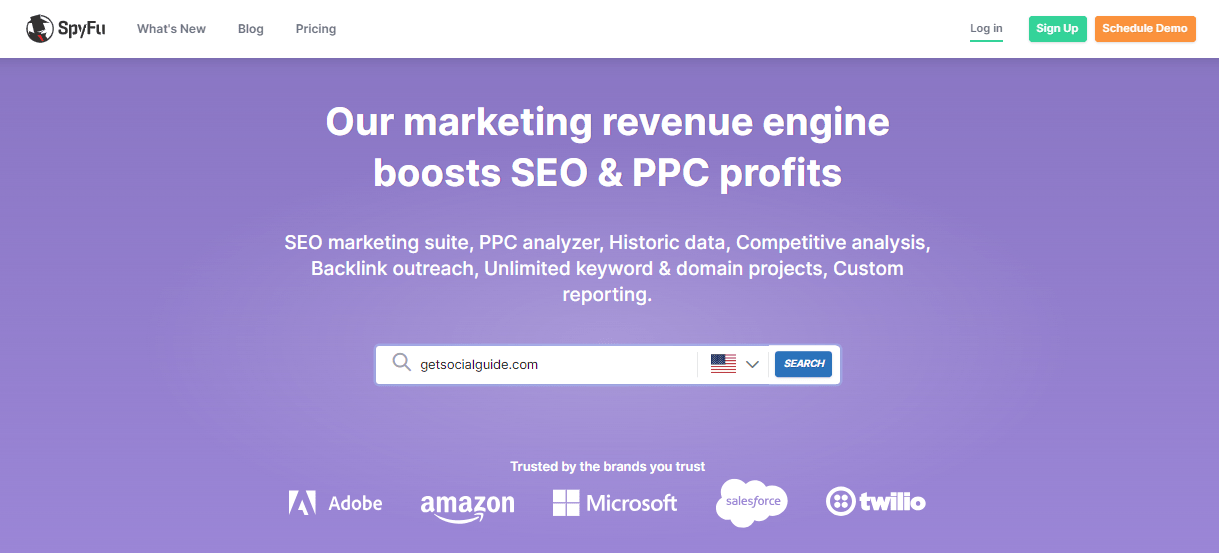
SpyFu is widely recognized as an exceptional SEO research tool that provides a comprehensive range of digital marketing functionalities. It encompasses vital areas such as keyword research, backlink tracking, competitor research, PPC research, and rank tracking. What sets SpyFu apart is its integrated approach—rather than offering a standalone site audit feature, it combines multiple tools to deliver a holistic SEO campaign analysis.
With SpyFu, you can:
- Identify flaws exposed by Google updates.
- Assess backlinks to eliminate duplicates and low‑quality links.
- Discover potential ranking opportunities based on competitor data.
- Compare your content with your competitors’ most valuable pages.
- Reveal exclusive keywords that your competitors rank for but you don’t.
- Highlight unnecessary keywords you can eliminate.
- Track the SEO performance history of your domain over the past 15 years.
SpyFu’s strength lies in its competitive intelligence. By understanding exactly what your competitors are doing—and where their weaknesses lie—you can craft a more effective SEO strategy and climb the rankings faster.
2. Google Analytics – Audience & Behavior Insights
Google Analytics is an essential tool for online marketers, offering a wide range of functionalities. With Google Analytics, you can analyze website trends and audience behavior (Trends & Analytics) as well as check site speed (Behavior – Site Speed). One valuable feature provided by Google Analytics is the ability to access geographical data, which allows you to see the geographic distribution of your audience by city, country, or continent. This information enables you to align your business and marketing strategies more effectively with specific regions.
Key features include:
- Trends & Analytics: Analyze website trends and audience behavior.
- Behavior – Site Speed: Check the speed and performance of your website.
- Geographical Data: Display audience data based on location, such as city, country, or continent.
- Business Strategy Alignment: Use geographical data to align your business and marketing strategies with specific regions.
Google Analytics offers a free version suitable for websites with monthly impressions below 5 million. It also provides options to export data to PDF, email audit reports, and download your audits for further analysis and reporting.
3. GTmetrix – Page Speed & Performance
GTmetrix
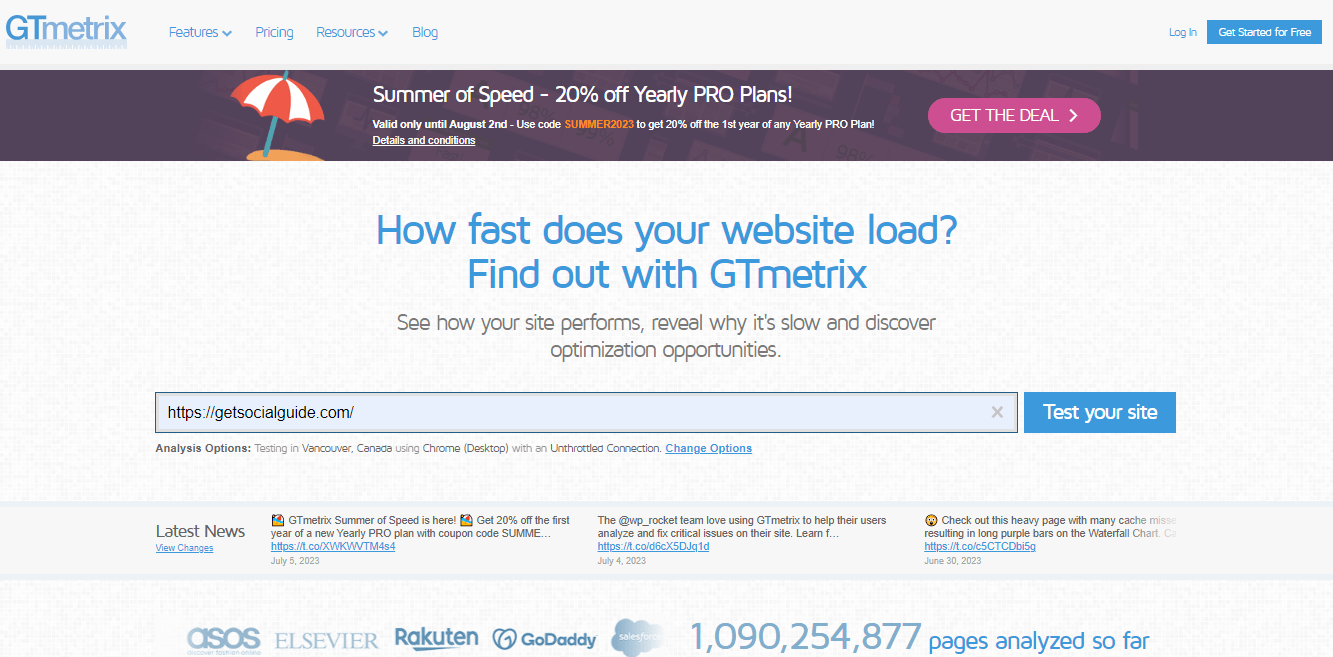
GTmetrix is not primarily a website crawler but rather a testing tool designed to assess the performance of web pages and provide insights into the technical health of your site. Conducting a test with GTmetrix takes just a few seconds, and it offers valuable information about page loading speeds, page size, and various performance parameters such as caching, image scaling, and scripts.
GTmetrix captures performance data from your website and analyzes it using the same rules as Google PageSpeed Insights and Yahoo! YSlow. It then assigns a performance score and indexed rating relative to other users on the platform, allowing you to objectively measure your page speed and compare it with other websites. This data serves as a basis for optimization, as GTmetrix helps you visualize the connection between page load times, total page size, and the number of requests.
Key features include:
- Real‑time Filmstrip View: Displays the page load process in a filmstrip view, allowing you to see how different elements load.
- Loading Playback: Slows down the loading playback up to four times the original speed, helping you evaluate loading issues.
- Mobile Device Simulation: Simulates page performance on over 20 different mobile devices and variants.
- Performance Metrics: Presents performance metrics through graphs, including Web Vitals, Page Timings, Page Size & Request Counts, and Performance/Structure scores.
- Google Lighthouse Integration: Assesses your page performance using Google Lighthouse.
- Global Server Network: Examines your page performance from 44 servers located in 22 different locations worldwide.
4. Google Search Console – Direct from Google
Formerly known as Google Webmaster Tools, Google Search Console provides a comprehensive set of search performance metrics directly from Google itself. It offers a wealth of data, allowing you to analyze your website’s SEO performance over an extensive period, including data from more than 16 months. With Google Search Console, you can quickly identify indexation and accessibility issues that may be impacting your site.
Key features include:
- AMP Monitoring: Monitor, test, and track the performance of your Accelerated Mobile Pages.
- Crawl Stats: View crawl stats directly from Googlebot, giving you insights into how Google is crawling your website.
- Indexing and Error Reporting: Highlights failed indexing attempts, as well as pages with 404 or 500 errors.
- Content Keywords Tool: Analyze the performance of your keywords in Google’s search results.
- Index Coverage: Reveals all the pages that have been indexed by Google.
- Structured Data, HTML, and AMP: Provides details about your website’s structured data, HTML markup, and Accelerated Mobile Pages.
- Customized Audit Reports: Generate customized audit reports that provide a comprehensive overview of your website’s performance.
- Email Alerts: Sends email alerts immediately when it identifies issues or errors on your website.
- Query Insights: Provides information on the queries that bring traffic to your site.
- User Experience: Covers user experience issues such as mobile usability and Core Web Vitals.
5. SEO Site Checkup – All‑in‑One Scanner
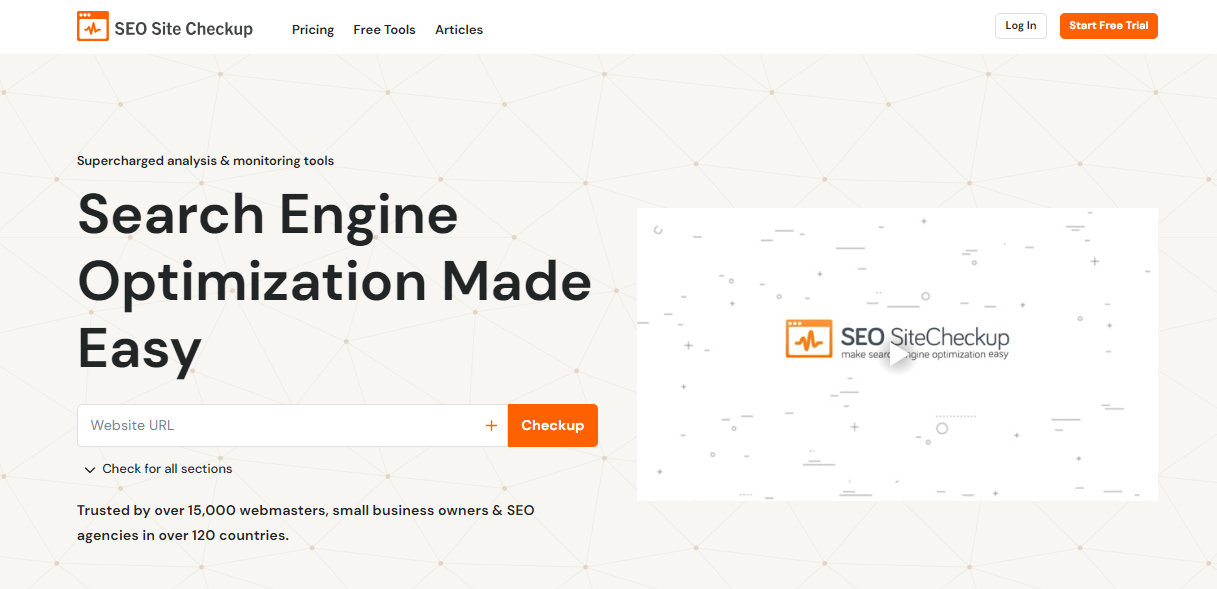
SEO Site Checkup is a popular suite of tools utilized by over 15,000 webmasters. It offers a range of functionalities to help you analyze and optimize your website’s SEO performance. With SEO Site Checkup, you can check your backlinks, generate sitemaps, conduct competitor analysis, monitor keywords, track regional performance, and audit common SEO issues.
Key features include:
- Loading Speed and Uptime Overview: Provides insights into your website’s performance and availability.
- Mobile Usability, Loading Performance, and Security: Takes into account parameters related to your site’s mobile usability, loading performance, and security.
- SEO Issue Identification: Scans various aspects such as structured data, canonical tags, SPF records, mobile usability, robots.txt, meta descriptions, meta titles, page keywords, headings, JavaScript and CSS, page loading speeds, and more.
- Backlink Analysis: Offers insights on the quality and quantity of backlinks pointing to your website.
- SEO Issue Resolution: Provides tutorials and guidance on how to resolve each identified SEO issue.
- Weekly Tracking: Automatically keeps track of weekly changes across more than 30 SEO variables.
6. Serpstat – All‑in‑One SEO Platform
Serpstat
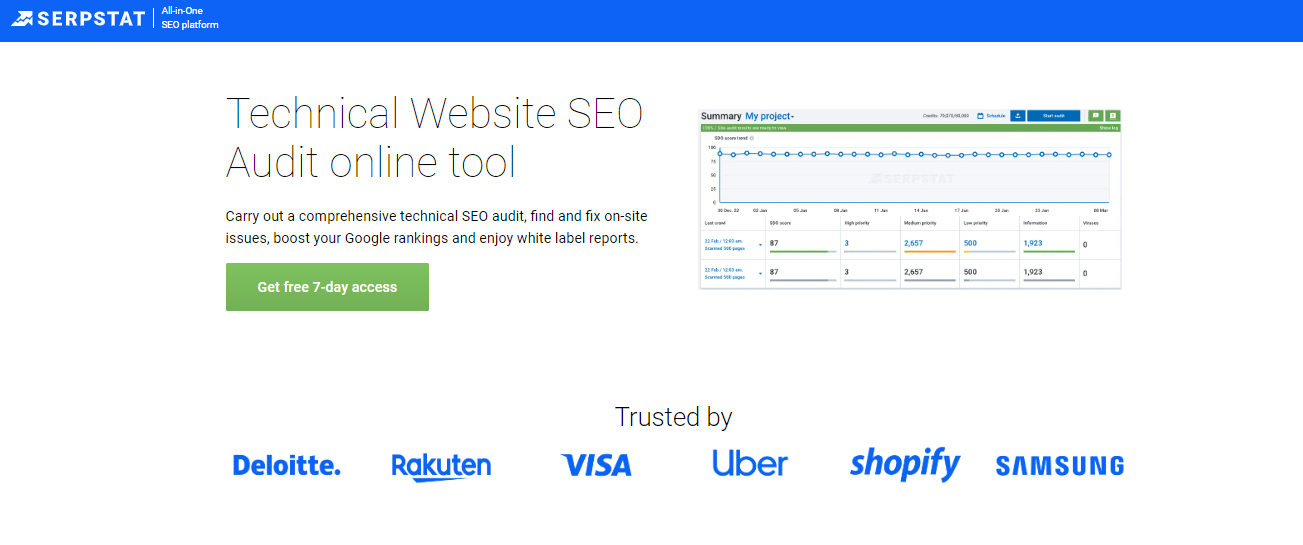
Serpstat is an all‑in‑one SEO platform designed to assist digital marketers in analyzing websites, competitors, keywords for SEO and PPC, tracking positions, analyzing backlinks, and conducting audits. The platform offers a comprehensive set of tools and features to optimize online marketing efforts.
One of Serpstat’s key features is the Audit Report, which provides a detailed list of technical issues found on a website. These issues are prioritized based on their severity, allowing users to address critical issues first. The audit report helps users assess the level of site optimization, track growth dynamics, and receive recommendations for improving site page speed and performance.
Key features include:
- Site Audit: Identifies and addresses technical issues affecting your website’s performance.
- Backlink Analysis: Analyzes and monitors backlinks pointing to your website.
- Keyword Quality Checker: Assesses the quality of keywords for SEO and PPC campaigns.
- Position Tracking: Monitors your website’s rankings for specific keywords over time.
Serpstat offers a free version with limited usage, including up to 10 requests per day for Site Audit, Backlink Analysis, and Keyword Quality Checker. The platform also provides options to export reports to PDF, email audit reports, and download audits for further analysis.
7. Google PageSpeed Insights – Core Web Vitals
Google PageSpeed Insights is a valuable tool for webmasters, developers, and site owners. However, it is important to understand that obsessing over achieving a perfect score of 100/100 on this test is not the primary objective of the tool, nor is it a meaningful pursuit. Instead of solely focusing on achieving a high score, it is more beneficial to concentrate on implementing the recommendations provided. The tool offers valuable insights and suggestions to optimize your website’s performance and improve user experience.
By following the recommendations and addressing the identified issues, you can create several benefits for your site:
- Improved Page Speed: Implementing recommended optimizations can enhance the loading speed of your web pages.
- Enhanced Mobile Experience: Provides specific recommendations for optimizing your website for mobile devices.
- Search Engine Visibility: Google considers page speed as a ranking factor; optimizing performance can improve visibility.
- Better User Engagement: A fast‑loading website encourages visitors to stay longer, explore more pages, and interact with your content.
8. Screaming Frog SEO Spider – Technical Crawler
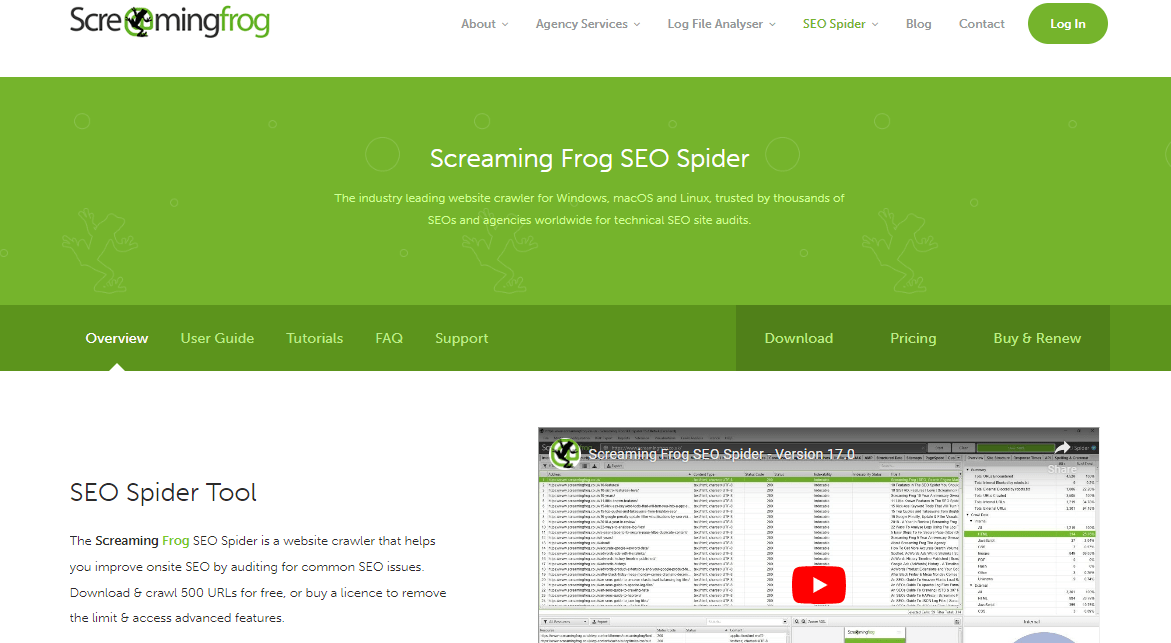
Screaming Frog SEO Spider stands out from many other SEO audit tools as it is not a cloud‑based software but rather an installable tool. It functions as a website crawler, extracting on‑site data, auditing SEO issues, and providing real‑time analysis. This tool is widely used by digital marketers and website owners to scrape data from web pages’ HTML, track server errors and broken links, analyze meta descriptions and page titles, identify blocked URLs, and detect temporary and permanent redirects.
Screaming Frog boasts an impressive customer base that includes industry giants like Google, Apple, Amazon, and Disney. Their SEO Spider tool offers fast website analysis for sites of any size, delivering valuable technical SEO recommendations to users.
Key features include:
- Internal Linking and URL Structure Evaluation: Assesses the internal linking and URL structure of your website.
- Integration with Google Analytics, Google Search Console, and PageSpeed Insights APIs: Seamlessly integrates with these tools for comprehensive analysis.
- Identification of Blocked URLs: Reveals URLs blocked by robots.txt, meta robots, and X‑Robots‑Tag directives.
- Detection of Duplicate Content and Elements: Helps identify duplicated content and elements on your website.
- Discovery of Redirects: Identifies temporary and permanent redirects, as well as redirect chains and loops.
- XML Sitemaps and Image XML Sitemaps: Facilitates the generation of XML sitemaps for efficient crawling and indexing.
- Data Extraction from HTML: Extracts data from any page’s HTML using CSS Path, XPath, and regex.
- Page Title and Meta Description Analysis: Assesses page titles and meta descriptions for optimization.
- Broken Links and Server Errors: Identifies broken links (404s) and server errors.
9. Google’s Mobile‑Friendly Test
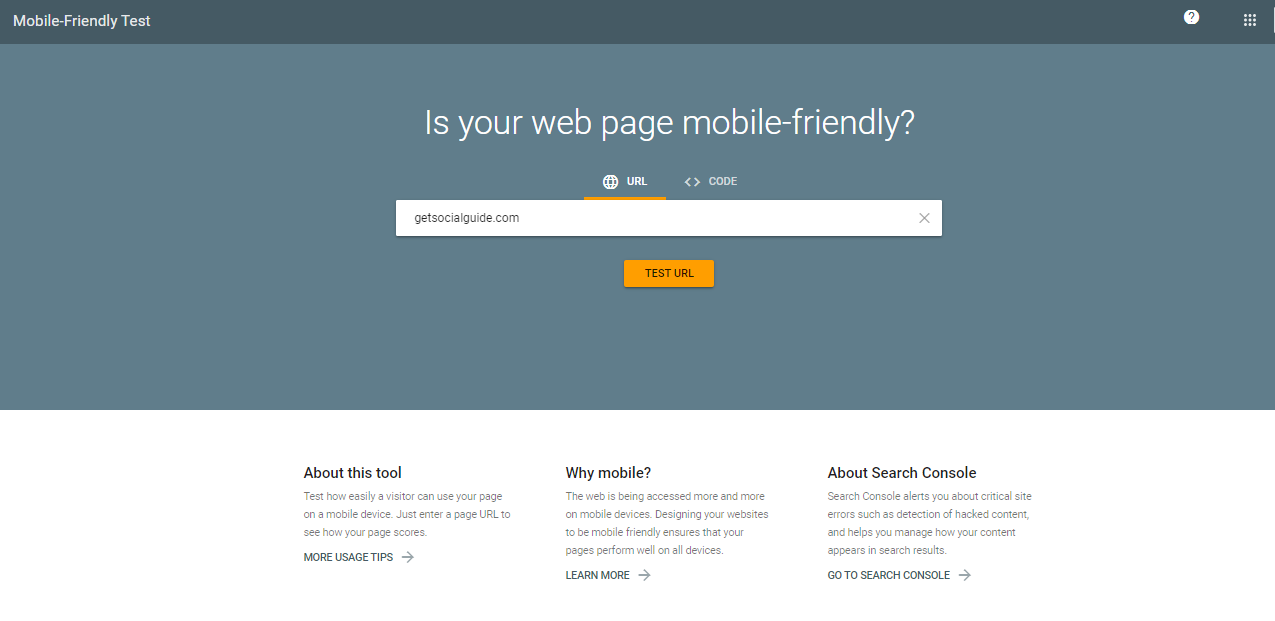
The Mobile‑Friendly Test provided by Google is a valuable tool for assessing the mobile friendliness of your website. It allows you to see how Google fetches and views your mobile site. The test provides a simple pass or fail result based on Google’s mobile friendliness standards. Additionally, a more detailed report is available for download, providing further insights and recommendations.
Key features include:
- Mobile Friendliness Assessment: Evaluates whether your website meets Google’s mobile friendliness standards.
- Pass or Fail Result: Provides a clear pass or fail outcome.
- Detailed Report: A detailed report is available for download, offering specific data and recommendations.
In addition to the Mobile‑Friendly Test, Google offers a Mobile‑Friendly Websites Guide with best practices for creating a mobile‑friendly website. The test is available for free and can be used unlimited times.
10. SEMrush – The Industry Standard
SEMrush
SEMrush is a widely recognized and powerful all‑in‑one search engine marketing software platform. With over a decade of experience, SEMrush has established itself as a trusted veteran in the SEO industry. It offers a comprehensive suite of more than 40 tools that cater to various aspects of digital marketing, including keyword research, competitor intelligence, paid ad research, content optimization, rank tracking, and social media monitoring. As part of its offerings, SEMrush provides a robust Site Audit tool, which diagnoses over 130 technical and on‑page SEO issues.
Key features include:
- Site Audit: Crawls through your web pages, identifying issues related to AMP implementation, JavaScript and CSS, internal linking, HTTPS security protocols, meta tags, SEO content, website crawlability, and page loading speeds.
- Thematic Reports: Offers custom reports that focus on specific aspects of technical SEO, such as crawlability, site performance, and international SEO.
- Advanced Filters and Sorting: Allows you to sort and filter pages and audit results using advanced filters.
- Categorization of SEO Issues: Categorizes issues into Errors, Warnings, and Notices based on severity.
- Comparative Analysis: Enables you to compare different SEO audits to analyze results and track improvements over time.
- Integration with Google Analytics: Seamlessly integrates with your Google Analytics account for comprehensive data.
- Actionable Resolution Insights: Offers actionable insights and recommendations to help you resolve identified SEO issues.
- Intuitive Graphs: Presents SEO audit results through intuitive graphs for easy visualization.
11. WooRank – Easy Website Reviews
WooRank
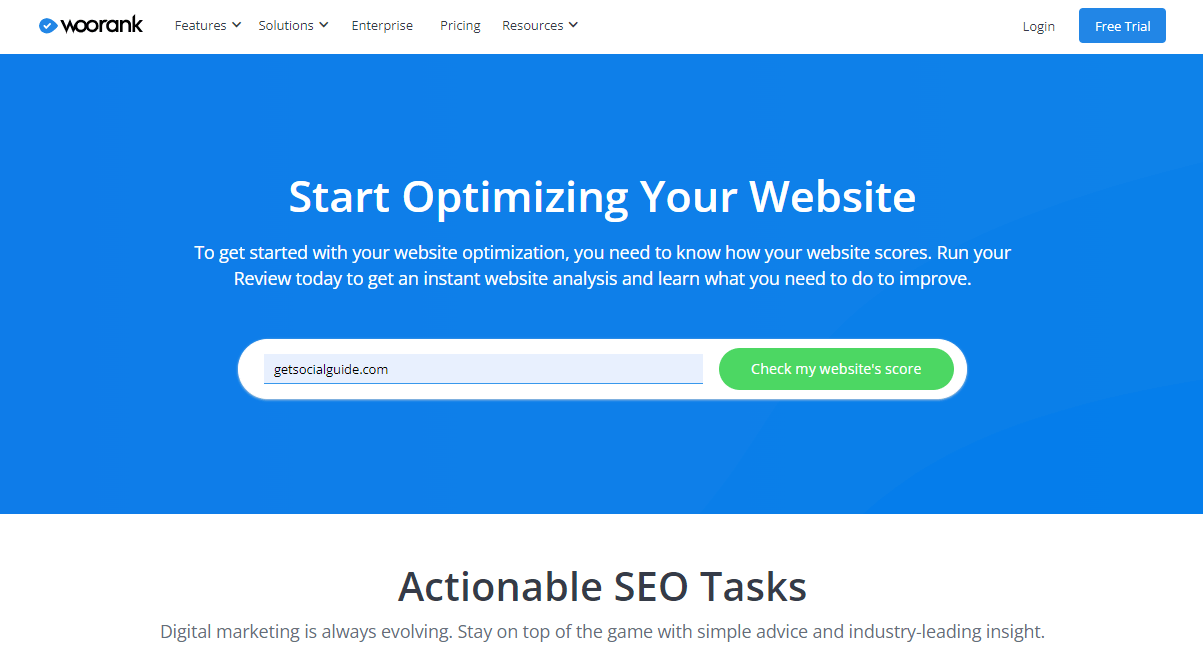
WooRank offers a comprehensive toolset to assist in website optimization. Its services include competitive analysis, keyword research and tracking, technical website audits, instant website reviews, and white‑label reports. With WooRank, you can benefit from features such as custom reports, issue identification and resolution, and keyword strategy development.
WooRank offers a 14‑day free trial. Pricing plans include:
- Pro Plan: $79.99 per month for one project and up to 2500 pages per month ($53.25/month when billed annually).
- Premium Plan: $199.99 per month for up to five websites with a monthly page limit of 10,000 ($133.25/month when billed annually).
- Enterprise Plan: Additional projects and features for larger organizations.
By utilizing WooRank, you gain access to a range of tools designed to enhance your website optimization efforts.
📊 Quick Comparison: Top SEO Audit Tools
| Tool | Best For | Free Version | Starting Price (Paid) |
|---|---|---|---|
| SpyFu | Competitor Intelligence | Limited | $39/month |
| Google Analytics | Audience & Behavior | Yes (up to 5M impressions) | Free |
| GTmetrix | Performance | Yes | $14.95/month |
| Google Search Console | Indexation & Search Data | Yes | Free |
| SEO Site Checkup | All‑in‑One Scanner | Yes | $19.95/month |
| Serpstat | All‑in‑One Platform | Yes (10 req/day) | $50/month |
| PageSpeed Insights | Core Web Vitals | Yes | Free |
| Screaming Frog | Technical Crawling | Yes (500 URLs) | £149/year |
| Mobile‑Friendly Test | Mobile Optimization | Yes | Free |
| SEMrush | Industry Standard | Limited | $119.95/month |
| WooRank | Easy Website Reviews | 14‑day trial | $53.25/month |
Manual SEO Audits vs Automated Tools: Finding the Right Balance
While automated SEO audit tools are incredibly powerful, they cannot completely replace the nuanced understanding of a seasoned SEO professional. Manual audits offer several unique advantages:
- Comprehensive Analysis: Professionals can perform a holistic evaluation, considering technical aspects along with user experience, content quality, and engagement.
- Human Perspective: Unlike automated tools, professionals can evaluate readability, ease of navigation, visual appeal, and overall user satisfaction.
- Contextual Analysis: Manual audits consider the specific goals, target audience, and industry dynamics of your website.
- Expert Recommendations: Professionals provide tailored strategies to address issues and improve rankings.
- Future‑Proofing: Experts can identify emerging trends and algorithm updates to keep your website competitive.
The ideal approach combines the efficiency of automated tools with the insight of a manual audit. Use tools to crawl your site and flag issues, then have an expert interpret the results, prioritize fixes, and develop a strategic roadmap.
FAQs About SEO Audit Tools
What are SEO audit tools?
Why is an SEO audit important?
How often should you conduct an SEO audit?
Can I perform an SEO audit manually?
What are the key areas to focus on during an SEO audit?
Are these tools suitable for beginners?
Conclusion: Choose the Right Tool for Your SEO Success
The article emphasizes the significance of utilizing SEO audit tools to stay ahead in your marketing endeavors. These tools function similarly to periodic checkups with a doctor, allowing you to assess and improve the overall health of your website. Optimizing your website for search engines is essential for attracting organic traffic and enhancing online visibility. Conducting regular SEO audits plays a pivotal role in improving your website’s performance.
Key features of SEO audit tools include diagnosing technical issues such as sitemaps, meta data, and server errors. They also identify broken links, redirects, and duplicate content that require adjustments. Furthermore, these tools analyze web page speed, content quality, and traffic patterns. By leveraging the 11 tools covered in this guide, you can:
- Uncover hidden technical issues that may be holding your site back.
- Gain deep insights into your competitors’ strategies.
- Optimize your site’s performance for better user experience and higher rankings.
- Track your progress over time with comprehensive reporting.
- Make data‑driven decisions that lead to measurable improvements in organic traffic and conversions.
Whether you choose a free tool like Google Search Console or invest in a premium platform like SEMrush, the important thing is to start auditing regularly. The insights you gain will be the foundation of a stronger, more resilient SEO strategy.
🚀 Ready to Boost Your Google Rankings?
Start your SEO audit today with our recommended tools. Download our free “SEO Audit Checklist” to ensure you don’t miss any critical steps.