
Maximizing Conversions: Effective Call-to-Action (CTA) Strategies
Introduction:
CTAs are frequently overlooked in the fields of web design and marketing. They do, however, have a significant influence on how website visitors behave. In this article, we’ll look at the key components of good CTAs and show you how to design CTAs that may raise conversion rates as well as click-through rates.
What does the term “Call to Action” (CTA) refer to?
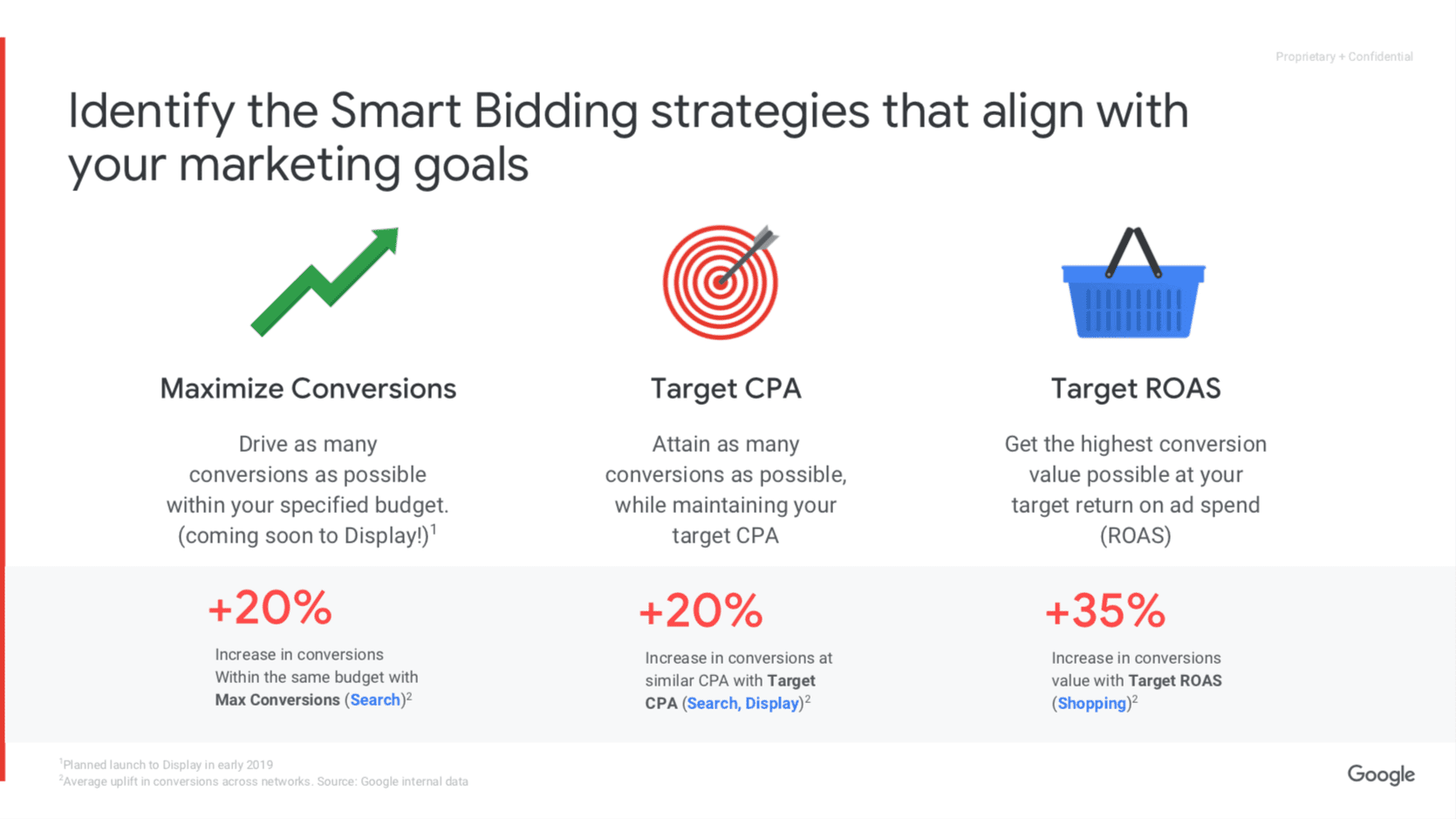
An example of a Call To Action (CTA) is one of those elements on your page which, by its very nature, is pointed out to convince a user to do a certain conduct. The work of these CTAs is in, for example, downloading reports, signing up to websites, or purchasing and subscribing to newsletters. The use of CTAs is very important as they make up the inbound marketing strategies as they have the most significant power of converting users into viable leads. A CTA might consist of a simple text hyperlink, a button or banner with an enticing visual, or some other format. Every single CTA is made to lead the visitors to a suitable landing page where they can find the solution to their problem and accomplish it.
It is very necessary to align the CTA with the visitor’s expectations so as to avoid any trouble and also to offer the best customer experience. Match the CTA with the visitor’s needs to prevent any frustration and thereby provide a seamless user experience. We’ll present more about this in the upcoming post. Just browse through the pre-designed layouts offered by Google site templates to take the least complicated route towards web developer excellence. Visitors to your website have some expectations when they visit, whether they want to learn more about a product, find out more information, make a purchase, or just have fun.
A CTA button’s efficacy depends on how well it can express its intended message. Designers employ the idea of “affordance” to make sure users can identify CTAs based on their design right away. A well-designed CTA eliminates any doubt by not just standing out physically but also indicating that it can be clicked. Mobile users especially need to have this clarity because they do not have the luxury of a hovering cursor. The visual design of an interactive feature on a smartphone is the key indicator. Therefore, it is crucial to design CTAs with perfect affordance in order to keep mobile consumers and boost their engagement.
According to Unbounce, companies that A/B test their CTA buttons see an average conversion lift of 23%. The financial impact is direct: a better CTA can turn the same amount of traffic into significantly more revenue. This is why leading e-commerce brands like Amazon and Zalando run hundreds of CTA experiments every month.
Mobile User Experience (UX) and CTAs
The design of CTAs for mobile devices is much more crucial because mobile users’ browsing habits differ from those of desktop users. Google site templates offers a range of professionally ready-made designs for mobile users. Users that are on the move must navigate while doing things like waiting for a bus, walking down the street, or shopping. Mobile devices require more tap accuracy, thus it’s critical to understand user behavior in these circumstances. A significant percentage of smartphone users, typically using their right hand, carry their smartphones in one hand, according to study. This knowledge gave rise to the concept of the “Thumb Zone,” which stresses how the size of items and devices significantly affects usability.
Research from Nielsen Norman Group shows that 75% of users navigate their mobile phones with one thumb. The most comfortable area for tapping is the lower center and lower right of the screen. Place your primary CTA within this “thumb zone” to reduce friction and increase tap-through rates. Additionally, ensure your CTA button is at least 44×44 pixels (Apple’s Human Interface Guidelines) to prevent mis-taps.
On mobile, users often stop scrolling when they perceive the page has ended. Placing a CTA at the very bottom of a short page may be missed. Use sticky CTAs that remain visible as users scroll, but be careful not to cover important content. Test both floating and inline placements.
Tips for Creating Exceptionally Powerful CTAs
To create CTAs that users can’t help but click, we collected ideas from UX experts around the globe. What are their top five suggestions?
Make Your CTA Visible
- Position your CTA above the fold, particularly for important actions like adding items to the cart.
- Make it stand out and attract attention by using contrasting colors.
- Give the button plenty of room around it to indicate interactivity.
- If you have several CTAs, use a bolder color to draw attention to the main one.
Develop a CTA That Is Simple to Recognize
- Make sure your CTA adheres to the affordance principles and looks like a CTA.
- Use heatmap tools to monitor actual clicks to gauge effectiveness.
- A CTA that is simple to recognize has a shape that denotes matching the looks of your brand while serving its purpose.
Deliver a Direct Message
- Your CTA’s language should be impeccably clear, compelling, and cohesive and directly state the purpose and benefit of the button to the user.
- When appropriate, emphasize time-limited offerings or limited supplies to evoke a sense of urgency.
Use a CTA that is accessible
- Use touch design concepts to make it simple to click on your CTA.
- When choosing the appropriate size, take into account the average finger width (10–14mm) and fingertip (8–10mm).
- Make adjustments to your CTA to meet the tastes and requirements of your audience. As an illustration, Barkbox provides two CTAs on its homepage to cater to various user intentions.
Be sure the CTA is reassuring
- To reassure users, a CTA click should result in a visual or audio confirmation.
- Make it clear that acts can be undone, helping to build user confidence and ease their aggravation. For instance, Netflix’s anytime cancellation policy promotes user confidence and boosts conversion rates.
Advanced CTA Strategies Based on Psychological Principles
Beyond basic design tips, the most effective CTAs leverage well-known psychological triggers. Here are four advanced tactics used by conversion experts at HubSpot and Optimizely.
1. Scarcity and Urgency
Limited-time offers (“Sale ends in 3 hours”) or limited stock (“Only 5 left in stock”) create a fear of missing out (FOMO). When combined with a clear CTA, these triggers can boost conversion rates by up to 35% according to VWO tests. However, be honest: fake scarcity will damage trust.
Adding a small testimonial, user count, or rating next to your CTA (“Join 10,000+ happy customers”) reinforces credibility. For example, Basecamp pairs its “Start your free trial” button with “Trusted by 3 million+ people.”
3. Loss Aversion
People are more motivated to avoid losing something than to gain something of equal value. Instead of “Save $50,” try “Don’t lose $50 – claim your discount now.” This subtle framing change can lift click-through rates significantly.
4. The Zeigarnik Effect
Unfinished tasks stick in our minds. Use CTAs that start a process but don’t complete it – for instance, “Start your application” rather than “Apply now.” Once users invest a small effort, they are more likely to finish.
Common CTA Mistakes That Kill Conversions
| Mistake | Why It Hurts | How to Fix |
|---|---|---|
| Generic text (“Click Here”, “Submit”) | Doesn’t communicate value or what happens next. | Use action-oriented benefit-driven copy (“Get my free guide”, “Start saving now”). |
| Too many CTAs on one page | Choice overload leads to decision paralysis and lower clicks. | Prioritize one primary CTA per page; secondary CTAs should be less prominent. |
| Inconsistent design | Users may not recognize the CTA as clickable if it blends with other elements. | Use a consistent button style (color, shape, shadow) across your site. |
| Ignoring mobile tap targets | Frustrating mis-clicks cause users to leave. | Ensure minimum 44x44px tap area with sufficient spacing. |
| No confirmation after click | Users wonder if the action worked, causing anxiety or double-submits. | Show loading animation, success message, or redirect clearly. |
How to A/B Test Your CTAs for Maximum ROI
Even the best CTA hypothesis needs validation. A/B testing (split testing) is the gold standard. Follow this step-by-step process:
- Identify the metric: Which conversion do you want to improve? (e.g., newsletter sign-ups, product purchases).
- Create a hypothesis: “Changing the button color from green to orange will increase clicks because orange contrasts better with our blue header.”
- Test one variable at a time: Color, copy, placement, size, or shape – but never multiple changes simultaneously.
- Run the test for sufficient duration: Usually 1-2 weeks or until statistical significance is reached (95% confidence). Use tools like Google Optimize (free) or VWO.
- Implement the winner and then test again. CRO is an ongoing process.
According to ABtesting.com, companies that run at least 12 A/B tests per year see an average 30% higher conversion lift than those testing less frequently.
Not every visitor is ready to buy. Create CTAs for smaller commitments: “Download checklist”, “Watch demo video”, “Calculate my ROI”. These micro-conversions build trust and move users down the funnel, ultimately increasing macro-conversions (purchases) by up to 50%.
Industry-Specific CTA Examples That Work
Different industries require different CTA approaches. Here are proven examples:
- E-commerce: “Add to Cart” (standard), “Buy Now – Free Shipping” (urgency + benefit), “Check Availability” (for local pickup).
- SaaS (Software as a Service): “Start Free Trial” (reduces risk), “See Pricing” (for price-conscious), “Talk to Sales” (for enterprise).
- Blogs & Content Sites: “Subscribe for Weekly Tips” (value), “Get the Ultimate Guide” (lead magnet), “Join the Community” (social).
- Nonprofits: “Donate Monthly” (recurring), “Volunteer Now” (action), “Sponsor a Child” (emotional).
Analyze your top competitors’ CTAs using tools like Moz’s CTA analysis guide to identify gaps and opportunities.
Measuring CTA Performance: Key Metrics
Beyond click-through rate (CTR), track these metrics to fully understand CTA effectiveness:
- Conversion rate: Percentage of clicks that result in the desired action (e.g., purchase, sign-up). A high CTR but low conversion rate indicates a mismatch between CTA promise and landing page.
- Click-to-open rate (for email CTAs): Measures how many recipients clicked a link relative to those who opened the email.
- Scroll depth before click: Use heatmaps (e.g., Hotjar) to see how far users scroll before engaging with your CTA.
- Button heatmaps: Show exactly where users click on or near your button, revealing design issues.
What works for one audience may fail for yours. Always test your CTAs with your specific traffic. For example, many guides say “red buttons convert best”, but CrazyEgg’s own test found green outperformed red by 21% for one of their clients. There are no universal rules – only tested insights.
Conclusion
With all the necessary details at your disposal, you are in a position to devise CTAs that are effective for your website, mobile site, or app. Knowing your customers’ goals and the context of their browsing will allow you to adjust your layouts and come up with the right CTAs. It is vital to use CTAs in the right way because an excessive number of them can have a diminishing effect. While you are at it, remember the old saying: test, test, test!
A comprehensive study of CTA optimization and A/B testing can empower you with the right decisions that will result in the success of your CTAs. By implementing these recommendations in the creation of CTAs, you will be able to raise the performance of your digital channels through drawing attention, increasing user engagement, and making changes easier.
Key Takeaways
- A well-designed CTA is the single most impactful element for converting traffic into leads or sales.
- Mobile usability, especially the “thumb zone”, dictates CTA placement and size.
- Use contrast, whitespace, and affordance principles to make CTAs instantly recognizable.
- Copy must be action-oriented and benefit-driven; avoid generic phrases like “Submit”.
- Scarcity, social proof, and loss aversion are powerful psychological triggers for CTAs.
- A/B testing is non-negotiable for optimizing CTA performance; test one variable at a time.
- Track not just CTR but also conversion rate, scroll depth, and heatmap data.
- Always provide reassurance after a click (visual feedback, undo options).
- Match CTAs to visitor intent – use micro-conversions for low-funnel users.
- Regularly audit your CTAs across devices and fix any accessibility issues.