Cheapest eCommerce Platforms 2026 – Start an Online Store for Under $30/Month
Starting an online store doesn’t have to drain your bank account. In fact, thanks to the rise of flexible, low‑cost tools, it’s never been more affordable to launch an eCommerce business, even if you’re working with little to no upfront investment.
That said, cheap doesn’t have to mean low‑quality.
Some of today’s most powerful eCommerce platforms offer free plans or budget‑friendly tiers that give you everything you need – from customizable storefronts to built‑in payment processing and shipping tools – to start selling.
In this guide, we’ll explore the most affordable eCommerce platforms you can use to launch an online store. We’ll break down what makes a platform “cheap” (spoiler: it’s not just the price), compare key features across options, and help you decide which platform is right for your specific goals.
📌 Key Takeaways: Launch Your Store on a Budget
- You don’t need a big budget to start an online store – modern eCommerce tools make it affordable to launch with little to no upfront investment.
- Cheap ≠ low quality – many budget‑friendly platforms include essential features like payments, shipping tools, and SEO built in.
- Multiple free or low‑cost options exist – from WooCommerce and Shopify Starter to Gumroad and Square Online, there’s a platform for every type of seller.
- Pick based on value, not just price – consider transaction fees, hosting, and built‑in tools when deciding what’s truly “cheap.”
- Start free and scale up – many successful sellers begin with free or low‑cost plans and reinvest as revenue grows.
What Makes an eCommerce Platform “Cheap”?
When we say “cheap,” we’re not just talking about price tags. The most affordable eCommerce platforms are the ones that offer the best value for the money (or time) you invest.
Here’s what we look at:
- Free plans or free tiers. Some platforms offer 100% free plans with no expiration. While these are often limited in features or product count, they’re perfect for getting started.
- Long trial periods. A 14‑day or 30‑day free trial gives you enough time to build and test your store without committing. This is especially useful for beginners.
- Low monthly fees. Budget‑friendly pricing (typically under $20/month) is ideal when you’re just starting out and need to keep recurring costs minimal.
- Low or no transaction fees. Platforms that charge high transaction fees can eat into your profit fast. We favour platforms that either don’t charge extra fees or let you use your own payment processor.
- Built‑in tools. Features like shipping calculators, inventory management, mobile responsiveness, and SEO tools built into the platform can help you avoid purchasing costly third‑party apps.
Aside from all this, it’s also important to consider the total cost of ownership.
- Hosting and domain costs. Some platforms bundle hosting and even free domains in their plans, whereas others require you to purchase these separately. That adds up.
- Essential eCommerce features. You need to be able to accept payments, calculate taxes, manage shipping, and create product pages without paying extra just to unlock the basic feature set.
So instead of just asking Which platform is the cheapest?, the better question is: Which platform gives you everything you need to start selling, without forcing you to pay more than you need to?
That’s the lens we’ll use in the next section.
7 Cheapest eCommerce Platforms to Launch a Store in 2026
With global eCommerce projected to hit $6.86 trillion in 2026, it’s the perfect time to get into this industry. With so many options out there, choosing the right budget‑friendly eCommerce platform can be overwhelming. That’s why we’ve narrowed it down to the top tools that combine low cost with everything you need to start selling.
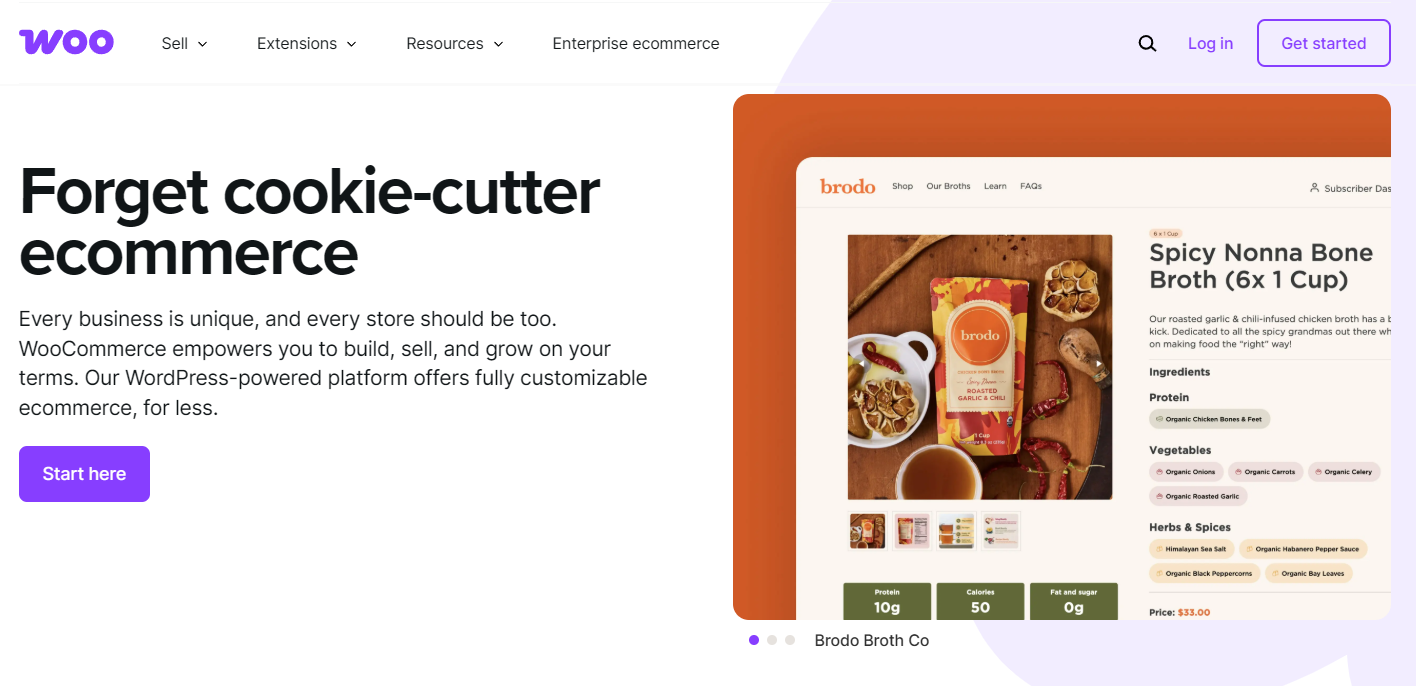
WooCommerce is a free, open‑source WordPress plugin that turns any website into a fully functional online store. It’s incredibly flexible, making it a top choice for sellers who want full control without high upfront costs.
Key features:
- 100% free core plugin
- Unlimited products and variations
- Supports physical and digital products
- Seamless WordPress integration
- Extensions for payments, shipping, SEO, and more
Who it’s for: Entrepreneurs who are comfortable with WordPress and want maximum flexibility and ownership. Ideal for those who want to build on a budget but scale over time.
Price: The plugin itself is free. You’ll need hosting (~$7‑$15/month), a domain (~$10‑$15/year), and possibly some paid extensions. You control what you spend.
For more information, check out our article Is WooCommerce a Good Choice for E‑Commerce in 2026?
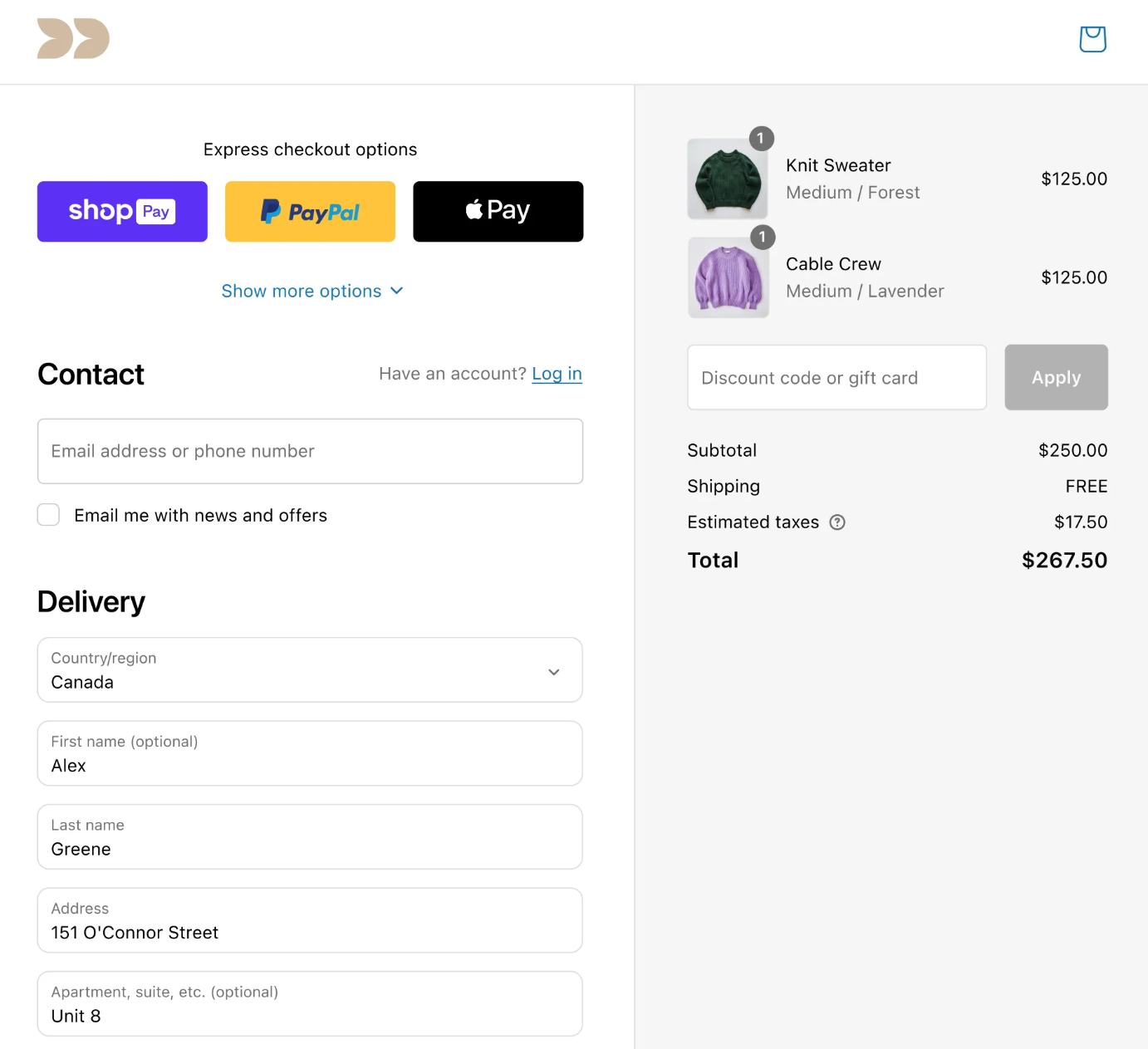
The Shopify Starter Plan is the most affordable way to start selling with Shopify. It’s designed for creators and small businesses who want to sell products online without managing a full storefront. You get access to Shopify’s powerful back‑end with a simple, mobile‑friendly checkout experience.
Key features:
- Sell via link feature means you don’t need a storefront
- Shopify checkout and secure payments
- Order and customer management
- Connect to social platforms like Instagram and WhatsApp
- Simple product pages and buy buttons
Who it’s for: Perfect for creators, influencers, and first‑time sellers who want to sell through social media, DMs, or email without setting up a full website.
Price: $5/month. No hosting or domain needed. Shopify handles everything, making it one of the easiest low‑cost ways to start selling fast.
Ecwid
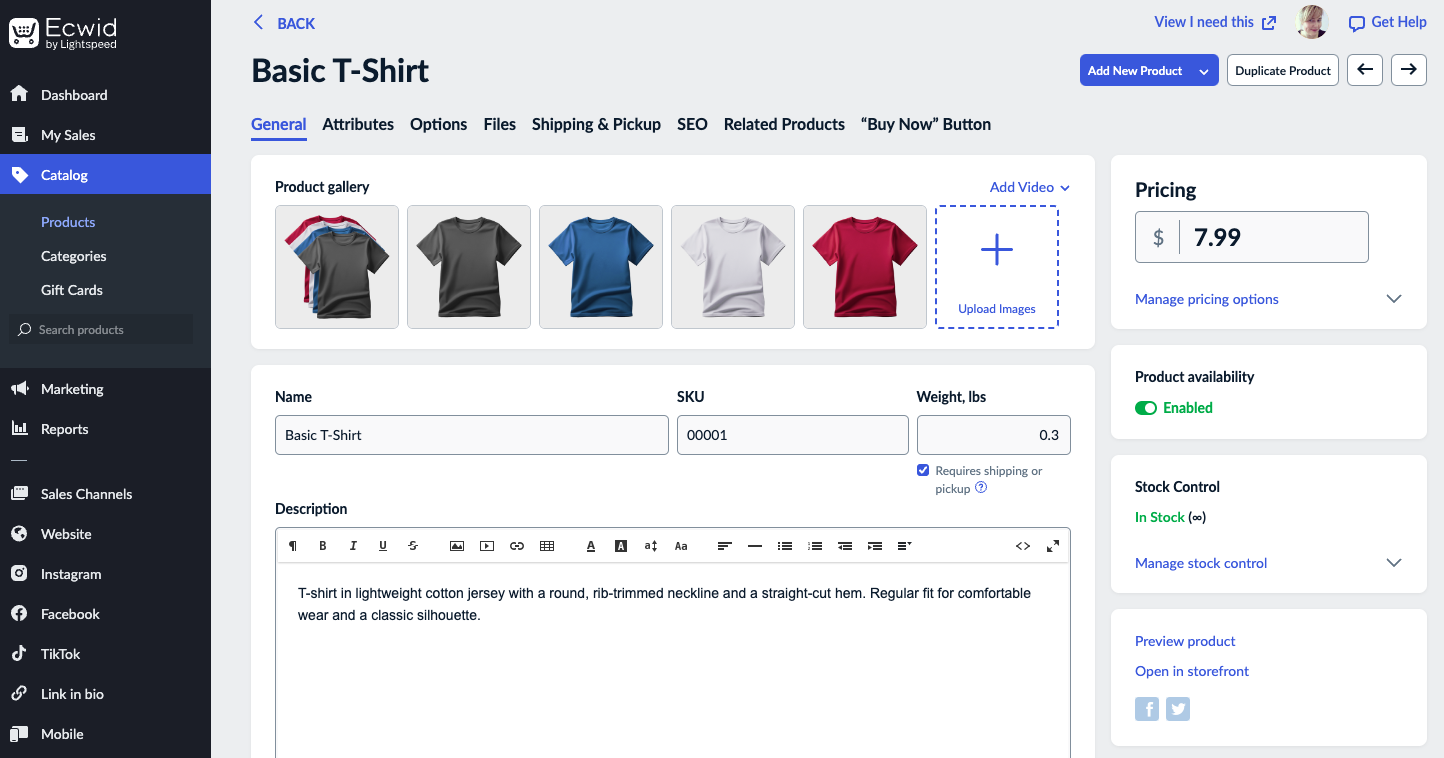
Ecwid is a flexible eCommerce solution that lets you add a store to any existing website or create a simple one from scratch. It’s especially useful for people who already have a site and want to start selling without rebuilding everything.
Key features:
- Can be embedded on any website (WordPress, Wix, etc…)
- Includes a basic instant site if you don’t have one
- Mobile‑friendly shopping cart and checkout
- Multichannel selling on Facebook, Instagram, and more
Who it’s for: Ideal for bloggers, small business owners, or freelancers who already have a website and want to add a lightweight store without switching platforms.
Price: No free eCommerce plan. Paid plans start at $5/month for up to 5 products.
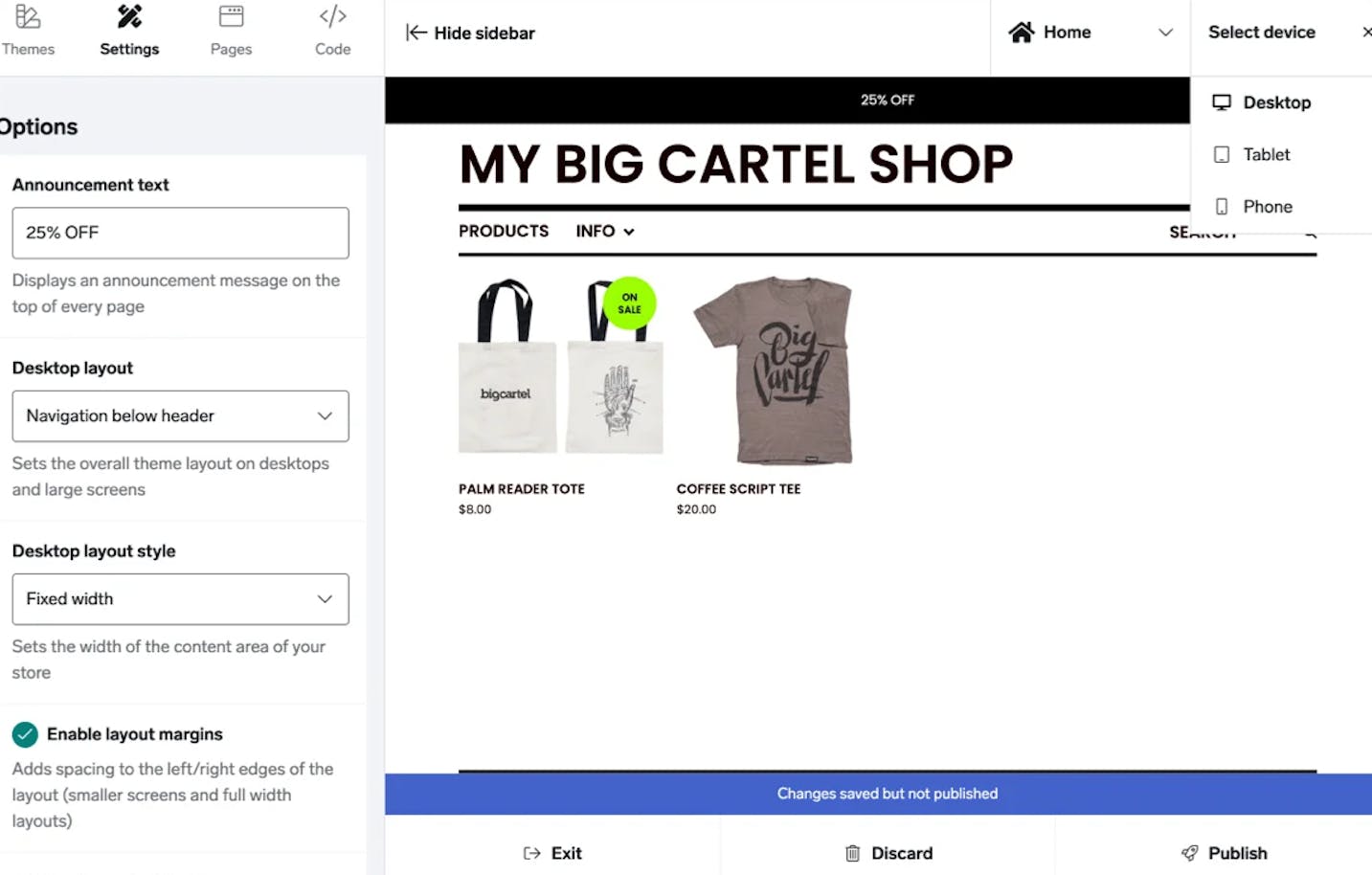
Big Cartel is a simple, artist‑friendly eCommerce platform designed for makers, creatives, and small batch sellers. It’s known for its ease of use and clean interface. This is the perfect platform if you want to launch a store fast without technical headaches.
Key features:
- Free plan for up to 5 products
- Simple, pre‑designed themes
- No listing fees or hidden charges
- Mobile‑friendly store editor
- Manage orders and inventory with ease
Who it’s for: Best for artists, crafters, and hobby sellers who want to launch a minimalist online store without worrying about code or complicated tools.
Price: Free for up to 5 products. Paid plans start at $15/month for up to 50 products, making it one of the most affordable platforms for creatives.
Gumroad
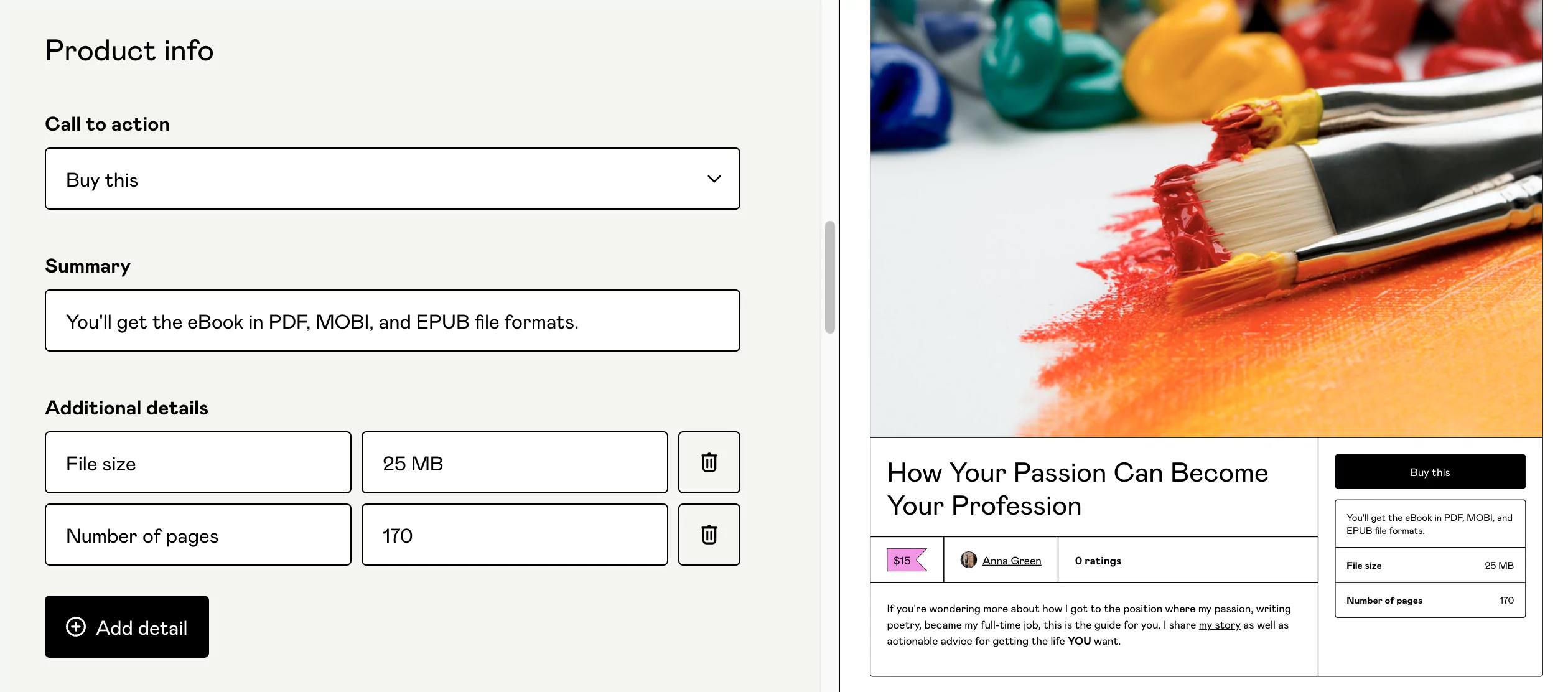
Gumroad is a no‑fuss platform built for digital creators, offering an easy way to sell products like ebooks, courses, art, music, and even physical goods. It’s incredibly beginner‑friendly so you can start selling within minutes without touching code or setting up a full storefront.
Key features:
- No monthly fees. Pay as you earn
- Supports digital and physical products
- Built‑in email marketing tools
- Simple checkout with tax and VAT handling
- Instant payouts via PayPal or bank transfer
Who it’s for: Ideal for creators, indie developers, and freelancers selling digital goods or side projects. Perfect for lean launches and testing product ideas.
Price: Free to start. Gumroad charges a 10% + $0.50 flat fee per transaction. No hosting or domain needed, it’s all handled for you.
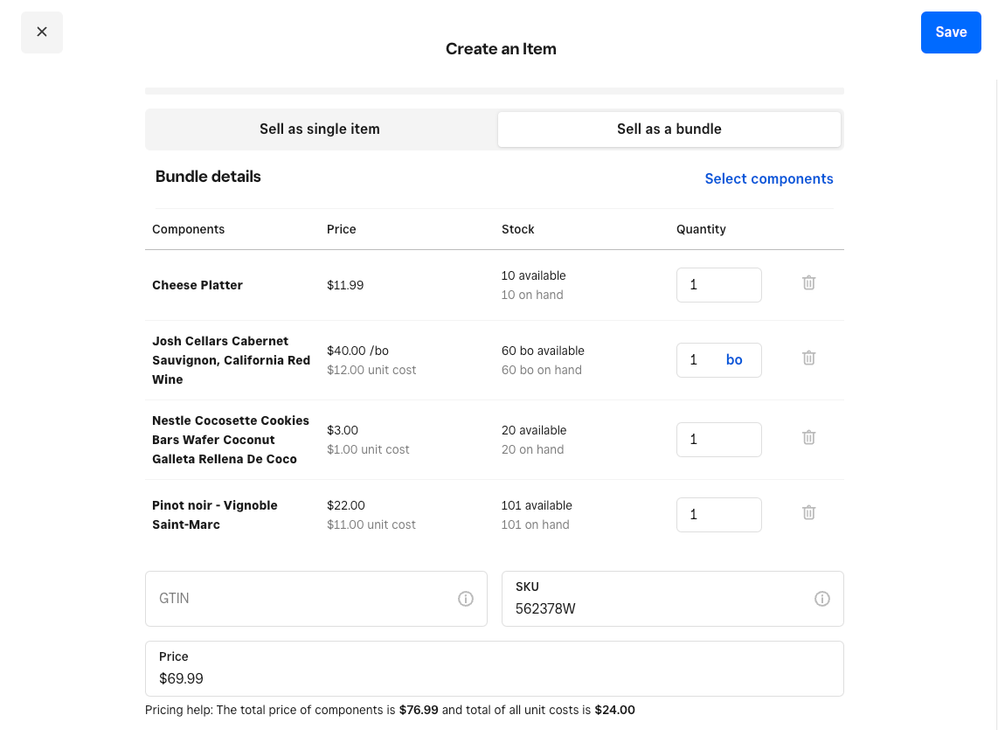
Square Online is an all‑in‑one eCommerce platform from the makers of Square POS. It’s designed for small businesses that want to sell both online and in person, with built‑in tools for syncing inventory, managing orders, and accepting payments seamlessly.
Key features:
- Free plan with unlimited products
- Integrated with Square Point of Sale
- Mobile‑optimized online store
- Built‑in tools for pickup, delivery, and shipping
- Accepts all major payment methods with Square processing
Who it’s for: Perfect for brick‑and‑mortar shops, food businesses, and service providers looking to expand online without technical complexity or extra costs.
Price: Free to start. You only pay transaction fees (2.9% + 30¢ per order). Paid plans with custom domains and advanced features start at $29/month.
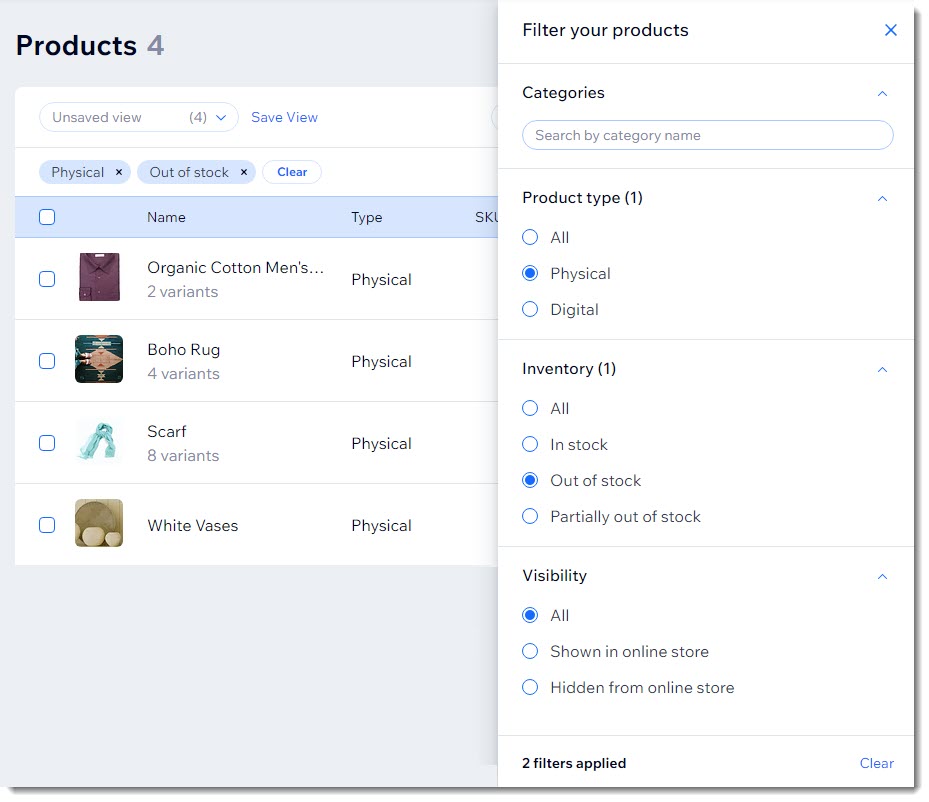
Wix eCommerce combines drag‑and‑drop website building with solid online store functionality. It’s ideal for beginners who want creative freedom to design a professional‑looking store without touching a line of code.
Key features:
- Easy‑to‑use website builder with customizable templates
- Sell physical and digital products
- Secure online payments and abandoned cart recovery
- Built‑in blogging and SEO tools
- App market for extended functionality
Who it’s for: Great for small business owners, creators, and DIY entrepreneurs who want a beautiful storefront, full website control, and an all‑in‑one platform with room to grow.
Price: No free eCommerce plan. Paid eCommerce plans start at $17/month, including hosting and a free domain for the first year. No additional transaction fees through Wix Payments.
Comparison Table: Cheapest eCommerce Platforms
| Platform | Starting Cost | Free Plan Available | Transaction Fees | Product Limits | Best For |
|---|---|---|---|---|---|
| WooCommerce | Free (plus hosting & domain) | ✗ | Depends on payment gateway | Unlimited | WordPress users who want full control |
| Shopify Starter | $5/month | ✗ | 2.9% + 30¢ | Unlimited (no storefront) | Creators selling via social or email |
| Ecwid | $5/month | ✓ (up to 5 products) | No extra fees | 5 (free), more on paid | Adding a store to existing website |
| Big Cartel | Free | ✓ (up to 5 products) | No extra fees | 5 (free), 50+ (paid) | Artists and small‑batch creators |
| Gumroad | Free | ✓ | 10% + $0.50 | Unlimited | Digital creators and indie sellers |
| Square Online | Free | ✓ | 2.9% + 30¢ per order | Unlimited | Local businesses going online |
| Wix eCommerce | $17/month | ✗ | None via Wix Payments | Unlimited | DIY entrepreneurs wanting visual builder |
Even the cheapest platforms can surprise you with hidden fees. Here’s what to look for before committing:
- Payment gateway fees: Some platforms force you to use their own payment processor, which may have higher rates than third‑party options like Stripe or PayPal.
- App and extension costs: Essential features like advanced shipping rules, email marketing automation, or inventory management often require paid add‑ons.
- Bandwidth or overage fees: A few platforms charge extra if you exceed monthly visitor or bandwidth limits.
- Domain privacy protection: While a free domain is common, privacy protection (to hide your personal info) may cost extra.
- Transaction fees on top of payment processing: Some platforms charge their own “transaction fee” (e.g., 2% of every sale) on top of what Stripe or PayPal takes. Avoid these.
How to Choose the Best Budget eCommerce Platform for You
The “cheapest” platform isn’t always the best. The platform you should go with depends on what you’re selling, how you want to sell, and where you see your business going. Ask yourself the following questions to find the right fit:
Q: What are you selling?
Physical products, digital downloads, services, or subscriptions? Some platforms are better suited to certain product types than others.
Q: Do you need a full storefront?
If you just want to sell via social media or email, something like Shopify Starter or Gumroad might be enough. If you need a full online store, WooCommerce or Wix will give you more flexibility.
Q: Are you comfortable managing hosting?
Platforms like WooCommerce give you control but require setup and maintenance. Hosted platforms like Square Online or Big Cartel handle the tech for you.
Q: Will you scale soon or stay small?
If you plan to grow fast, look for a platform with upgrade paths and advanced features. If it’s a side hustle or test project, starting lean is smarter.
How to Launch Your Store for Under $30 (Step by Step)
Here’s a realistic roadmap to get your online store live with minimal upfront investment:
- Choose your platform (free tier): Start with Big Cartel (5 free products) or Square Online (unlimited free products). If selling digital, choose Gumroad.
- Create your products: Write compelling descriptions, upload high‑quality photos (use your phone – that’s fine), and set prices.
- Set up payments: Connect Stripe or PayPal (both free to sign up). No upfront fees.
- Configure shipping (if physical products): Use the platform’s built‑in shipping rules. Many offer real‑time rates.
- Launch with a basic domain: Use the platform’s free subdomain (e.g., yourstore.square.site) initially. Upgrade to a custom domain ($10‑$15/year) after your first few sales.
- Start selling: Share on social media, email friends and family, and learn what works.
- Reinvest profits: Once you’ve made $100‑$200, consider upgrading to a paid plan or buying a custom domain.
Success Stories: Real Stores That Started on a Budget
You don’t need deep pockets to build a thriving eCommerce business. Here are a few inspiring examples:
- Death Wish Coffee – Started with a simple WooCommerce store on cheap hosting. Now one of the world’s strongest coffee brands, featured in a Super Bowl ad.
- Gumroad itself – Founder Sahil Lavingia built the first version of Gumroad in a few weeks. Today, millions of creators use it.
- Hundreds of Etsy sellers – Many moved to Big Cartel or Shopify Starter after growing their side hustle on free tiers. They started with $0.
The common thread? They didn’t wait for funding. They started small, validated their idea, and reinvested profits.
Conclusion & Final Recommendations
You don’t need a big budget to start an online store. Whether you’re selling handmade goods, digital downloads, or testing a new product idea, there’s a low‑cost (or even free) eCommerce platform that fits.
We’ve covered the top budget‑friendly options in 2026, what makes them valuable, and how to choose the best one for you.
Our top picks for different scenarios:
- Best overall value: WooCommerce (if you’re okay with a little tech setup)
- Easiest for beginners: Big Cartel or Square Online
- Best for digital products: Gumroad
- Best for selling on social media: Shopify Starter ($5/month)
- Best for omnichannel (online + in‑person): Square Online
Ready to Launch Your Online Store?
Get our free “eCommerce Platform Comparison Sheet” – a printable PDF comparing pricing, features, and transaction fees of all the platforms mentioned here.
- Essential Tools for SEO – Boost Your Website Ranking
- How to Add a Button in WordPress (No Coding)
- Best IPTV Service Providers Review (2026)
- Make Money on Gumroad: Beginner to Pro Guide
- 6 Habits That Will Improve Your Wealth, Success and Productivity
- Ultimate Guide to SEO Chrome Extensions