
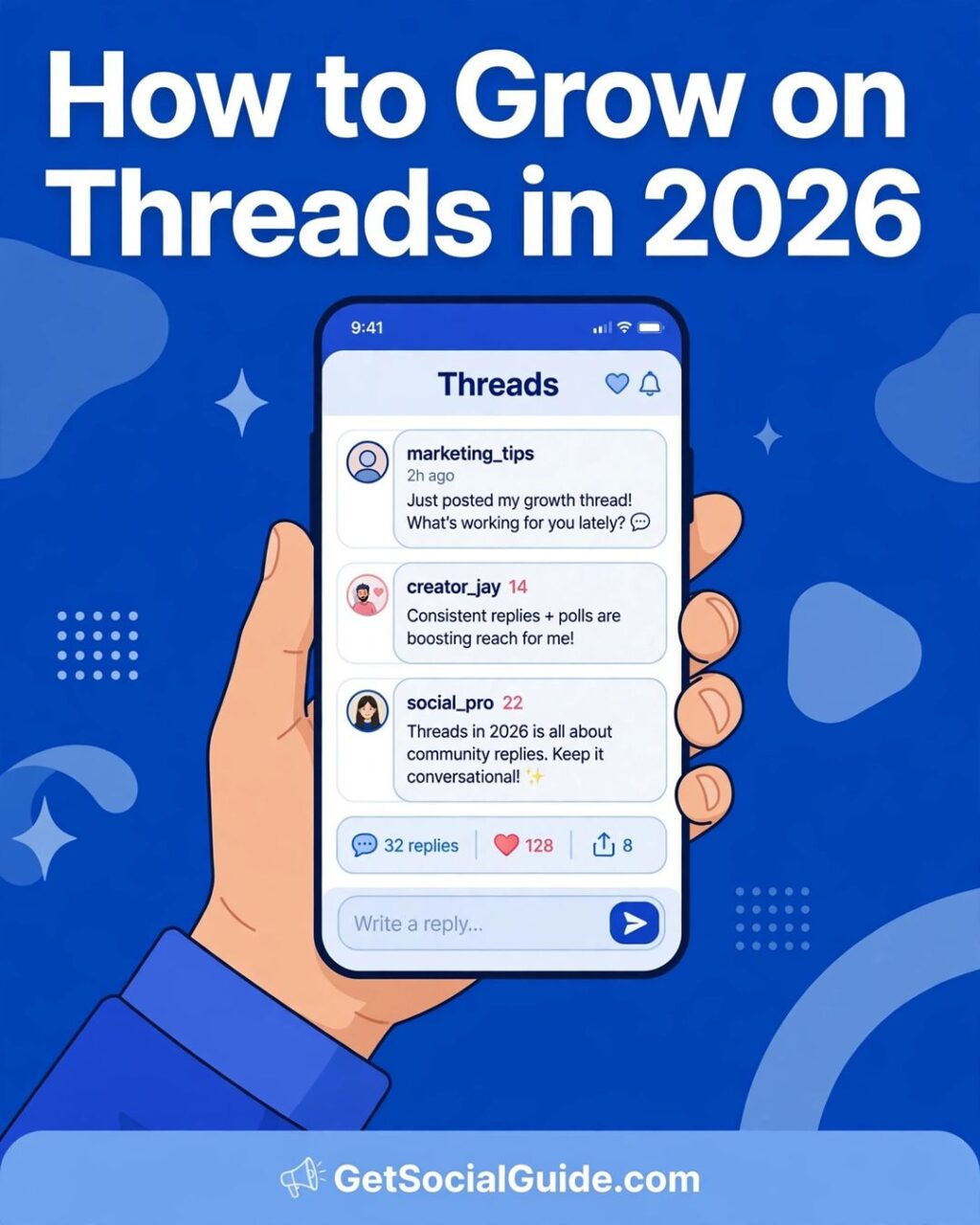
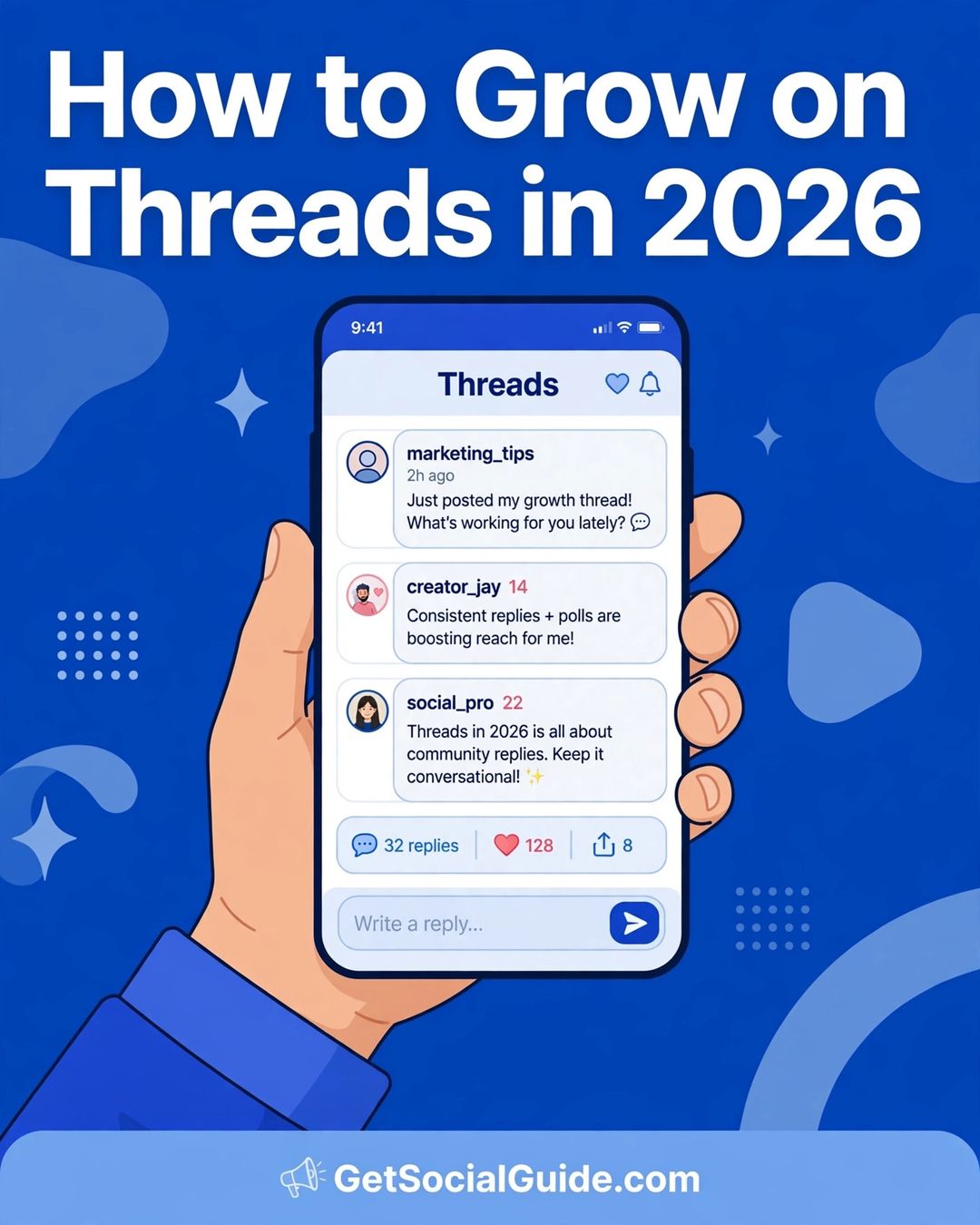
Threads went from a side project to a 500-million-user network in about three years — and it is now one of the easiest places for a new creator to be discovered. Unlike Instagram, where a new account can post for months before the algorithm notices, Threads is built around conversation. A thoughtful reply on a big account’s post can put you in front of thousands of people who have never heard of you, the same day you join.
So how do you grow on Threads in 2026? The short answer: pick one clear topic, post two to four times a day, and spend more time replying to other people than broadcasting your own posts. Meta’s own creator guidance says replies account for almost half of all views on Threads — joining discussions matters as much as publishing. This guide turns that idea into a practical system: 12 steps, the algorithm explained in plain English, the best times to post, the mistakes that stall most accounts, and a 30-day plan you can start today.
Whether you are a blogger, a small business, or a creator starting from zero followers, the steps below work without a budget and without buying followers. They are based on what Meta has published about how Threads ranks content, plus large independent studies of real Threads posts from 2026.
What Changed on Threads in 2026
Threads in late 2026 is not the app that launched in 2023. A few changes matter more than the rest for anyone trying to grow:
- 500 million monthly active users. Meta announced the milestone in June 2026. The audience is now large enough that almost every niche has a real conversation happening on the platform.
- Communities left beta. Topic-based Communities launched in late 2025 and came out of beta in June 2026, with more than 200 topics. They are now one of the main discovery surfaces on Threads — a place where strangers find you because of a shared interest, not because they already follow you.
- Your Algo and Dear Algo. Viewers can now steer their own feed: “Dear Algo” (February 2026) lets people publicly ask for more or less of a topic for three days, and “Your Algo” (June 2026) does the same thing privately in settings for one, three, or seven days. Clear, single-topic accounts win here, because the feed can finally tell what you are about.
- Ads are everywhere. Threads ads have run for all users worldwide since January 2026. Organic reach still works, but the feed is more competitive than it was a year ago — weak, generic posts get buried faster.
- Longer posts and DMs. Text attachments of up to 10,000 characters arrived in 2025, and direct messages followed. Threads is still a short-form conversation app at heart, but you can now go deeper when a topic deserves it.
The takeaway: Threads rewards accounts that talk about one thing clearly, reply constantly, and show up every day. Everything in this guide follows from that.
How the Threads Algorithm Works in 2026
Threads has two feeds. The Following feed shows only accounts you follow, in reverse chronological order, with no ranking. The For You feed is the default — and it is where growth happens, because it mixes posts from accounts you follow with recommended posts from accounts you don’t.
According to Meta’s own system card for the Threads feed, For You ranking works in three steps. First, it gathers eligible posts: content from accounts you follow, plus recommended posts that meet Instagram’s community and recommendation guidelines. Second, it reads the signals: your past activity on Threads (who you reply to, like, follow, or scroll past) and some Instagram activity, such as visiting an author’s Instagram profile. Third, several machine-learning models predict how likely you are to take actions like liking, replying, reposting, or following the author — and posts it predicts you will find most valuable go higher.
What does that mean in practice? A few things Meta has confirmed, and a few things creators have observed consistently in 2026:
- Replies are the strongest signal. Meta’s creator guidance says replies account for almost half of the views on Threads. Independent analysis of more than 128,000 Threads posts found that posts where the creator replied to comments earned about 42% more engagement than posts where they didn’t.
- Profile clicks matter. Meta’s feed system card explicitly lists profile clicks as a prediction — when someone sees your post and taps your profile, that is a strong sign your content is interesting, and the system shows more of it.
- Recency counts. Threads is a timely conversation app. A post’s first 30 to 90 minutes matter most: early replies and engagement decide how far it travels.
- One topic tag per post. Threads uses topic tags instead of hashtags, and each post carries exactly one. Posts with a tagged topic generally receive more views than those without one, according to Meta.
- Links are no longer punished the way they were. Meta has said link posts are now ranked more fairly than in earlier versions of the platform — but plain text and images still tend to earn more replies, because people stay in the conversation instead of leaving the app.
- Followers see more of you now. A late-2024 rebalance shifted the For You feed toward accounts people already follow. Reaching non-followers is harder than it was at launch — which makes replies and Communities, the two ways strangers still discover you, more important than ever.
Meta does not publish exact ranking weights, so anyone quoting precise numbers for each signal is guessing. But the direction is clear: Threads ranks for conversation, not for polish. Accounts that start discussions grow; accounts that broadcast announcements do not.

How to Grow on Threads in 2026: 12 Steps That Work
These steps are ordered the way you should actually do them. Set up the profile first, then build the daily habit, then use the newer features — Communities, topic tags, formats — to widen your reach.
Step 1: Pick One Topic People Can Remember You For
The fastest way to stall on Threads is to post about everything. The feed needs to know what you are about before it can recommend you to the right people, and viewers decide whether to follow you in about three seconds. Pick one clear topic — the narrower, the better — and make it obvious in your bio and your first twenty posts.
“Social media tips for beginner bloggers” is a topic. “Marketing” is not. “Easy weeknight dinners for busy parents” is a topic. “Food” is not. A narrow topic also makes step 5 (replies) far easier, because you always know whose conversations to join.
Step 2: Write a Bio That Sells the Follow in Three Seconds
Your bio has one job: tell a stranger what they get by following you. Use a simple formula — niche + outcome + proof or personality. For example: “Threads growth tips for bloggers. I post one tactic a day. 12k followers in 8 months.” Skip vague lines like “coffee lover | dreamer | creator” — they tell nobody why they should follow.
Keep your profile public (a private profile needs you to approve every follower, which kills discovery), use a clear photo of your face or your brand, and add a link to your site or newsletter. Since Threads is tied to Instagram, your Instagram profile picture and name carry over — make sure they match the topic you picked.
Step 3: Bring Your Instagram Audience With You
Threads is linked directly to Instagram, and that is the biggest head start a new account gets. Add your Threads profile link to your Instagram bio, mention Threads in an Instagram Story, and invite your Instagram followers to follow you there. Your Instagram followers see a prompt to follow you on Threads when they join — but only if your accounts are connected and your topic is clear enough to be worth the tap.
If you already have an Instagram audience, this step alone can take you from zero to your first few hundred Threads followers. If you don’t, skip it and lean harder on steps 5 and 8 — replies and Communities are how strangers find you.
Step 4: Post Two to Four Times a Day
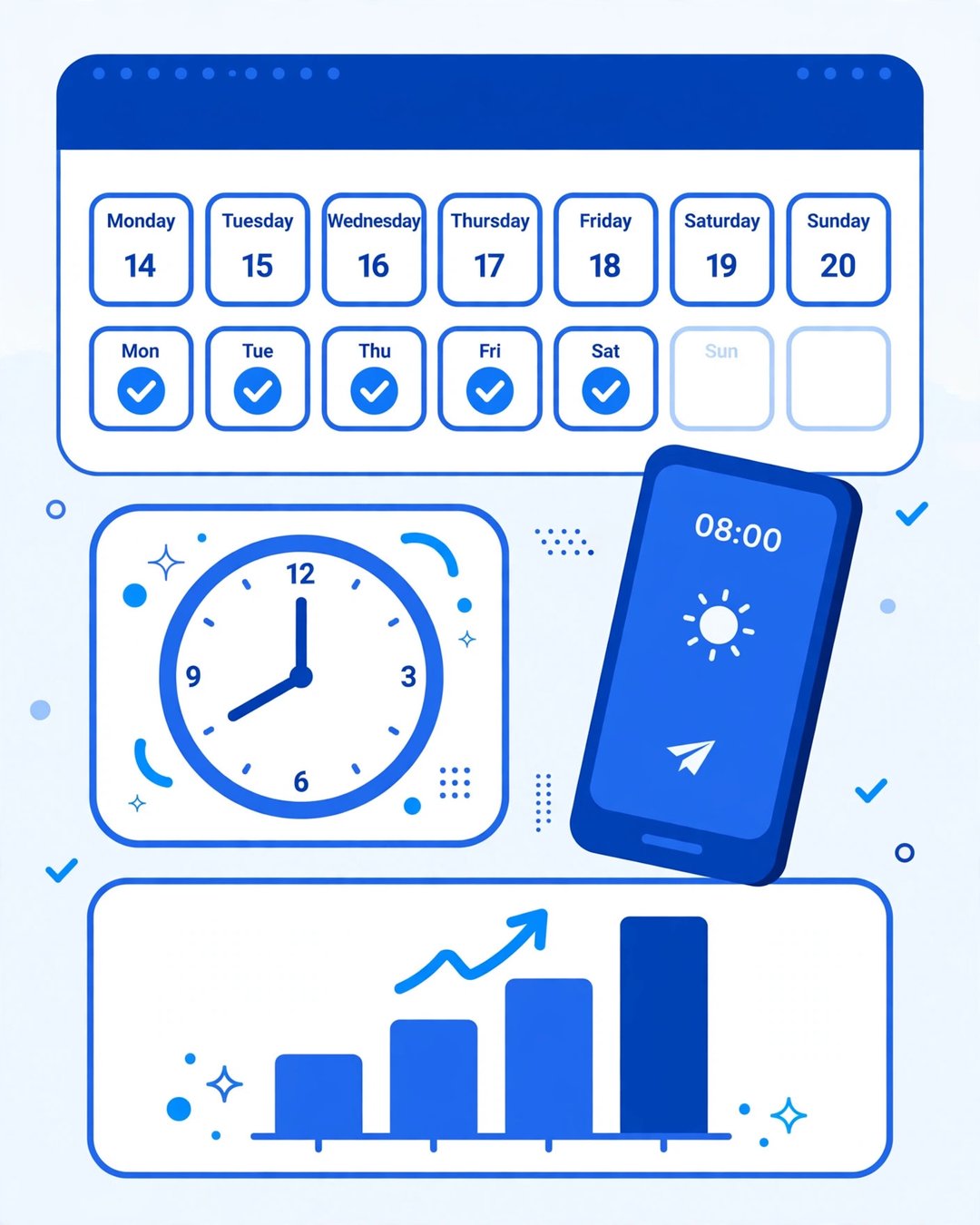
Meta recommends posting at least two to five times per week, and says higher posting frequency is linked to more impressions per post. In practice, the accounts growing fastest in 2026 post two to four times a day — enough to stay visible in a fast-moving feed without turning the app into a second job.
Consistency beats bursts. In a 26-week study of more than 100,000 users, creators who posted in 20 or more weeks saw around 450% more engagement per post than those who posted in four weeks or fewer. A realistic daily rhythm is one original post in the morning, one in the afternoon, and one or two in the evening — and on busy days, one good post is better than four rushed ones. Do not post more than three to four times a day: over-posting appears to suppress reach, with the feed treating it as spam-adjacent behaviour.
Step 5: Make Replies Your Main Growth Engine
This is the single most important step in this guide. Set a daily reply target you can keep — 15 to 30 thoughtful replies across accounts in your niche, adjacent niches, and a few larger creators whose audiences overlap with yours. Reply before you publish anything of your own each day.
A good reply adds something: an opinion, a useful tip, a short story, a question that keeps the conversation going. “Great post!” adds nothing and nobody clicks through from it. When someone replies under a popular post with a clear opinion or a helpful tip, other readers discover that person through the reply chain, visit the profile, and decide whether the bio and recent posts feel consistent enough to follow. That is the discovery loop Threads is built on — and it works for accounts with ten followers just as well as for accounts with ten thousand.
Step 6: Write Posts People Want to Answer
On Threads, a post’s job is to start a conversation, not to deliver a lecture. The formats that earn replies share one trait: they leave something open. Open-ended questions are among the highest-performing content types on Threads, averaging around 8.4% engagement in one 2026 analysis. Other reliable formats:
- Questions: “What’s the one Threads tactic that actually moved the needle for you?”
- Hot takes: a clear, defensible opinion people can agree or disagree with. Mild opinions get mild replies.
- Lists and lessons: “5 things I wish I knew before starting on Threads” — specific, useful, and easy to reply to with a sixth item.
- Polls: quick, low-effort engagement that also tells you what your audience cares about.
- Stories: a short personal story with a lesson at the end. People reply to stories far more than to generic advice.
Keep most posts short — 50 to 150 characters of text tends to get the fastest initial replies. Save longer posts for the occasional deep dive, and use the 10,000-character text attachment when a topic genuinely needs room.

Step 7: Use One Topic Tag on Every Post
Threads lets you add one topic tag per post — not a hashtag, a topic. Pick the single most precise tag for that post and use it every time. Meta says posts with tagged topics generally receive more views than those without one, and topic tags are also how the Your Algo and Dear Algo feed controls understand what your content is about.
Don’t tag randomly. If your post is about growing on Threads, tag “Threads growth” or “Social media” — whichever matches the post, not whichever is trending. A precise tag puts you in front of people who care; a broad one puts you in front of everyone and no one.
Step 8: Join Two or Three Communities and Show Up Daily
Communities are the newest discovery surface on Threads, and the least used by most creators — which is exactly why they work. Join two or three Communities in your niche, read what people are actually asking about, and answer questions there every day. Post your best original posts inside the Community when they genuinely fit the topic, not as drive-by promotion.
Communities also give you a built-in audience for testing ideas: a post that sparks a long reply chain inside a Community is a post worth sharing with your main feed. And with Live Chats now running inside Communities during big events, showing up for those conversations puts you in front of the most active members at exactly the moment they are paying attention.
Step 9: Use Images and Short Video — But Keep Text First
Format matters on Threads. Buffer’s 2026 format data puts Threads video at a 5.55% median engagement rate, images at 4.55%, text-only posts at 2.79%, and link posts at 2.34%. Images earn roughly 60% more engagement than text-only posts in Buffer’s analysis — so add a relevant image or a short video to your strongest posts of the day.
But don’t turn Threads into Instagram. The feed still rewards plain, conversational text, and polished branded visuals consistently underperform in creator testing. A good rule: one visual post a day, usually your best idea, and text for the rest. Screenshots, charts, and behind-the-scenes photos work well; stock-style graphics and heavy branding do not.
Step 10: Post When Your Audience Is Actually Scrolling
Timing matters on Threads because the algorithm rewards early engagement — the first 30 to 90 minutes after you post decide how far it travels. Based on Buffer’s analysis of 2.5 million Threads posts, the highest-performing slots are Thursday at 9 a.m. and Wednesday at 12 p.m., and weekday mornings generally outperform evenings and weekends. Other 2026 data also points to two daily peaks: 7 to 9 a.m. local time for commute-hour scrolling, and 8 to 10:30 p.m. for deeper, longer reply chains.
Those are starting hypotheses, not rules. Your own audience’s time zone and habits beat any general study, so check Threads Insights weekly and keep the times that actually earn replies for your account. For the full cross-platform picture, see our guide to the best time to post on social media.
Step 11: Reply to Every Comment Within the First Hour
When someone comments on your post, reply — quickly, and like you mean it. Replying to comments is linked to a bigger engagement lift on Threads than on any other network in Buffer’s data (about 42%, versus 21% on Instagram and 9% on Facebook), because a reply from the author keeps the conversation alive and pulls the post back into more feeds.
Stay active for about 30 minutes after each post: answer comments, ask follow-up questions, and thank people who repost. Replying to your own post within the first hour with extra context or a follow-up thought also extends the ranking window. Treat the first hour as part of publishing, not something that happens after it.
Step 12: Track Insights Weekly and Double Down on What Works
Threads Insights shows views, replies, reposts, quotes, and how your follower count changes over time — and it now uses Meta AI to compare each post with your recent baseline. Once a week, spend fifteen minutes on three questions: which posts earned the most replies, which earned the most profile visits, and which earned the most follows. Then do more of whatever won, and stop doing whatever lost.
Track replies, profile visits, and follows ahead of vanity likes — likes are the weakest signal in the stack. If a format keeps winning, make it a weekly series. If a topic keeps flopping, drop it, even if you like it. The data is the strategy. If you want a deeper measurement setup, our guide to the best social media analytics tools for bloggers covers the tools that track Threads alongside your other networks.

Common Mistakes That Stall Growth on Threads
Most accounts that stall on Threads are making one of these five mistakes:
- Buying followers. Meta’s spam policy, which covers Threads, does not allow buying follows, likes, or shares. Bought followers don’t reply, so they create no conversation and no reach — and no order can promise your account stays safe. They are social proof, not readers.
- Broadcasting instead of talking. Posting links and announcements all day, and never replying to anyone, is the fastest way to be ignored. Threads ranks conversation; if you only broadcast, the feed has no reason to show you.
- Posting about everything. A mixed feed confuses both the algorithm and your visitors. One topic, done well, beats five topics done thinly.
- Link-dumping. Posts that exist only to push people off the app earn the lowest engagement of any format. If you must share a link, add a real take first — give people a reason to reply before they click.
- Quitting after two weeks. Traction on Threads is slow for the first month or two, then compounds. The creators who grew in 2026 are the ones who kept the daily reply habit going when nothing seemed to be happening.
Your First 30 Days on Threads
Here is a simple plan that turns the 12 steps above into a daily routine:
| Week | Focus | Daily habit |
|---|---|---|
| Week 1 | Set up and listen | Pick your topic, rewrite your bio, bring over your Instagram audience, join 2–3 Communities, and spend the week replying — 15–30 replies a day — before worrying about your own posts. |
| Week 2 | Start posting | Post 2–3 times a day using the question, list, and story formats. Add one topic tag per post. Reply to every comment within the hour. |
| Week 3 | Test formats and times | Add one image or short video post a day. Try the Thursday 9 a.m. and Wednesday 12 p.m. slots. Check Insights and note which formats earn replies. |
| Week 4 | Double down | Repeat your two best-performing formats, turn the winner into a weekly series, and set your ongoing schedule: 2–4 posts a day, replies first, Insights review every Sunday. |
After 30 days, judge the account on replies and profile visits, not follower count — followers lag conversation by weeks. If replies and profile visits are climbing, followers will follow. If they are flat, the fix is almost always the same: more replies, narrower topic, better questions. The same reply-first approach works on other networks too — our Instagram growth tips for 2026 and TikTok marketing guide for beginners use the same principle, adapted to each platform.
Frequently Asked Questions About Growing on Threads
How long does it take to grow on Threads?
There is no fixed timeline, and Meta publishes no typical growth curve. In practice, most accounts see slow traction for the first month or two, then faster growth as the daily reply habit compounds — Buffer’s 26-week study found creators who posted consistently for 20 or more weeks earned around 450% more engagement per post than those who posted for four weeks or fewer. Expect 60 to 90 days of steady work before judging the strategy.
How many times a day should I post on Threads?
Two to four times a day is the workable range for most creators in 2026. Meta’s minimum recommendation is two to five posts per week, with higher frequency linked to more impressions per post. Post more than three to four times a day and reach appears to drop, so consistency matters more than volume.
Not the way they work on Instagram. Threads uses topic tags instead of hashtags, and each post carries exactly one topic tag. Tagging a precise topic generally brings more views than leaving a post untagged, according to Meta. Use the one tag that best matches the post — do not stuff multiple tags or trending topics into your text.
What is the best time to post on Threads?
Based on Buffer’s analysis of 2.5 million Threads posts, the best slots are Thursday at 9 a.m. and Wednesday at 12 p.m., with weekday mornings generally outperforming evenings and weekends. Other 2026 data also points to an evening peak between 8 and 10:30 p.m. local time for deeper reply chains. Test both windows and keep whichever earns more replies for your own audience.
Can you make money on Threads?
Yes, but indirectly for most creators. Threads has no general creator payout program like YouTube’s. The realistic paths are the same ones that work on other social networks: driving traffic to a blog or newsletter, affiliate links, brand deals once your audience is large enough, and selling your own products or services. Growth on Threads is valuable because it builds an audience you can move elsewhere — not because Threads itself pays per view.
Should I buy Threads followers?
No. Meta’s spam policy covers Threads and does not allow buying follows, likes, or shares. Bought followers never reply, so they add no reach and no conversation — the two things the algorithm actually rewards. They can also put the account at risk. Grow with replies and Communities instead; it is slower, but the followers you gain are real people who actually see your posts.
Start Growing on Threads Today
Growing on Threads in 2026 comes down to one idea: be the account that talks, not the account that broadcasts. Pick one topic, write a bio that sells the follow, post two to four times a day, and — above all — reply more than you post. Join two or three Communities, tag one topic per post, add a visual to your best idea each day, and check Insights every week to see what is actually working.
Do that for 30 days and you will have something most new Threads accounts never build: real conversations with real people in your niche. That is what the algorithm rewards, and it is what turns strangers into followers — and followers into readers, subscribers, and customers.
Your first step takes five minutes: rewrite your bio around one topic, then leave ten thoughtful replies on posts in your niche before you publish anything today. Start there, and let the replies do the growing.