14 Best Plugins to Simplify WooCommerce Management in 2025
Running a WooCommerce store in 2025 means juggling multiple tasks, from inventory control and order tracking to SEO, analytics, and security. While WooCommerce offers a solid foundation, it’s the right mix of plugins that truly streamlines day-to-day management. The best tools today go beyond adding features; they automate time-consuming processes, reduce manual errors, and help store owners focus on growth instead of maintenance.
Here, we’ve rounded up 14 of the most effective plugins that make managing a WooCommerce store simpler and more efficient. Whether you’re looking to speed up your site, bulk-update stock data, handle order documentation, or improve customer experience, these plugins cover every important area of store management in 2025.
Let’s jump right in!
📌 Key Takeaways: WooCommerce Management Plugins (2025)
- Automation is the core benefit: The best plugins automate invoicing, shipment tracking, email campaigns, and product data updates, saving hours of manual work.
- SEO and accessibility are non‑negotiable: Plugins like Yoast SEO and One Accessibility help you reach more customers and stay compliant with legal standards.
- Payment flexibility drives conversions: Mollie Payments supports local and international methods, reducing cart abandonment.
- Security and performance go hand in hand: Jetpack and GDPR Cookie Consent protect your store while keeping it fast.
- Start small, then scale: Choose plugins that solve your biggest pain points first, then expand your toolkit as your store grows.
1. WooCommerce PDF Invoices & Packing Slips
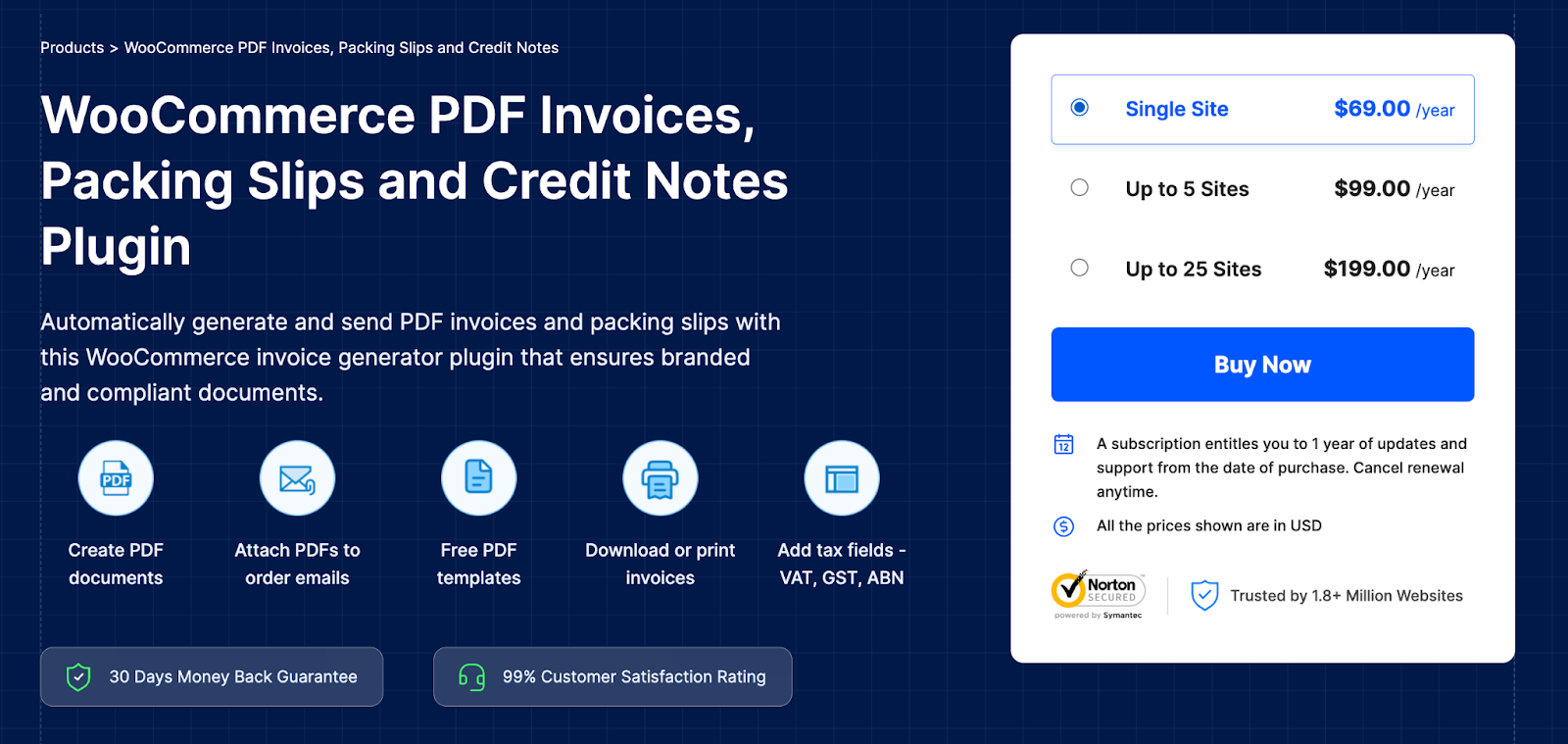
Handling invoices manually can be time-consuming, especially when your store is busy processing dozens or even hundreds of orders daily. The default WooCommerce setup doesn’t include PDF invoices or packing slips, which means store admins have to put in extra effort to send the right documents to customers or include printed invoices in their shipments.
That’s where this WooCommerce PDF invoice and packing slips plugin comes in handy. It automatically generates professional PDF invoices and packing slips for each WooCommerce order and attaches them to your emails. If you’re dealing with multiple orders at once, you can even print them in bulk. Having uniform and legally compliant documentation is crucial for any B2B operation or anyone shipping goods internationally.
Want your invoices to match your branding or comply with local tax regulations? This plugin has a variety of customization options to suit your needs. It’s a great way to streamline order fulfillment and keep your invoice and delivery documents in check for your WooCommerce store.
Key Features:
- Customizable invoice templates with branding options
- Automatically generates PDF invoices, packing slips, and credit notes
- Bulk print and email attachments are supported
- Supports UBL and XML Invoices
- Customize invoices, packing slips, and credit notes
- Add payment link to invoice PDFs
- Set up custom invoice numbering
- Visual and Code Editors available
In many countries, invoices must follow a sequential numbering format. Use the custom invoice numbering feature to set up a pattern like “INV-2025-{order_number}”. This ensures your store meets tax audit requirements without extra manual work.
2. Yoast SEO
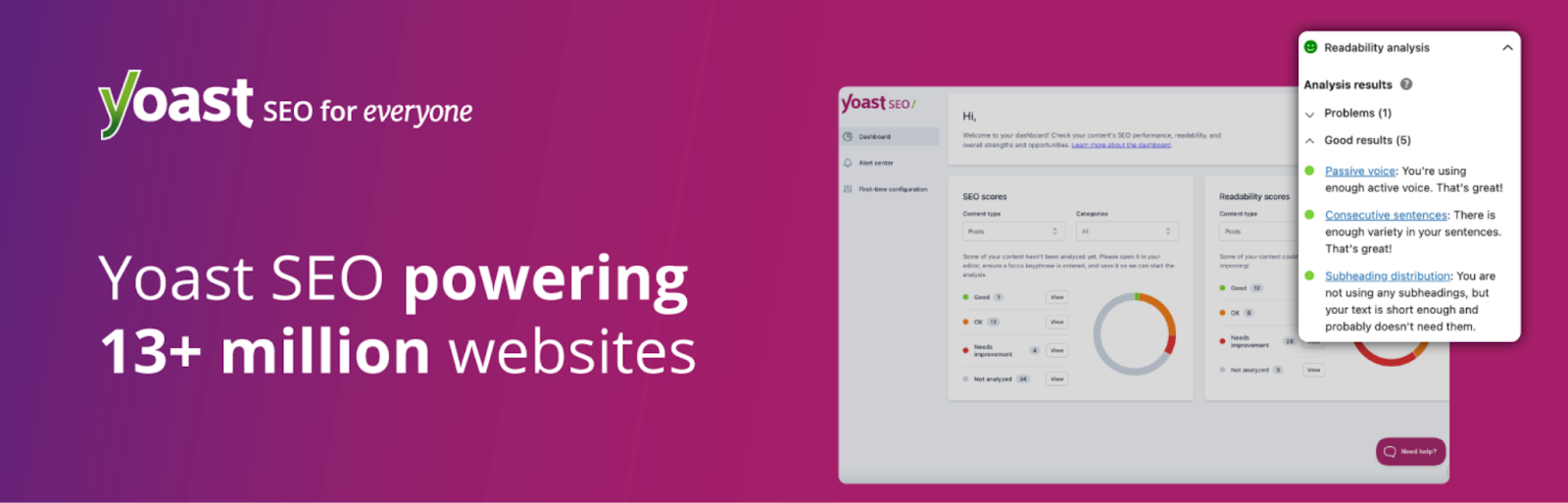
If you run a WooCommerce store, you know that search engine optimization is a must. That’s where Yoast SEO comes in handy. It’s designed to make the whole process feel like a breeze, almost like a step-by-step guide right in your WordPress dashboard.
Whether you’re optimizing product pages, writing blog posts, or detailing category descriptions, Yoast offers real-time feedback on how you’re using keywords, structuring your content, and ensuring readability. For WooCommerce stores, the plugin provides features that enhance the visibility of product pages in search results, including structured data for rich snippets and improved indexing.
What really sets Yoast SEO apart is how accessible it is. You don’t need to be an SEO expert to follow its suggestions and boost your content’s visibility. It helps drive organic traffic by aligning your content with the behaviors of search engines – without requiring you to dive into code or hire an SEO consultant.
Key Features:
- Schema markup for enhanced rich results
- Real-time SEO suggestions inside WordPress
- Breadcrumb navigation control and XML sitemaps
- Inclusive language analysis
3. One Accessibility – Web Accessibility Plugin for WooCommerce
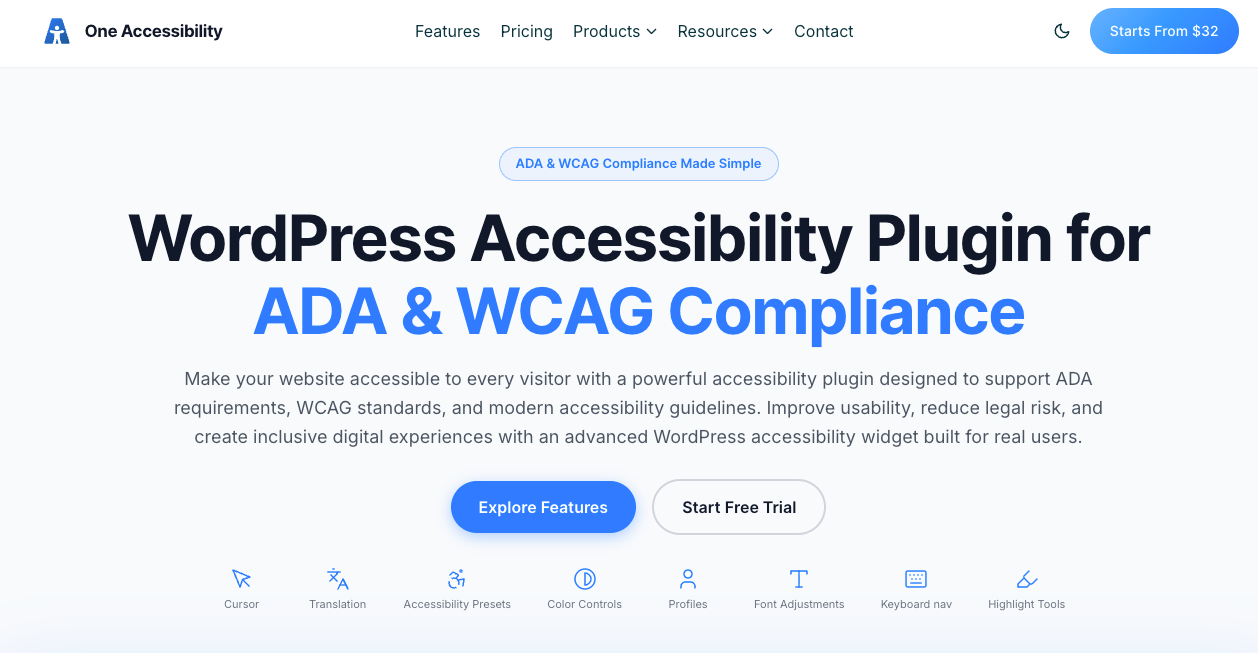
Is your WooCommerce store truly welcoming to every visitor? With accessibility compliance becoming both a legal necessity and a moral responsibility, the One Accessibility plugin is your all-in-one solution for making your store inclusive without any coding required. It seamlessly integrates essential accessibility tools into your WooCommerce site, ensuring a smooth, barrier-free shopping experience for users with visual, motor, cognitive, and other disabilities.
Once activated, One Accessibility instantly equips your store with a customizable accessibility toolbar complete with keyboard navigation, text resizing, color contrast adjustments, and screen reader support. Your customers get the tools they need to interact with your store on their own terms, and you get peace of mind knowing your site is working toward WCAG 2.1 and ADA compliance.
What makes this plugin a great fit for WooCommerce store owners is its smart conditional system, which lets you deploy different accessibility presets across your entire site or on specific pages — ideal for customizing the checkout experience or product pages separately. And with its intuitive drag-and-drop editor, you can style the accessibility toolbar to match your brand perfectly, no developer needed. For store owners serving a global audience, multilingual support ensures no customer is left behind regardless of the language they speak.
Best of all, the plugin is lightweight and performance-optimized, so adding accessibility features won’t slow down your store or impact conversions.
Key Features:
- Customizable accessibility toolbar with drag-and-drop editor
- Keyboard navigation, text resizing, and color contrast tools
- Screen reader compatibility and focus indicator support
- Smart conditional presets for site-wide or page-specific deployment
- WCAG 2.1 and ADA compliance support with multilingual compatibility
Pricing: Free (Pro version available)
4. Advanced Shipment Tracking for WooCommerce
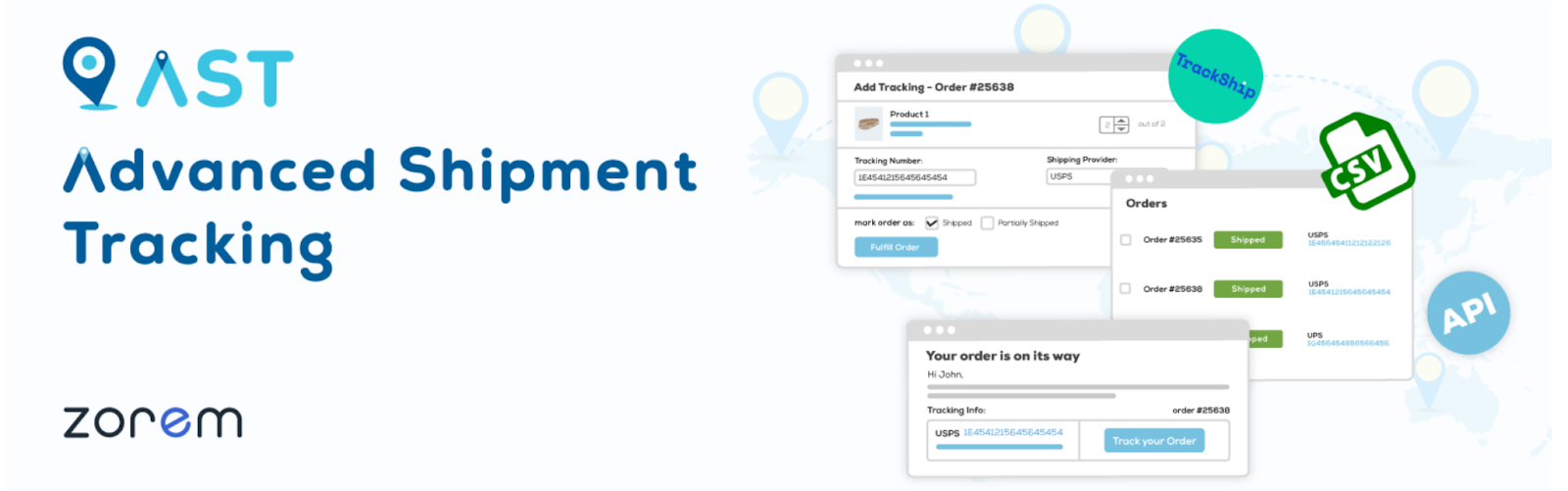
Once an order is on its way from your store, customers start to look for updates on tracking and delivery. Unfortunately, WooCommerce doesn’t come with detailed shipment tracking features right out of the box. That’s where the Advanced Shipment Tracking plugin steps in, letting store admins add tracking numbers and carrier details directly to the order information.
This handy plugin boosts post-purchase communication by automatically sending tracking updates to customers through email. It supports a variety of global and local shipping providers, complete with predefined tracking URLs and carrier logos that enhance the overall customer experience. You can even tweak how tracking info appears in customer dashboards.
Key Features:
- Automatically notify customers with shipping updates
- Add tracking numbers and carriers to WooCommerce orders
- Supports 850+ carriers worldwide
- Customizable tracking info and order status integration
While automated tracking emails are helpful, sending an email for every single status change can annoy customers. Configure the plugin to send only “Shipped” and “Delivered” notifications, and consider adding a link to a centralized tracking page instead of multiple separate emails.
5. Smart Coupons for WooCommerce
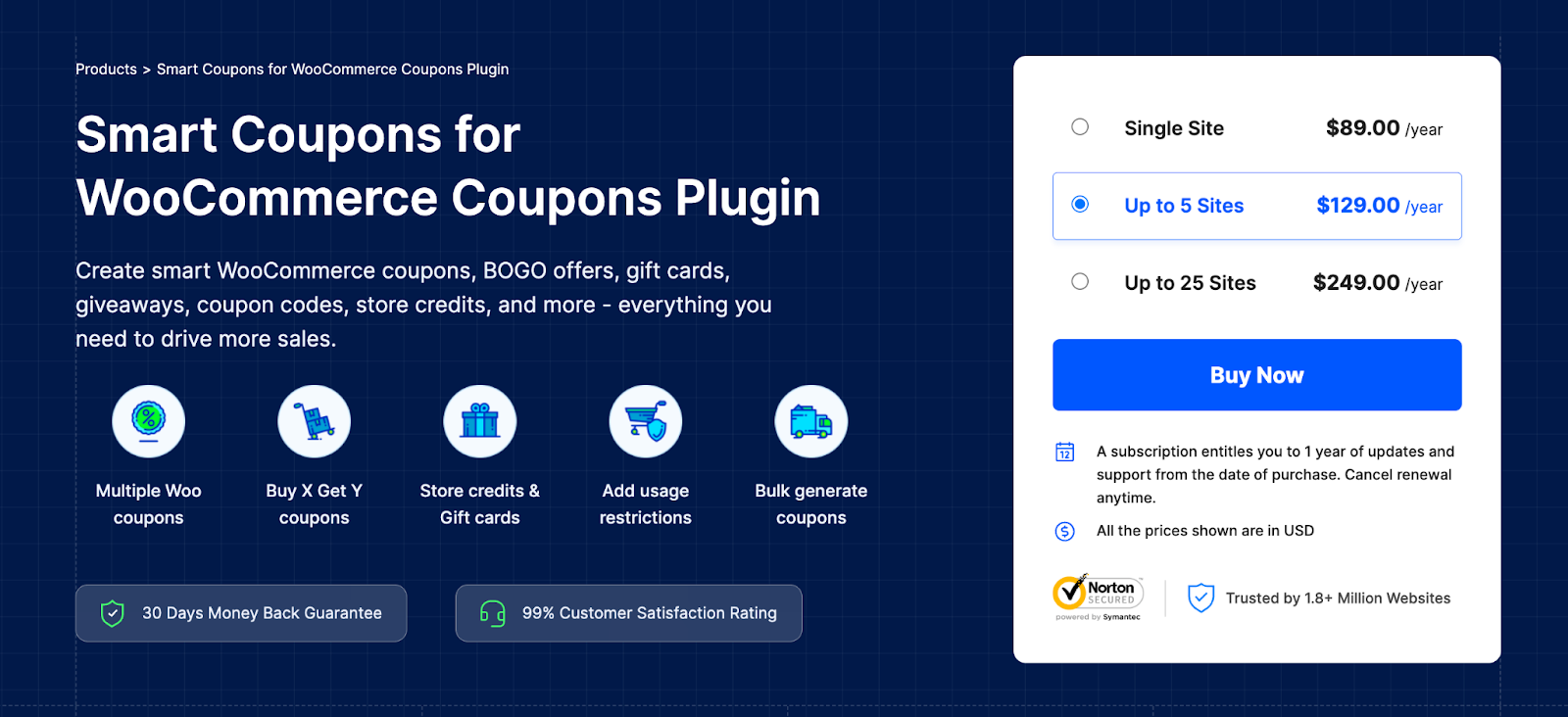
Discounts are a fantastic way to drive sales, however WooCommerce’s built-in coupon system is pretty basic. Enter Smart Coupons for WooCommerce, which supercharges your marketing efforts with dynamic coupon rules, automated promotions, store credit options, and advanced usage restrictions, all right from your dashboard.
You can create BOGO deals, set up cart condition rules, and even schedule discounts and auto-apply coupons at checkout without any coding knowledge. This plugin is crafted for marketers and store owners who want to set up targeted promotions, boost conversions, and increase average cart values.
If you’re serious about WooCommerce marketing, you definitely need to add this smart coupons plugin to your system.
Key Features:
- Set up advanced usage restrictions, schedule coupon promotions, and auto-apply coupons
- Create BOGO deals, cart discounts, product discounts and store credits
- Bulk import coupon data
- Offer purchase history-based discounts
- Bulk-generate and email coupons
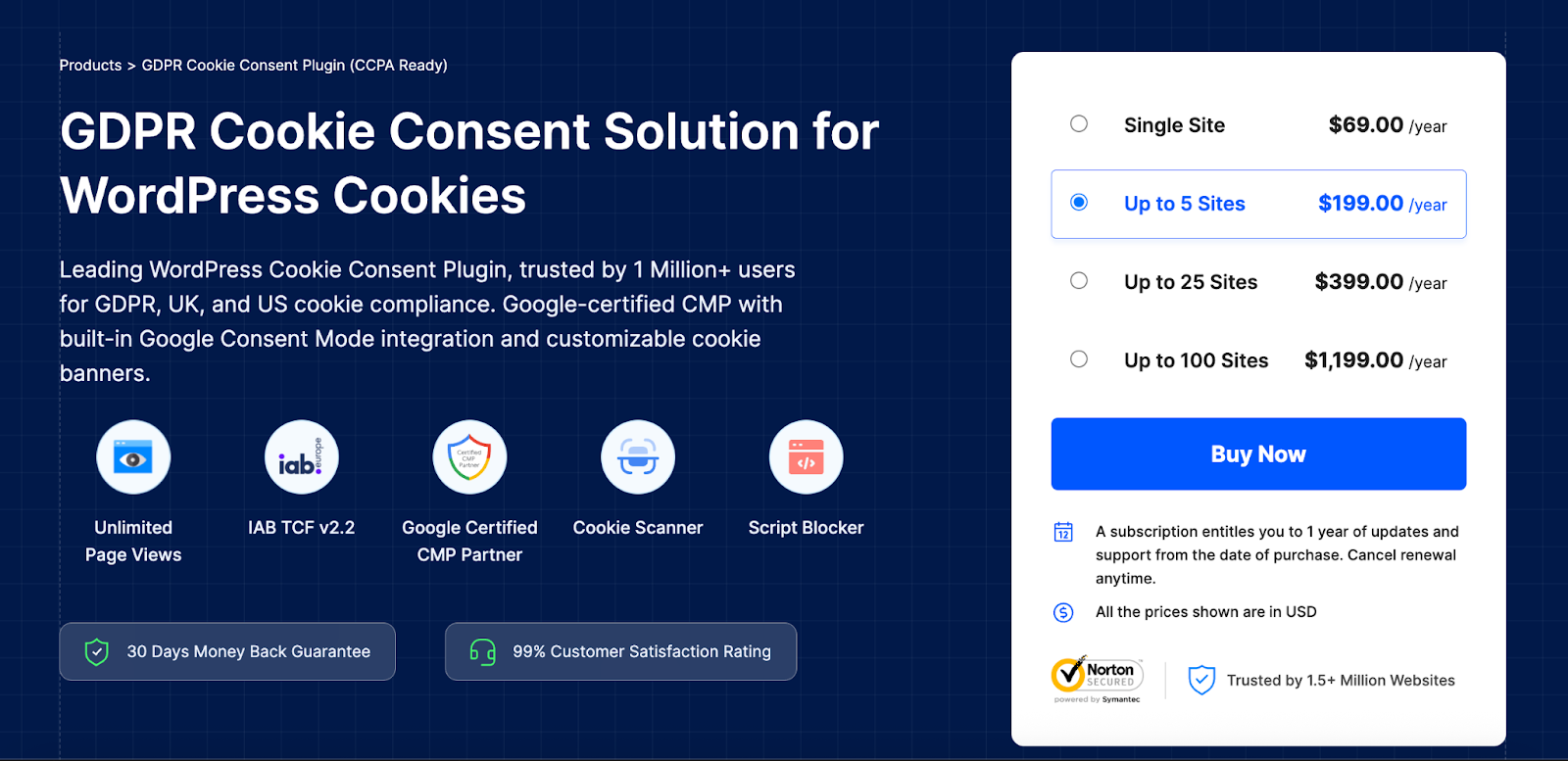
The GDPR Cookie Consent plugin by WebToffee (a Google-certified CMP Partner) provides a user-friendly and reliable way to fulfill cookie consent requirements without disrupting the user experience or your analytics setup.
This plugin automatically shows a fully customizable cookie banner to your visitors, giving them the option to accept or decline specific types of cookies. It blocks third-party scripts until consent is given, helping you stay compliant with laws such as GDPR, CCPA, LGPD and more.
Key Features:
- Blocks non-essential cookies until consent is granted
- Displays a customizable cookie consent banner
- Integrates with Google Consent Mode and Microsoft Clarity Consent Mode
- Supports multilingual websites
7. YITH WooCommerce Wishlist
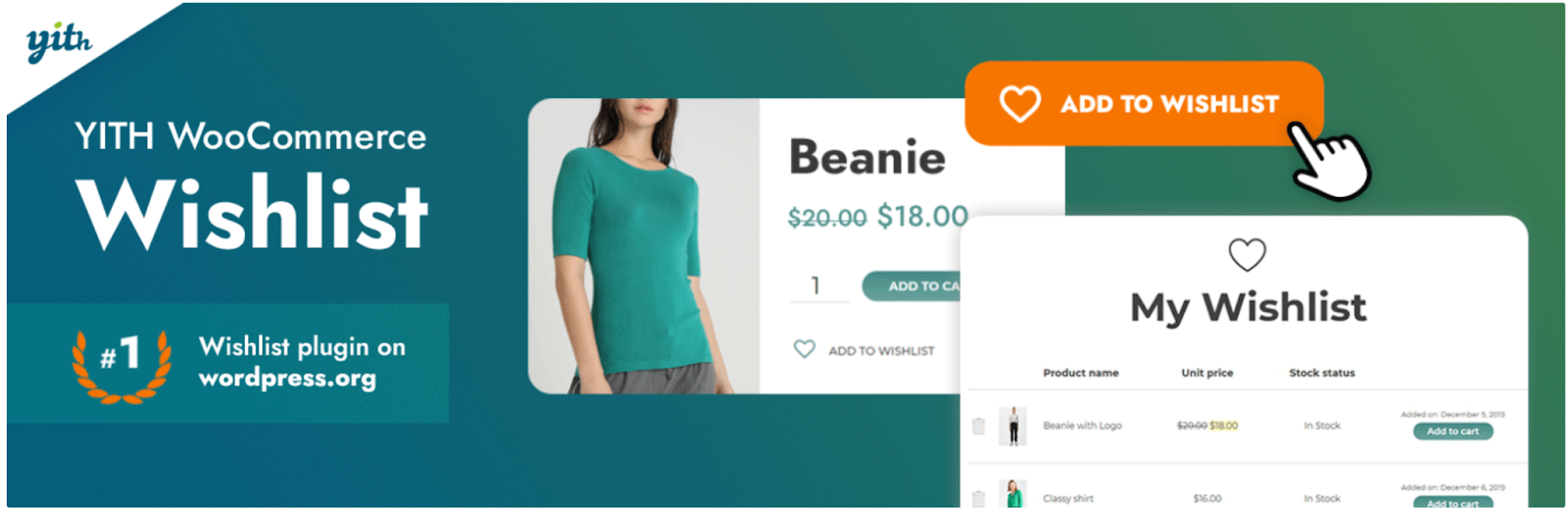
A lot of the time, people are just browsing online. This is especially true when they’re on the hunt for gifts, comparing different products, or planning purchases ahead of time. YITH WooCommerce Wishlist aims to tap into this behavior by allowing customers to save products and return to them later, which boosts both engagement and conversion rates.
The plugin makes it super easy for customers to create personalized wishlists, share them with friends, or simply remind themselves about what they want to buy. It adds a social and emotional touch to your store, particularly during holidays, weddings, or when running loyalty programs. Plus, the wishlist page can be tailored to match your store’s branding perfectly.
Moreover, wishlists offer fantastic insights into what customers are interested in, as well as which products are really flying off the shelves. This valuable information can help you adjust your inventory, create targeted promotions, or even send personalized offers to customers.
Key Features:
- Customers can manage, share, and revisit saved items
- Add-to-wishlist button for products with custom styling
- Increases return visitors and conversions
- Compatible with most WooCommerce themes and plugins
3. Product Import Export for WooCommerce
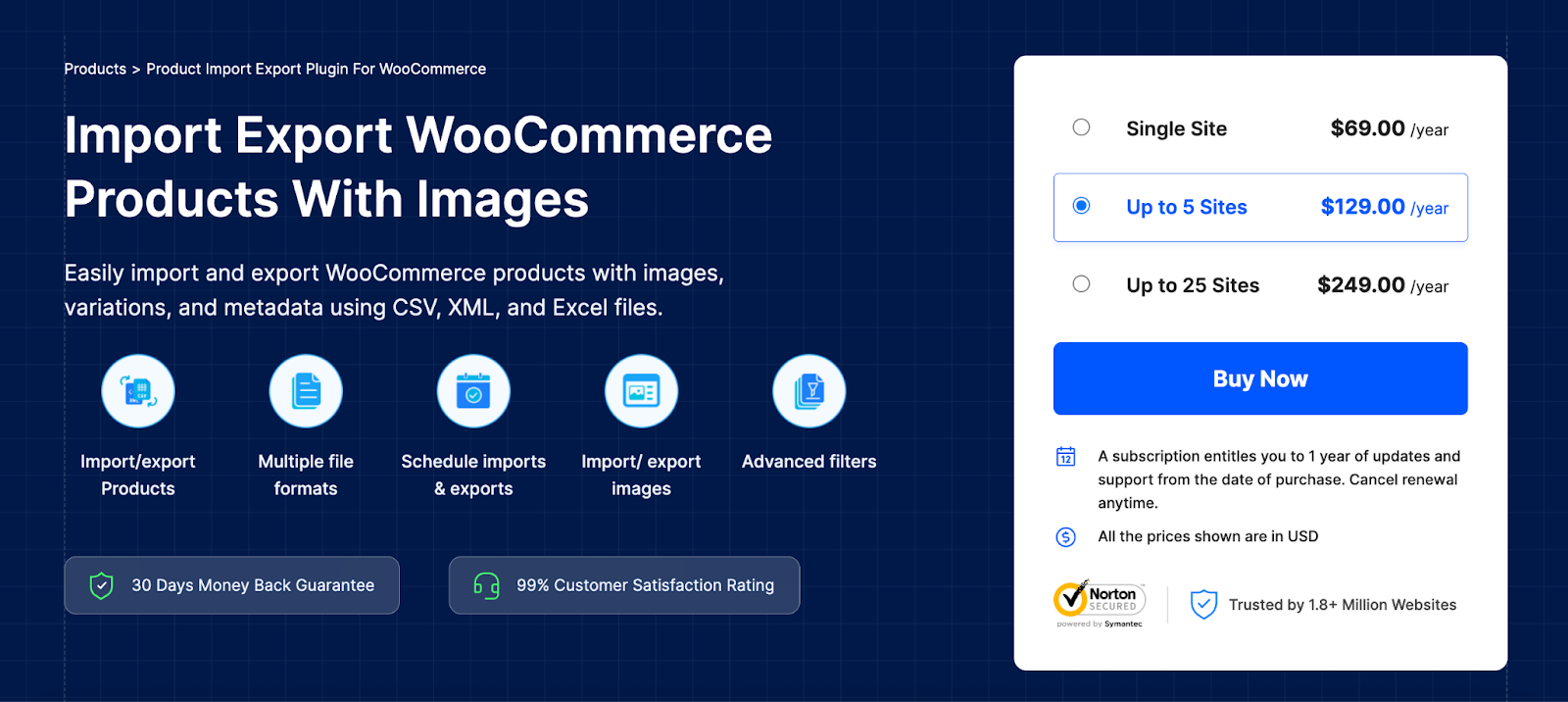
Managing extensive product catalogs or keeping up with frequent updates can be a real challenge, especially for WooCommerce store owners and managers. That’s where this Product Import Export plugin comes in handy. It allows users to effortlessly import and export product data to and from their store using CSV, XML, or Excel files.
Whether you’re moving data from another platform or syncing product updates with a supplier, or bulk updating product data this plugin saves you time and helps avoid data entry mistakes. You can import or export all kinds of products, including variations, custom meta, images, categories, and tags. Plus, it even offers scheduled exports for automated workflows and backups.
Its user-friendly design makes it perfect for beginners, while also providing developer-friendly features for more complex setups. If you’re looking to take full control of your product data and cut down on repetitive admin tasks, this product import export plugin is a must-have tool.
Key Features:
- Supports CSV, XML, Excel and TSV file formats
- Import/export products, variations, images, categories, and metadata
- Quick and Advanced import/export methods
- Schedule exports for automated syncing or backups
- Detailed developer logs
9. WooCommerce Email Automation App
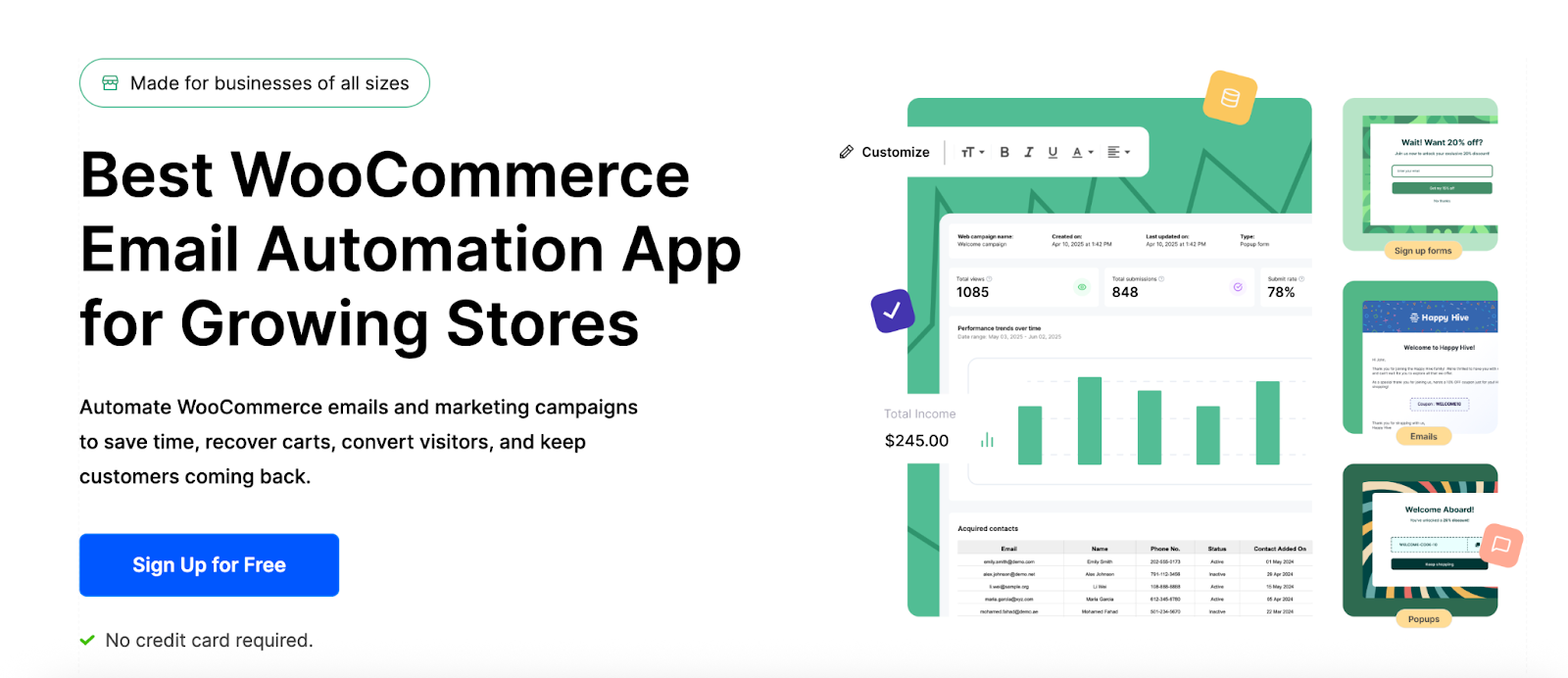
Email is still one of the top marketing tools for eCommerce, but setting up automated campaigns with third-party tools can often feel complicated and costly. The WooCommerce Email Automation App changes that by providing a built-in automation engine specifically crafted for WooCommerce.
With this WooCommerce marketing automation app, you can create behavior-driven email flows and dynamic popups such as recovering abandoned carts, sending thank-you emails after purchases, running win-back campaigns, and more. Its user-friendly drag-and-drop builder makes email design simple.
Key Features:
- Drag-and-drop builder with personalization
- Create abandoned cart recovery mails and exit-intent popups
- View detailed analytics of discount campaigns
- Customize WooCommerce emails and popups
10. MonsterInsights
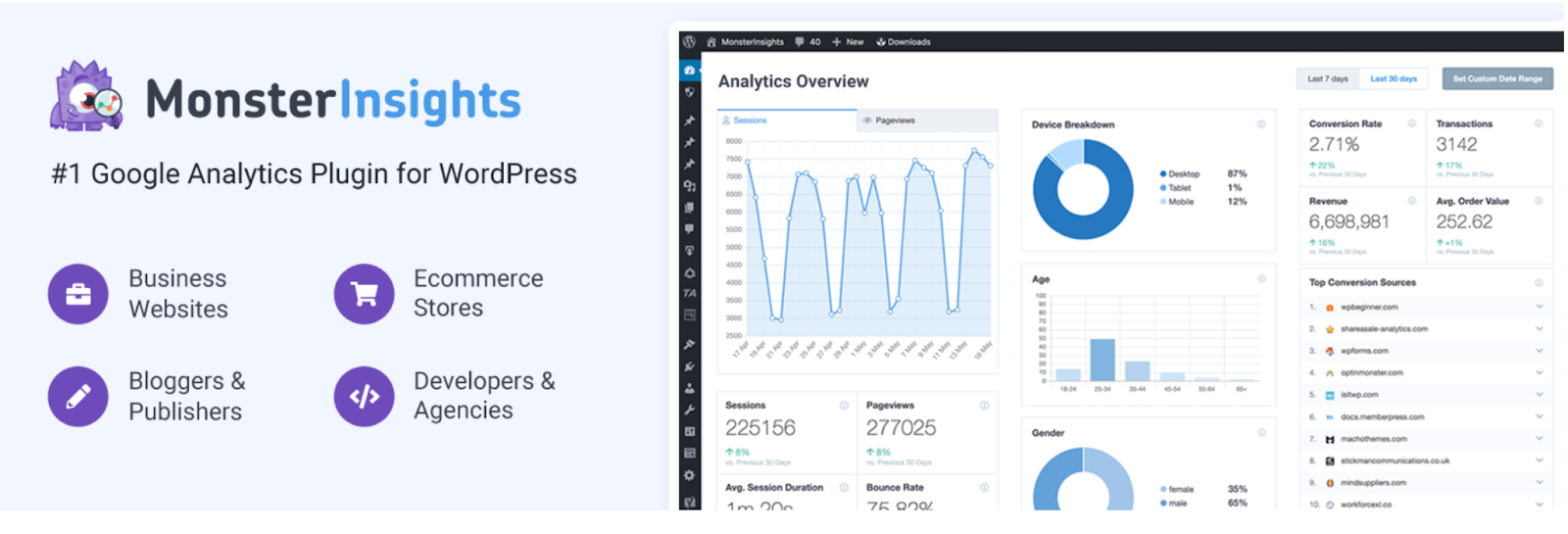
Understanding how your customers engage with your WooCommerce store is crucial for growth, but getting into the nitty-gritty of advanced Google Analytics tracking can be a bit daunting. That’s where MonsterInsights steps in, simplifying the process with its intuitive interface that brings essential eCommerce data right to your WordPress dashboard.
Once you’ve got it set up, the plugin allows you to monitor enhanced eCommerce metrics like product views, cart additions, purchases, and even when customers abandon their carts in the sales funnel. Store owners can access real-time stats and detailed reports without the hassle of logging into Google Analytics each time. This means you can make quicker decisions and optimize your product pages and marketing campaigns more smoothly.
Key Features:
- Displays real-time stats and user behavior inside WordPress
- Enables Google Analytics eCommerce tracking in one click
- Track product views, cart activity, checkout drop-offs, and revenue
- Detailed analytics reports available
11. Forminator Forms
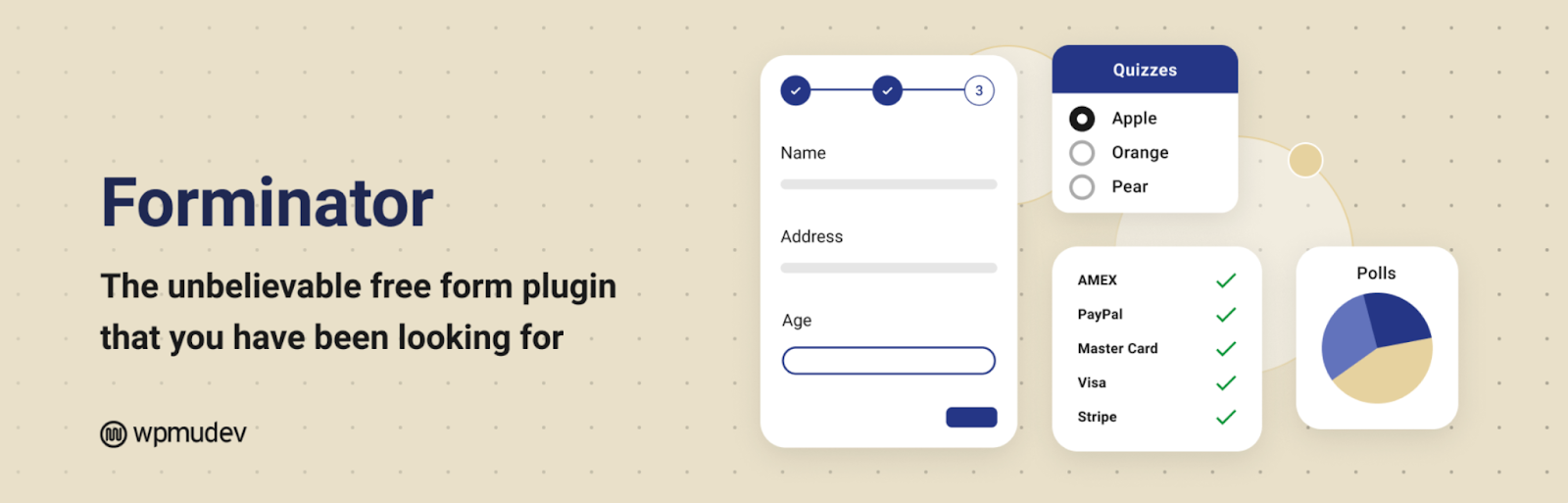
Forminator is an incredibly versatile form builder that uses a simple drag-and-drop interface, allowing you to create contact forms, quizzes, surveys, and polls without needing to write a single line of code.
It’s especially handy for creating product customization forms, support request forms, and lead capture forms. Plus, it integrates with popular email marketing platforms, payment gateways like Stripe and PayPal, and CRMs, making it easy to connect your forms directly to your sales and support processes. With its conditional logic feature, you can customize questions based on user responses, enhancing the experience for both customers and administrators alike.
Key Features:
- Conditional logic and calculation support
- Drag-and-drop builder for forms, polls, and quizzes
- Integrates with Stripe, PayPal, Mailchimp, and more
- GDPR-friendly with built-in consent checkboxes and spam protection
12. Mollie Payments for WooCommerce

Mollie Payments stands out as one of the most seamless and versatile payment gateways you can integrate. This plugin supports a wide array of local and international payment methods, including credit cards, Apple Pay, Klarna, SEPA, Bancontact, iDEAL and more—all conveniently in one place.
Thanks to its straightforward onboarding and speedy approval process, Mollie enables store owners to start accepting payments almost instantly. While some payment gateways can be complex or require a developer’s touch, this plugin offers the plug-and-play simplicity that many small businesses or startups crave.
Key Features:
- Accepts iDEAL, Klarna, Apple Pay, SEPA, credit cards, and more
- Quick setup and real-time payment status sync
- Supports full and partial refunds
- Payment tracking dashboard
13. Jetpack

Jetpack is a versatile plugin that brings multiple essential features together to strengthen and enhance your WooCommerce store. It helps improve security, speed, and site management through an all-in-one setup that’s easy to maintain.
The plugin includes automated backups, malware scanning, and real-time activity logs that safeguard your store’s data. It also offers performance tools like image optimization, lazy loading, and a global content delivery network (CDN) to improve loading speed. Additionally, Jetpack’s site stats and analytics give you valuable insights into visitor behavior and engagement.
Other features include downtime monitoring, two-factor authentication, and automated social media sharing. It integrates seamlessly with WooCommerce, making it a reliable solution for performance, protection, and visibility under one plugin.
Key Features:
- Performance tools, including CDN, image lazy loading, and caching
- Site security features like backups, scans, and brute force protection
- Examine incoming traffic to your WooCommerce store
- Automatically perform malware and security scans
14. Accessibility Toolkit

Accessibility Toolkit is a WordPress accessibility plugin that helps website owners improve accessibility compliance without requiring coding. It provides an intuitive set of options that modify your site’s markup and behavior to meet WCAG 2.1, ADA, and EAA standards. Features include keyboard navigation enhancements, skip-to-content links, focus indicators, labelled forms, accessible links, and mobile zoom support — all designed to make websites more inclusive and usable.
This WordPress Accessibility plugin empowers site administrators and developers to manually apply accessibility-friendly configurations across any WordPress theme or builder. It also includes tools like an Accessibility Statement Generator to help demonstrate legal and ethical commitment to accessibility. While it doesn’t ensure full compliance on its own, Accessibility Toolkit simplifies implementing best practices, reduces barriers for users with disabilities, and lays a strong foundation for meeting global accessibility requirements.
Use One Accessibility for the frontend toolbar (user‑facing tools) and Accessibility Toolkit for backend structural improvements (like fixing headings and form labels). Together, they provide a more complete accessibility solution than either plugin alone.
📊 Quick Comparison: Top WooCommerce Management Plugins
| PDF Invoices & Packing Slips | Invoicing & Documentation | Auto‑attach PDFs to emails | B2B stores, international shipping |
| Yoast SEO | Search Engine Optimization | Real‑time content analysis | Driving organic traffic |
| Product Import Export | Bulk product management | Scheduled CSV/XML imports | Large catalogs, supplier syncs |
| Advanced Shipment Tracking | Order tracking | Auto‑send tracking links | Customer post‑purchase experience |
| Smart Coupons | Discounts & promotions | Auto‑apply coupons, BOGO rules | Increasing average cart value |
Conclusion
The plugins we talked about in this article aren’t just nice-to-have add-ons; these solutions are meant to make the daily hustle of running an online store a whole lot easier. Whether you need to automate your emails, boost your SEO, streamline your invoicing, or keep track of analytics and privacy regulations, you’ll find a plugin here that can help lighten your load.
Start with the ones that tackle your biggest challenges first. As your store expands, your toolkit will grow too — and these plugins can evolve right along with your goals.
❓ Frequently Asked Questions (FAQ) – WooCommerce Management Plugins
1. How many plugins is too many for a WooCommerce store?
A: There’s no magic number, but aim for quality over quantity. Every additional plugin adds potential conflicts and slows down your site. Test each plugin’s impact using a performance tool like Query Monitor. Generally, 15-25 well-coded plugins is fine for most stores.
2. Do I really need both Yoast SEO and MonsterInsights?
A: Yes, they serve different purposes. Yoast SEO helps you optimize content for search engines. MonsterInsights shows you how visitors behave after they arrive. Together, they form a complete SEO + analytics stack.
3. Which plugin is most critical for legal compliance?
A: The GDPR Cookie Consent plugin is essential for cookie compliance in the EU and similar laws elsewhere. Additionally, PDF invoices help with tax record‑keeping. For accessibility, One Accessibility and Accessibility Toolkit help meet ADA and WCAG standards.
4. Can I use Mollie Payments if I’m based outside Europe?
A: Mollie primarily serves European merchants, but it also supports international businesses that sell to European customers. Check Mollie’s official website for the latest supported countries.
5. What’s the difference between Smart Coupons and WooCommerce’s built‑in coupons?
A: Built‑in coupons are basic (percentage/fixed discounts). Smart Coupons adds BOGO deals, store credits, usage restrictions, auto‑apply, and bulk generation — much more powerful for advanced promotions.
🚀 Ready to Simplify Your WooCommerce Store?
Start with the plugins that solve your biggest pain points today. Download them directly from the WordPress plugin repository or the developer’s website using the links above.